Think Your Ad Strategy Still Works in 2023?
Get the most comprehensive guide to building the exact workflow we use to drive kickass ROAS for our customers.


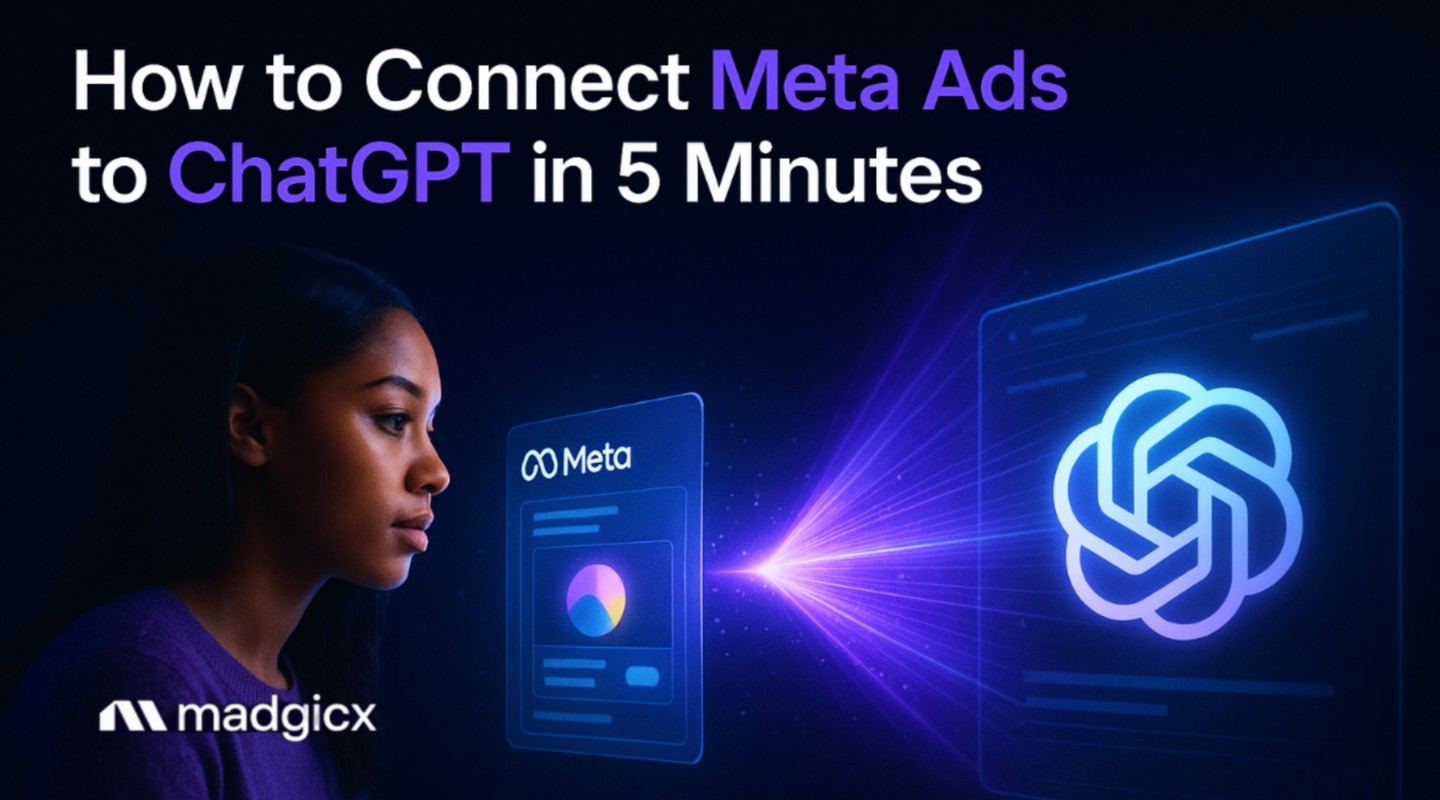
Picture this: It's 11 PM, and you're hunched over your laptop again, manually scrolling through Meta Ads Manager data that ChatGPT can help analyze more efficiently. You're calculating ROAS by hand, trying to spot patterns in audience performance, and wondering if that new creative is actually working or just burning budget.
Sound familiar?
Here's the thing – while you're burning the midnight oil doing manual analysis, your competitors are sleeping soundly with AI-powered systems that provide continuous optimization recommendations. The difference? They've connected their Meta ads to ChatGPT for instant insights, automated reporting, and AI-powered optimization suggestions that would take you hours to generate manually.
In this complete guide, I'll show you three different ways to connect Meta Ads to ChatGPT – from a simple 5-minute setup (perfect if you've never touched an API) to advanced integrations that can save you 60+ hours monthly while helping optimize your ROAS.
But more importantly, we’ll look at what these setups can (and can’t) actually do — and how to safely move from insights to real campaign optimization using Madgicx MCP.
Whether you're a complete beginner or a technical wizard, there's a method here that'll transform how you manage your ad campaigns.
By the end of this guide, you'll have a comprehensive automation workflow that:
Let's dive in and get your ads working smarter, not harder.
If you're managing Meta ads manually, you're probably spending 60+ hours every month on tasks that AI could help handle more efficiently. Think about it – how much time do you spend:
According to recent data, businesses using AI automation save 10+ hours per week (40 hours monthly) on these repetitive tasks. That's an entire work week you could spend on strategy, product development, or actually growing your business instead of drowning in spreadsheets.
But here's where it gets really interesting.
Meta's own research shows that AI can improve ad recall by 6% and ad quality by 8% compared to manual optimization. When you consider that 97% of Meta's revenue comes from advertising across their 3.43 billion daily active users, you realize you're competing in an ecosystem where AI optimization isn't just helpful – it's essential.
The solution? Use AI for insights—but more importantly, use a compliant system that allows you to act on those insights safely.
Let's start with the simplest method.
If you've never worked with APIs before, Zapier is your best friend. It's like having a digital assistant that connects your apps without any coding required.
Here's how to set up your first Meta Ads to ChatGPT automation in under 5 minutes:
Head to Zapier.com and sign up for a free account. You'll get 100 tasks per month on the free plan, which is perfect for testing your first automation.
Pro Tip: Start with your highest-performing campaign to see immediate results from your automation.
Run a test to make sure data flows correctly from Meta to ChatGPT. Once you're happy with the results, turn on your Zap and watch the magic happen.
This basic setup will automatically send your Meta ads data to ChatGPT for analysis every time you get a new lead or conversion.
But if you want more control and advanced features, let's move to method 2.
For those comfortable with a bit of technical setup, direct API integration gives you extensive customization options and faster processing.
Here's how to build a robust connection:
First, you'll need access to Meta's Marketing API:
1. Create a Facebook Developer Account
2. Generate Access Tokens
3. Set Up Webhooks (Optional)
The OpenAI integration is more straightforward:
1. Get Your API Key
2. Test Basic Connection
import openai
openai.api_key = "your-api-key-here"
response = openai.ChatCompletion.create(
model="gpt-4",
messages=[{"role": "user", "content": "Analyze this Meta ads data..."}]
)
Here's a basic framework for your automation:
Pro Tip: Start with read-only operations to avoid accidentally modifying live campaigns while testing.
For e-commerce businesses wanting the benefits of API-level control without the technical complexity, our automated campaign management approach combines the best of both worlds.
Here’s where things actually change.
While the first two methods let you connect Meta Ads to ChatGPT for analysis, they still leave a major gap: execution.
You can get insights. You can get recommendations. But you still have to leave your AI assistant and manually apply changes inside Meta Ads Manager.
Madgicx MCP removes that gap entirely. Instead of relying on indirect integrations, Madgicx MCP creates a direct, API-based connection between your AI assistant and your Meta ad account—allowing you to both analyze and optimize campaigns from within the same conversation.
Think of it this way:
ChatGPT tells you what to do.
Madgicx MCP lets you actually do it—without leaving ChatGPT (or any AI assistant).
With Madgicx MCP, you can:
All directly from your favorite AI assistant.
And most importantly, this is done through a compliant, API-based connection—not browser automation or unofficial workarounds. That means no scraping, no simulated user behavior, and no risk of triggering Meta flags.
Because Madgicx is an official Meta Business Partner, every interaction is handled through approved infrastructure designed to keep your account safe.
Now that you've got your connection set up, here are five battle-tested prompts designed to help improve your advertising performance:
"Analyze this Meta ads campaign data: [paste your campaign metrics]. Identify the top 3 performance issues and provide specific optimization recommendations for:
1) Audience targeting, 2) Creative performance, 3) Budget allocation. Include confidence levels for each recommendation."
"Based on this ad creative performance data: [paste creative metrics], suggest 5 new ad variations that could improve engagement. Focus on: headline variations, visual elements, call-to-action optimization, and emotional triggers that resonate with [your target audience]."
"Review my current audience targeting: [paste audience data and performance]. Suggest 3 new lookalike audiences and 2 interest-based audiences that could improve performance. Explain the reasoning behind each suggestion and expected performance impact."
"Analyze my campaign budget distribution: [paste budget and ROAS data]. Recommend optimal budget reallocation across campaigns to help maximize overall ROAS. Include specific percentage changes and expected impact on total revenue.
"Help me analyze competitor ads in [your industry]. Based on these competitor examples: [paste ad examples or descriptions], identify gaps in my current strategy and suggest 3 unique positioning angles that could differentiate my ads."
Pro Tip: Save these prompts as templates in your ChatGPT interface for quick access. The more specific data you provide, the better insights you'll receive.
For businesses wanting these insights automatically generated and implemented, our performance monitoring agents provide similar analysis with automated optimization recommendations.
Even the best automation setups can hit snags. Here are the most common issues and their solutions:
Problem: Your requests are being throttled or rejected
Solution:
Problem: ChatGPT can't properly analyze your Meta ads data
Solution:
Problem: API connections keep failing or timing out
Solution:
Problem: Your automations work sometimes but not consistently
Solution:
Pro Tip: Start simple and add complexity gradually. A basic automation that works 95% of the time is better than a complex system that fails regularly.
To ensure your Meta Ads to ChatGPT connection is actually improving your results, track these essential metrics:
The goal isn't just to automate for automation's sake – it's to create measurable improvements in your advertising performance while freeing up your time for strategic growth activities.
Not at all! The Zapier method requires zero coding and can be set up in under 5 minutes. If you can use Facebook and email, you can set up basic automation.
For more advanced features, some technical knowledge helps, but even then, most of the heavy lifting is done through user-friendly interfaces.
Zapier's free plan includes 100 tasks monthly, which covers basic automation for most small businesses. OpenAI's ChatGPT API costs about $0.002 per 1,000 tokens (roughly $0.10-0.50 per analysis session).
When you consider the 40+ hours monthly you'll save, the ROI is substantial – even at premium pricing tiers.
OpenAI has enterprise-grade security measures, but you should never send personally identifiable information through the API. Stick to aggregated campaign data, performance metrics, and anonymized insights.
For maximum security, consider using ChatGPT for strategy and creative insights rather than raw customer data.
Basic ChatGPT connections can generate recommendations, but execution is still manual.
With Madgicx MCP, you can go a step further—applying optimizations directly from within your AI assistant. That means adjusting budgets, pausing underperforming ads, or scaling winners without switching back to Meta Ads Manager.
Standard ChatGPT integrations are designed for analysis—they help you understand performance and suggest next steps.
Madgicx MCP adds the missing layer: execution.
It creates a direct, compliant connection between your AI assistant and your Meta ad account, allowing you to take action on insights instantly and safely—without relying on manual workflows or risky automation methods.
You now have three proven methods to connect Meta Ads to ChatGPT. The key is starting with the method that matches your current skill level and comfort zone.
If you're just getting started, begin with the Zapier integration—you’ll see immediate value from automated insights and can always explore more advanced setups later. For those ready to go deeper, direct API integrations offer greater flexibility and customization, but require ongoing setup and maintenance.
But here’s the real shift: while these ChatGPT connections can generate valuable insights, they still rely on manual execution. You’re also the one applying changes, switching between tools, and managing the workflow.
Madgicx MCP removes that friction entirely.
By creating a direct, compliant connection between your AI assistant and your Meta ad account, it allows you to move from insight to action in the same place—without relying on workarounds or risking account flags. Instead of just analyzing performance, you can actually optimize campaigns from within your AI assistant.
The choice is yours—start with insight-only setups, or move straight to a system that lets you both analyze and act. Either way, you’re about to fundamentally change how you manage your Meta ads.
Ready to stop burning the midnight oil on manual campaign analysis? Start right here with Madgicx.
Connect your AI assistant to Meta Ads the safest and most compliant way. Madgicx MCP creates a secure, API-based bridge between your AI and your ad account—so you can analyze and optimize campaigns without risking flags.
.avif)
Digital copywriter with a passion for sculpting words that resonate in a digital age.