Think Your Ad Strategy Still Works in 2023?
Get the most comprehensive guide to building the exact workflow we use to drive kickass ROAS for our customers.


Ever get that sinking feeling on the last Sunday of the month? It’s not just the weekend ending. It’s the dawn of “reporting week”—that special kind of agency challenge where you and your team spend hours chained to spreadsheets, copy-pasting data from a dozen different platforms.
You pull numbers from Meta Ads, Google Ads, TikTok, Shopify, and GA4, trying to stitch together a story that makes sense for your clients. It’s a grind. And for what? To create a report that looks like a marketing agency dashboard but doesn't actually say anything. 😩
We’ve all been there, presenting a “beautiful but useless” dashboard. It’s packed with charts, but when the client asks, “So, what should we do next?” all you have are more numbers. This isn't just frustrating; it's expensive. When you consider the cost of manual work—which can add up to over $11,232 per year for a single weekly report—that reporting grind starts to look like a serious leak in your profitability.
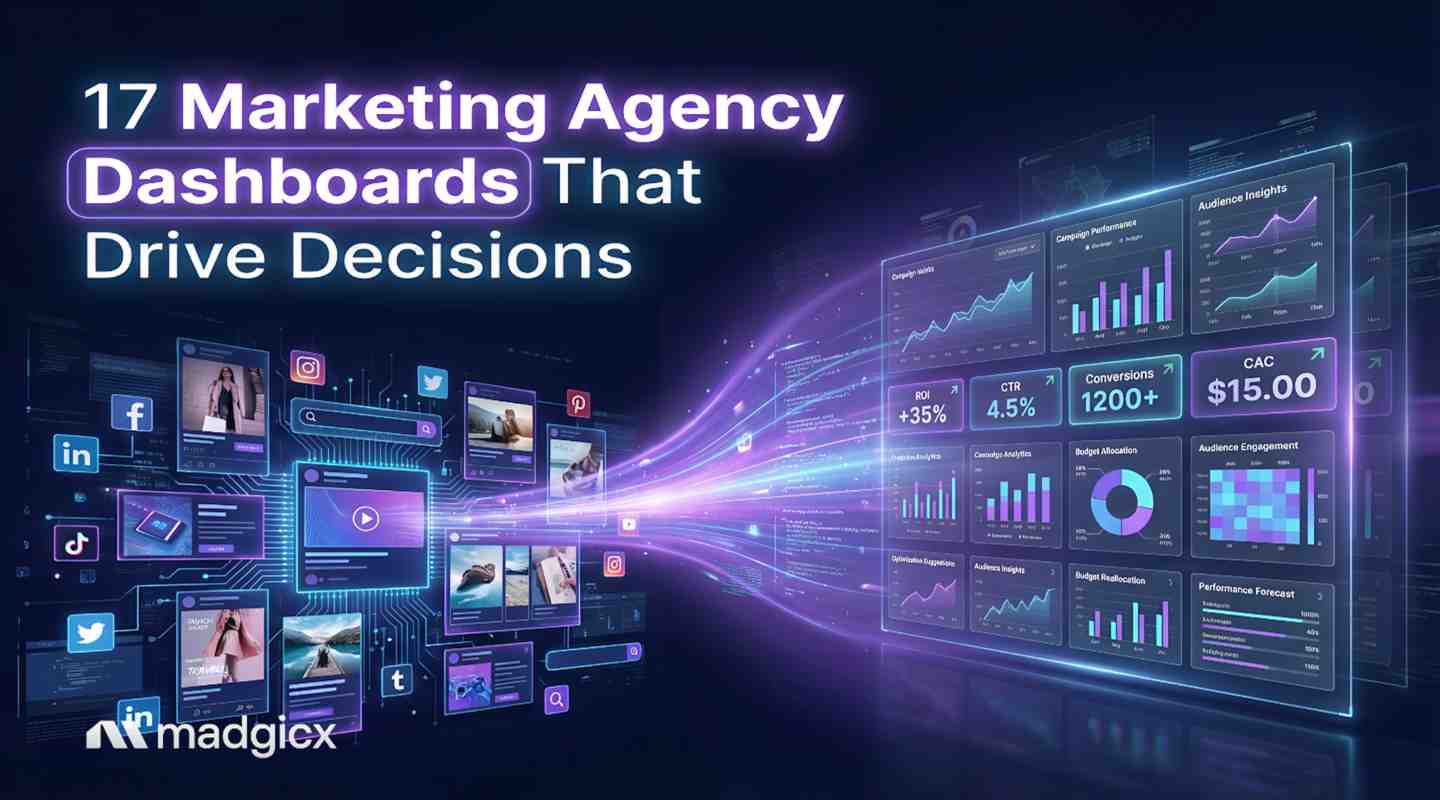
Here’s the thing: leading agencies aren’t just reporting data; they’re delivering intelligence. They use automated, smart dashboards that turn overwhelming data into clear, strategic actions. This article is your guide to leaving reporting challenges behind. We’re going to show you the 17 essential dashboards that separate time-wasting agencies from decision-driving powerhouses.
A marketing agency dashboard is a centralized, visual tool that tracks your clients' key performance indicators (KPIs) in real-time. It’s meant to be the single source of truth for campaign performance, pulling data from all your different ad platforms into one place. Think of it as the cockpit for your client’s marketing efforts.
So, why do so many of them crash and burn?
The problem is that most dashboards are just data dumps. They show you what happened—spend went up, CTR went down—but they offer little insight into why it happened or what to do about it .
This is why many users find themselves exporting data to Excel when their dashboards don't deliver answers. In fact, one study found that 72% of users regularly export data to Excel because their dashboards fail to provide real answers. If your team is still living in spreadsheets after you’ve invested in a dashboard tool, you don’t have an intelligence engine; you have a very expensive, colorful calculator.
This article is the antidote to that problem. We’re focusing on dashboards that are built for action, not just for show.
Switching to an automated, intelligent dashboard system isn't just a "nice-to-have." It's a fundamental shift in how your agency operates, and the return on investment is significant.
The fastest way to create a useless dashboard is to cram it with vanity metrics (we’re looking at you, Impressions). To build a dashboard that drives decisions, you need to be ruthless about what you track.
Pro Tip: Before adding any metric to a client’s dashboard, ask this one simple question: “Would a change in this metric influence our strategy or budget?”
If the answer is no, leave it out. Here’s a framework of metrics that almost always pass the test, organized by goal.
| Category | Key Metrics |
|---|---|
| Lead Generation | Leads, Cost per Lead (CPL), Lead-to-Customer Rate, Marketing Qualified Leads (MQLs), Sales Qualified Leads (SQLs) |
| E-commerce Performance | Revenue, Return on Ad Spend (ROAS), Marketing Efficiency Ratio (MER), Average Order Value (AOV), Customer Lifetime Value (CLV) |
| Ad Channel Efficiency | Spend, Conversions, Cost per Acquisition (CPA), Click-Through Rate (CTR), Conversion Rate (CVR) |
| SEO & Content | Organic Traffic, Keyword Rankings, Backlinks, Organic Conversion Rate, Time on Page |
Alright, let's get to the good stuff. Here are 17 dashboard examples designed to give you and your clients actionable insights, not just data points. We’ll start with the AI-powered dashboards that set modern agencies apart.
These aren't your standard data viewers. These are intelligence hubs that use AI to surface insights you’d otherwise miss.
This is your agency’s mission control. It goes beyond showing top-level metrics by using AI to analyze performance and provide recommendations. Instead of just seeing that ROAS dropped, the dashboard can help you understand why and suggest a clear next step.
This dashboard visualizes performance by creative asset, ad copy, and format. You can see which images are driving better ROAS, which video hook gets more thumb-stops, and when your top ads are suffering from creative fatigue.
Tools like Madgicx's Creative Insights take this analysis to the next level by automatically tracking creative performance across all your campaigns, making it easy to spot winning patterns and creative fatigue before it impacts your ROAS.
For the agency owner or director, this is a powerful command center. It provides a high-level, aggregated view of performance across your entire client portfolio.
This is your command center for taming the Google Ads beast. It cuts through the noise to show you exactly what’s working (and what’s not) from your PMax campaigns all the way down to individual keywords.
When your client asks, "So, where should our next dollar go—Meta or TikTok?" this is your answer. It puts your paid social channels side-by-side so you can see which platform is really driving the most efficient results.
When you’re running paid social across Facebook, Instagram, and TikTok, comparing performance shouldn’t mean hopping between dashboards. Madgicx’s One-Click Report brings your paid social data into a single, customizable report—so you can quickly see which platform is delivering the strongest results.
Start with ready-made templates, then adjust the metrics, layouts, and breakdowns to match each client’s goals. ROAS, CAC, spend, and CTR are all visible in one place.
And because Madgicx also integrates with Google Ads, Shopify, GA4, and Klaviyo, you can expand beyond social when needed—connecting paid performance with revenue, traffic, and lifecycle data for a more complete view. Reports update automatically and are shared via a secure link, so clients always see the latest results.
ROAS is great, but what about overall profit? This dashboard connects your ad spend directly to your client’s Shopify store data, giving you the true story on profitability with metrics like MER (your new best friend).
For e-commerce brands, ad performance only tells half the story. The Business Dashboard in Madgicx is designed to show how marketing spend connects to real business outcomes.
It blends data from Meta, Google, Shopify, and Klaviyo to surface high-impact financial KPIs like net profit, blended ROAS, MER, ad spend, LTV, and total revenue. Instead of just tracking campaign results, this dashboard helps agencies and store owners understand overall profitability at a glance.
Because it’s ready to use out of the box, the Business Dashboard is ideal for Shopify brands that want a fast, clear snapshot of performance—without needing to build complex custom reports.
Try Madgicx’s One-Click Report and Business Dashboard for free
SEO can feel like a long, slow burn. This dashboard makes the value crystal clear to clients by connecting your hard work in GA4 and GSC to what they really care about: traffic, rankings, and (most importantly) organic conversions.
Is that email campaign actually making money? This dashboard proves it. It tracks the real revenue and engagement from your Klaviyo flows and campaigns, turning your email list into a proven profit center.
For your B2B clients, the journey from click to cash can be a long one. This dashboard maps out the entire funnel, showing you exactly where leads are getting stuck so you can work with their sales team to fix the leaks.
A simplified, high-level dashboard designed for busy clients who just want the bottom line.
For clients who are all about building a vibe and a community, this is their happy place. It tracks the metrics that show their brand is growing and connecting with real people—not just making sales.
Ever have to justify the budget for that awesome blog post series? This dashboard is your secret weapon. It connects the dots between content and conversions, proving that great content isn't a cost—it's an investment.
Provides an overview of website health and user behavior to understand what happens after the click.
A simple but critical tool for ensuring you’re spending client budgets effectively throughout the month.
Provides a clear winner-loser analysis for your tests on landing pages, ad creative, or audiences.
Helps you understand the long-term value of acquired customers, shifting focus from one-time sales to sustainable growth.
An internal dashboard for you, the agency owner, to track financial health and operational efficiency. This dashboard is one of the most critical agency tools for sustainable growth.
Ready to upgrade your reporting stack? Not all digital marketing software is created equal. Here’s a 5-step checklist to help you choose the right platform.
Pro Tip: Look, if your agency is focused on moving fast and driving serious results, a tool like Madgicx is built for you. It’s less of a simple Facebook ads reporting tool and more of an all-in-one advertising suite designed to turn data into decisions. It's the kind of upgrade that helps you deliver the insights we've been talking about.
Focus on 5-10 actionable KPIs tied to your client's business goals. For e-commerce, this means ROAS, MER, CPA, and Revenue. For lead gen, it’s Leads, CPL, and MQLs. Always include metrics for cost, conversions, and return.
Don't just send a link and hope for the best. Schedule a 15-minute walkthrough the first time they see it. Build the dashboard with them to ensure it answers their most important questions. Most importantly, use it as the centerpiece of your monthly strategy calls to show how the data is informing your decisions.
A dashboard is a live, interactive tool for real-time monitoring. A report is a static snapshot of performance over a specific period (e.g., the last 30 days), often with written analysis. Leading agencies use live dashboards for monitoring and complement them with strategic summary reports.
It can automate the data collection, organization, and visualization. This automation frees you from the grunt work so you can focus on the high-value strategic work that clients pay you for. That remaining portion is where your agency provides its real value: interpreting the data, forming a strategic narrative, and outlining the next steps.
Let’s be honest: your clients don’t care about charts. They care about results. The purpose of a dashboard isn't just to show numbers; it's to tell a story that leads to better decisions, proves your agency's value, and ultimately grows their business.
To do that, you need to move beyond pretty graphs and embrace actionable intelligence. Focus on the metrics that matter, automate the tedious data collection, and leverage AI to uncover insights hidden in your campaign data.
By building dashboards that are clear, insightful, and decision-oriented, you’re not just sending a report—you’re delivering a strategic roadmap. And that’s how you win and retain clients for the long haul.
Madgicx provides the reporting foundation and the AI intelligence to do just that. Start your free trial with Madgicx →
Turn scattered marketing data into clear, actionable insights with cross-channel reporting dashboards built for performance-focused agencies. Make faster decisions with a complete view of your campaigns and business impact.
.avif)
Digital copywriter with a passion for sculpting words that resonate in a digital age.