Think Your Ad Strategy Still Works in 2023?
Get the most comprehensive guide to building the exact workflow we use to drive kickass ROAS for our customers.


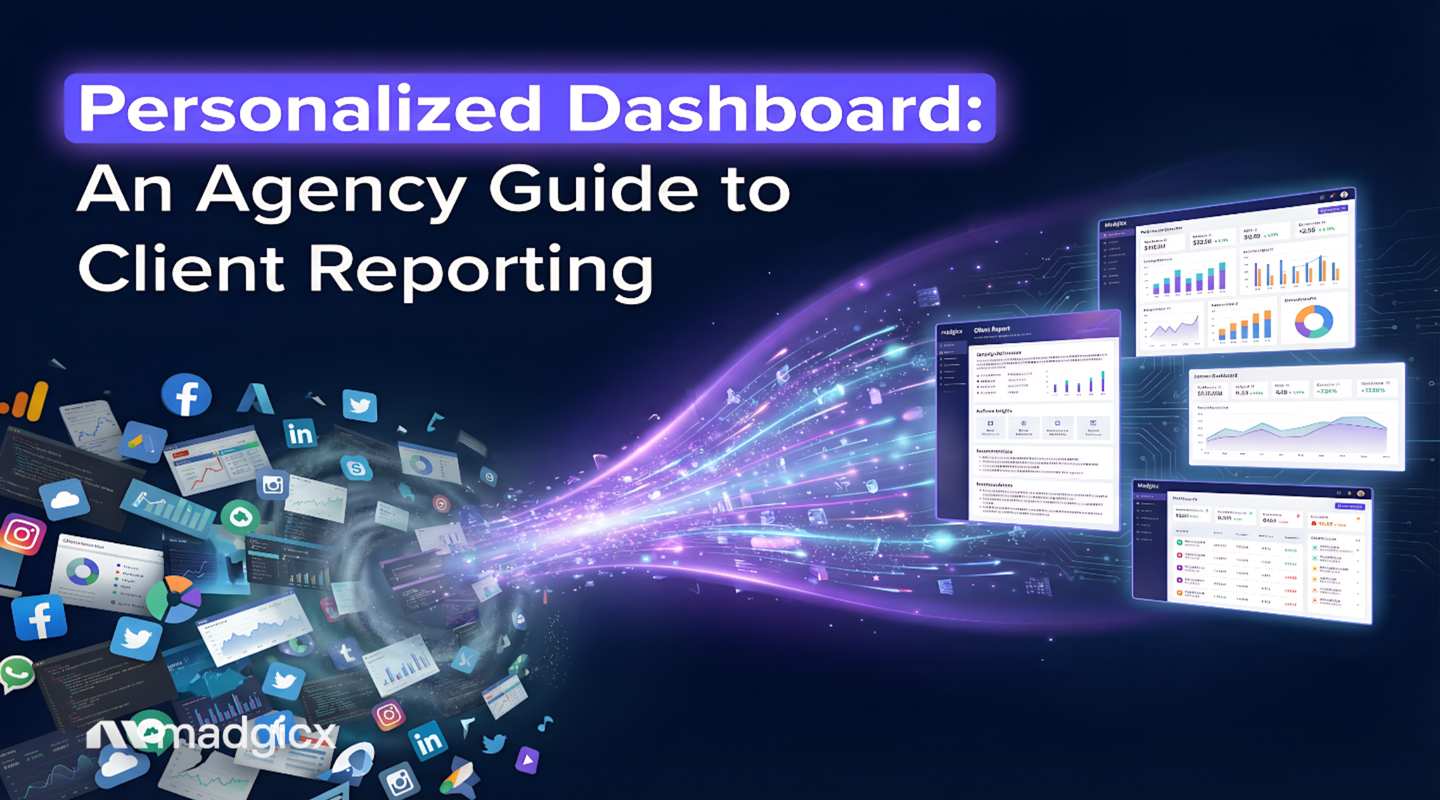
It’s the end of the month. You’re staring at a screen so full of spreadsheets it looks like a scene fromThe Matrix—only less cool and way more stressful.
You’ve got 20 clients, each with their own unique KPIs. You're manually pulling data from Facebook Ads, Google Ads, and Shopify, trying to stitch it all together into something that looks professional. It’s a soul-crushing, time-sucking vortex of copy-pasting that’s practically begging for a human error to slip through.
Sound familiar? We get it. Your team is spending more time building reports than actually optimizing campaigns and driving the results your clients hired you for. This is where the old way of reporting breaks down.
So, what’s the fix? A personalized dashboard is the answer. Think of it as a smart, automated report that’s custom-built for each client. Instead of a one-size-fits-all data dump, a personalized dashboard shows them only the KPIs they care about. For you, it means no more manual work, faster decision-making, and a clear way to prove your value.
It’s about transforming that chaotic spreadsheet mess into a clear, compelling story of success.
This guide is your blueprint for escaping reporting challenges. We’ll show you exactly how to leverage a personalized dashboard to save hundreds of hours, delight your clients with crystal-clear insights, and scale your agency without burning out your team.
For years, the standard agency dashboard has been a static, rigid template. You build it once and force-fit every client into it, regardless of their goals. An e-commerce brand sees the same metrics as a B2B lead gen client. The result? Data overload for them, and a communication nightmare for you.
These generic dashboards fail agencies for a few key reasons:
As a report from Luzmo highlights, static charts aren't enough; “users need personalized, responsive dashboards that guide them toward insights.” The one-size-fits-all approach is no longer sufficient.
Pro Tip: Your goal isn't to show clients more data. It's to show them the right data, presented in a way that tells a clear and compelling performance story.
Here’s a simple breakdown of why personalization is a non-negotiable for growing agencies:
Switching to a personalized dashboard isn't just a "nice-to-have" upgrade. It's a fundamental shift that directly impacts your agency's bottom line and operational capacity. Here’s how.
Let's do some quick math. If you have 10 clients and spend just 2 hours per week on reporting for each, that’s 80 hours a month. This is time your expert media buyers could be spending on strategy, optimization, and scaling winning campaigns.Automated, personalized dashboards help reduce this busywork. For example, a Whatagraph case study found that one agency saves 100+ hours every month by automating its reporting.
Clients don't churn because of a bad campaign; they churn because of bad communication and a perceived lack of value.A personalized dashboard is your secret weapon for retention. It provides a transparent, 24/7 window into the results you're driving. When a client can log in anytime and see a clear view of their ROAS, CPA, and revenue growth, trust skyrockets.
The faster you can spot a trend, the faster you can act on it. Static reports are ancient history in paid ads. A personalized dashboard gives you real-time data, allowing you to make smarter decisions, faster. When your dashboard instantly flags a drop in ROAS, you can fix it before it wastes a significant chunk of your client's budget.
Hiring is expensive. Before you post another job opening, consider this: what if you could handle a larger client load with your existing team? A personalized dashboard is a force multiplier.By automating reporting, you free up your skilled account managers to handle more clients effectively, shifting their focus to high-level strategy and growth.
Any agency can run ads. Great ones position themselves as strategic, data-driven partners.A slick, personalized digital marketing dashboard is a powerful symbol of that expertise. When you present a custom-built dashboard, you immediately set a professional tone, elevate your brand, and can command higher retainers.
The beauty of personalization is its flexibility. A great dashboard is a purpose-built tool designed to answer specific business questions. Here’s how top agencies tailor them for different client types.
Pro Tip: For lead gen clients, the ultimate proof of value is connecting your ad data to their CRM. If your dashboard tool can pull in data on closed deals, you can directly tie your ad spend to bottom-line revenue.
While each client gets their own simplified view, you need a "master view" to monitor your entire portfolio at a glance.
The next frontier in reporting is already here: AI. This isn't just about making dashboards look pretty; it's about making them intelligent.
Pro Tip: Use AI-generated insights to set smarter client expectations. When an AI tool flags a rising CPA, you can proactively tell your client, "We're seeing some audience saturation, so we're launching a new creative test." This turns a potential problem into a demonstration of your strategic foresight.
Choosing the right tool can be overwhelming. For an agency focused on Meta and Google Ads, you need a tool built for advertisers, not general business analysts. Here’s our breakdown of top options.
While other tools offer a mile-wide list of integrations, Madgicx is purpose-built for deep Meta Ads optimization. It’s not just a reporting tool — it’s an active growth partner for performance-driven agencies.
Madgicx’s One-Click Report pulls performance data from Meta (Facebook & Instagram), Google Ads, TikTok Ads, GA4, Shopify, and Klaviyo into a single, client-ready view. Reports can be fully branded with your agency’s logo and shared via a secure, live link, so clients always see up-to-date performance without waiting for PDFs. Plus, with customizable report templates, agencies can spin up consistent, on-brand dashboards for every client without starting from scratch.
The Business Dashboard connects this data to an AI-first optimization suite designed specifically for e-commerce growth. You can ask the AI Chat, “Why is my ROAS dropping?” and get an instant diagnosis across ads and revenue data. Then, use the AI Marketer to implement optimizations recommendations — like creative changes, budget shifts, or audience tweaks — with a single click.
Pricing: Plan starts at $99/month. Start your 7-day free trial today.
Whatagraph is designed for agencies juggling clients across multiple marketing channels. If you need to pull together data from Facebook, Google, LinkedIn, email marketing, and more into beautiful, client-ready reports, Whatagraph delivers.
The platform shines with its drag-and-drop report builder and extensive library of 50+ native integrations. You can automate report delivery, customize everything with your agency's branding, and even create different dashboard views for different stakeholders. The focus here is on breadth over depth—it's the Swiss Army knife of agency reporting.
Pricing: Plans start at $229/month.
AgencyAnalytics is the go-to platform for agencies offering the full spectrum of digital marketing services. With 80+ integrations spanning PPC, SEO, social media, email marketing, and even call tracking, it's built to be your all-in-one client management hub.
What sets AgencyAnalytics apart is its native SEO tooling—including rank tracking, site audits, and backlink monitoring—built right into the platform. This makes it particularly attractive for agencies where paid ads are just one piece of a larger service offering. The white-labeling is robust, and the client portals give your clients 24/7 access to their performance data.
Pricing: Plans start at approximately $100/month for basic features.
Databox offers something rare in the dashboard world: a genuinely useful free plan. For agencies just dipping their toes into automated reporting or managing a small handful of clients, Databox provides a low-risk entry point with room to scale.
The platform offers impressive customization capabilities and integrates with 100+ data sources, from the usual suspects (Meta, Google) to CRMs like HubSpot and Salesforce. The mobile app is particularly strong, letting you monitor KPIs on the go. While it lacks the AI-powered insights of premium tools, Databox's flexibility and price point make it a solid choice for budget-conscious agencies building foundational reporting systems.
Pricing: Free plan available; paid plans start at $341/month.
Looker Studio (formerly Google Data Studio) is Google's free business intelligence tool, and it's incredibly powerful—if you know how to use it. Think of it as a blank canvas where you can build completely custom dashboards from scratch. For agencies with in-house data analysts or technical resources, it's unbeatable on price.
The catch? There's a steep learning curve. You'll need to understand data modeling, connector setup, and often SQL to unlock its full potential. Native integrations are limited to the Google ecosystem (Ads, Analytics, BigQuery), so you'll likely need to pay for third-party connectors like Supermetrics to pull in Facebook or TikTok data. It's powerful and free, but it demands significant time investment.
Pricing: Free (with native Google connectors). Pro version available at $9/user/month per project.
Geckoboard takes a different approach. Rather than building client-facing reports, it's designed for internal team monitoring—think of a big TV screen in your office displaying live KPIs that keep everyone aligned.
It's incredibly simple to set up and use, with pre-built widgets that make it easy to display key metrics at a glance. Geckoboard is perfect for agency owners who want a centralized "mission control" view of all their clients' performance, or for media buying teams that need to monitor campaigns in real-time. However, it's not designed for white-labeled client reporting, which limits its use case for external communication.
Pricing: Plans start at $149/month
Ready to build your first dashboard and leave spreadsheets behind? Here’s a simple, five-step framework.
Before you drag a single widget, ask:Who is this for, and what one thing do I want them to understand?
Don't just throw every metric onto the page. Based on the "job" you defined, pick 3-5 core KPIs that tell 80% of the story.
How you display the data matters. Use line graphs for trends, scorecards for main KPIs, and tables to compare performance across campaigns. This is your go-to for a Facebook ads reporting tool. Use pie charts sparingly.
This is the key to personalization. Create different versions of the dashboard: a simple, clean view for clients and a more detailed "working" dashboard for your account managers. Use a tool that allows you to share dashboards via a public link so clients always have access to live data.
The final step is to put your dashboard to work. Ensure the data refreshes automatically every day to eliminate manual pulls. If your tool allows, set up email or Slack alerts for major KPI changes. This turns your dashboard from a passive report into an active monitoring system.
Costs vary. You can start for free with tools like Google's Looker Studio if you have technical skills. All-in-one agency tools like Databox have free plans, while platforms like Madgicx bundle advanced dashboarding into their core advertising suite, starting at $99/month.
Yes, most agency-focused dashboard tools offer white-labeling, letting you add your logo and custom domain. It's a great professional touch. Be sure to verify this capability for any tool you consider.
Looker Studio is like a box of Lego bricks—you can build anything, but you must build it from scratch. Specialized digital marketing software like Madgicx is more like a pre-designed Lego set, purpose-built for advertising with templates to get you analyzing performance in minutes.
With a general tool like Looker Studio, it could take hours or days. With a specialized, template-driven platform built for agencies, you can connect your data sources and have a professional dashboard ready in under 15 minutes.
Your agency's value isn't measured by the number of charts you can cram into a PDF—it’s measured by the results you drive. Manual reporting has stolen time and energy away from what truly matters: strategy, creativity, and optimization.
By embracing a personalized, automated dashboard, you can reclaim countless hours, give clients radical transparency, and find insights faster than ever. It’s time to transform dashboard reporting from a monthly chore into your most powerful tool for retention and growth.
Madgicx combines a powerful dashboard system with an AI engine that helps you optimize. Go from data overload to clear, actionable insights in minutes and prove your value with every click.
.avif)
Digital copywriter with a passion for sculpting words that resonate in a digital age.