Think Your Ad Strategy Still Works in 2023?
Get the most comprehensive guide to building the exact workflow we use to drive kickass ROAS for our customers.


Picture this: It’s 11 PM, your ROAS just dropped 20%, and instead of digging through Ads Manager, you ask your AI assistant: ‘Fix this campaign.’
It suggests budget shifts, audience changes—even creative tweaks. That’s not new.
Connecting AI assistants to analyze your Meta ad performance is already solved. There are plenty of tools that let AI read your data. But optimization is a different story.
The moment an AI assistant like Claude or ChatGPT starts making or executing changes to your Meta campaigns through unofficial or unapproved connections, Meta can flag it as automated behavior—putting your ad account at risk of restriction or even a permanent ban.
That’s the real challenge in 2026. It’s not about accessing your ad data—it’s about safely letting AI optimize your campaigns.
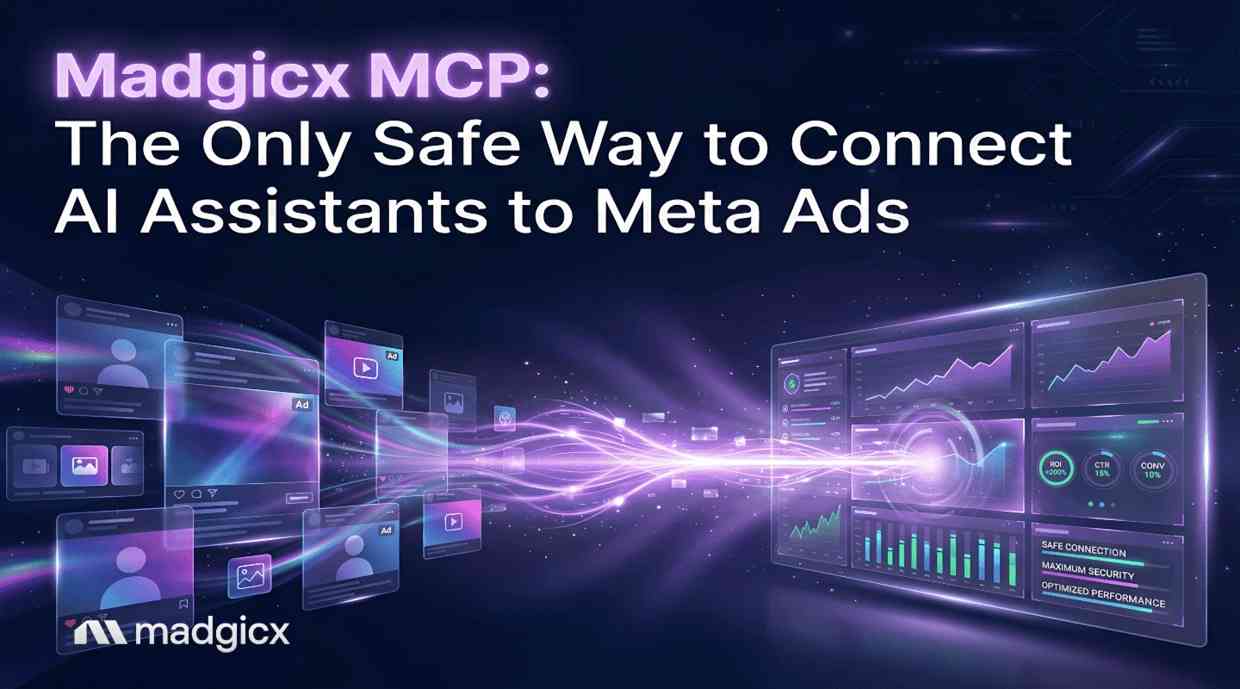
Madgicx MCP is built for exactly that. It’s the only safe way to connect AI-driven optimization with Meta Ads—without triggering the automation risks that come with unofficial setups.
Connecting AI to your Meta ads isn’t just about convenience—it’s about doing it without putting your ad account at risk. Here’s what we’ll break down:
As we move through 2026, Meta’s security enforcement has reached a point of zero tolerance. It’s no longer just about using AI—it’s about how that AI interacts with your ad account.
Meta’s Terms of Service prohibit unauthorized automation, especially tools that scrape data or simulate human browser behavior. Many AI-based extensions rely on reading your browser’s DOM to pull insights or trigger actions.
To Meta’s systems, this doesn’t look like helpful automation—it looks like bot activity.
The result? Your account can be flagged for suspicious behavior, leading to restrictions or even a full ad account shutdown.
The Model Context Protocol (MCP) is an open standard that creates a secure "bridge" between an AI assistant (like ChatGPT or Claude) and a data source.
Madgicx’s MCP isn't just a simple connector; it is an official, API-compliant pipeline. Because Madgicx is a verified Meta Business Partner, our MCP server communicates with Meta using official API tokens rather than browser-based "hacks."
Setting up the MCP for your Facebook ads takes under five minutes, and you don’t need any technical background. It is available to all our Madgicx users, even if you’re currently on the 7-day free trial.
A good place to start is looking at patterns over time. For example:
“How did my Black Friday campaigns perform compared to the rest of November?”
That kind of question helps you spot what’s actually seasonal vs what’s just noise.
Pro tip: If you're interested in exploring more advanced automation possibilities, our guide on marketing AI agents shows how to combine Ads MCP insights with automated optimization workflows.
If you’ve looked into more technical MCP setups, you’ll know they can get complicated fast. Madgicx MCP is built to remove that friction and make the whole experience actually usable day-to-day.
Here’s where it really stands out:
For e-commerce teams spending consistently on Meta ads, this is really about saving time and removing friction. You get the insights, and you can act on them immediately, without turning it into a whole technical project.
In the world of AI, "free" often comes at the cost of your account's safety. Many free browser extensions are developed by third parties who do not have "Official Meta Partner" status. When you use these, you are essentially giving a third-party script permission to act on your behalf within the Meta ecosystem.
Lately, the demand for automation has increased, but the risk of "shadow AI" (unauthorized tools) has become a marketing headache. By using Madgicx MCP, you are using a tool that Meta recognizes as a legitimate business application. This professional-grade bridge ensures that your data stays within your control and your account remains in good standing.
The shift toward AI-powered advertising is no longer a "future" trend—it is the baseline for 2026. While your competitors are stuck clicking through five different tabs to find one metric, you are having a conversation with your data.
The result?
Meta’s "Andromeda" security system is highly sensitive to browser-based automation. Standard extensions work by "scraping" the data visible on your screen. Meta views this as bot-like behavior, which often triggers an automatic account disabling. Madgicx MCP utilizes a direct, server-to-server API connection that Meta recognizes as legitimate.
Using AI for analysis is safe, but how you connect matters. High-risk tools include browser extensions or scrapers that require your personal login to "click" things for you. Low-risk tools are official API integrations like Madgicx MCP. Meta has intensified its crackdown on "shadow AI"—unverified tools that don't follow official developer protocols.
Yes! Madgicx MCP is built on an open standard, meaning it works with all major AI assistants that support MCP, including ChatGPT, Claude, and more. This gives you the flexibility to use the "brain" you prefer while keeping your data connection secure.
Copy-pasting is slow and the data is static. By the time you’ve exported a CSV, your real-time ROAS might have changed. Madgicx MCP provides a live "window" into your account. When you ask a question, the AI pulls the most recent data from the last hour, allowing you to spot spikes in CPA before they ruin your daily budget.
The way you connect AI to your Meta ads isn’t a small technical detail anymore—it’s the difference between scaling safely and putting your entire account at risk. In a landscape where Meta is cracking down harder than ever, shortcuts like browser extensions and scrapers just aren’t worth it. Madgicx MCP gives you a direct, compliant path to bring AI into your workflow without second-guessing whether you’re breaking the rules behind the scenes.
And once that foundation is in place, everything changes. You stop digging through dashboards and start having real conversations with your data—faster insights, quicker decisions, and zero friction between analysis and action. If you’re going to use AI to run smarter campaigns in 2026 (and you should), this is how you do it without risking the account that powers your business
Ready to see what your data has to say? Start your 7-day free trial with Madgicx today.
Madgicx MCP connects your Meta ads data directly to your LLM through a secure, API-based integration—making it the only solution that keeps your ad account fully compliant and protected. Ask your AI what’s working, what’s not, and what to do next, then apply optimizations with confidence, knowing you’re not risking bans or violations.
.avif)
Digital copywriter with a passion for sculpting words that resonate in a digital age.