Eleven Facebook ads management tools ranked on how they build, run and report on your campaigns, from AI platforms and rule engines to bulk launchers and assistant connectors. Madgicx leads the ranking.
Which Facebook ads management tools come out on top?
How do the 11 tools compare side by side?
| Tool | Tool score | Best for | What it does for you | Starting price | Free trial |
|---|---|---|---|---|---|
| Madgicx | 9.7/10 | Building, running and reporting on Facebook ads in one platform | Yes.AI chat builds and launches campaigns you approve. | From $45/mo | 7-day free trial |
| Bïrch | 9.3/10 | Media buyers who write their own rules and launch in bulk | Yes.Bulk ad builder: several ad sets, up to 50 ads each. | from $49 a month | 14-day free trial. |
| Smartly.io | 9.3/10 | Enterprise teams producing campaigns from product feeds | Yes.Blueprints and product feeds generate many campaigns. | by quote | No trial. Book a demo to get started. |
| Skai | 9.1/10 | Large advertisers buying search, social and retail media | Yes.Activates media on its platform; build steps not described. | from $114,000 a year | No trial. Review commitment at 3 months. |
| Ad |
9.0/10 | Teams that build Facebook and Instagram ads by hand | Yes.Campaign builder plus Grid Composer for many variations. | from $49 a month | 14-day free trial, no free plan. |
| Ad |
8.8/10 | Launching large ad batches across 15 channels | Yes.Builds campaigns, or copies existing ones on Meta. | from £199.99 a month | No free trial. Money-back guarantee. |
| Pipeboard | 8.7/10 | Running ad accounts from the AI assistant you already use | Yes.Your AI assistant creates campaigns and uploads creatives. | from $29.90 a month | Free plan; 7-day trial on monthly plans. |
| Adkit | 8.6/10 | Agent-built changes that wait as drafts for your approval | Yes.Agent drafts campaigns, ad sets and ads you approve. | from $29 a month | 7-day free trial. |
| Fab |
8.3/10 | Affiliate and performance teams that make and launch ads in bulk | Yes.Bulk Launcher builds campaigns, ad sets and ads. | from $39 a month | 7-day trial on most plans, not FAB AI. |
| Adzooma | 7.3/10 | Small teams that want ranked fixes for Google, Microsoft and Meta ads | No.Campaigns are built in the ad platforms, not in Adzooma. | from $69 a month | Free plan available. |
| Blip | 7.0/10 | Filling existing Meta and TikTok ad sets with new ads fast | Partly.Launches ads into existing ad sets, many at once. | from $49 a month | 7-day free trial. |
Our 11 picks for the best Facebook ads management tools
Madgicx Best overall
9.7/10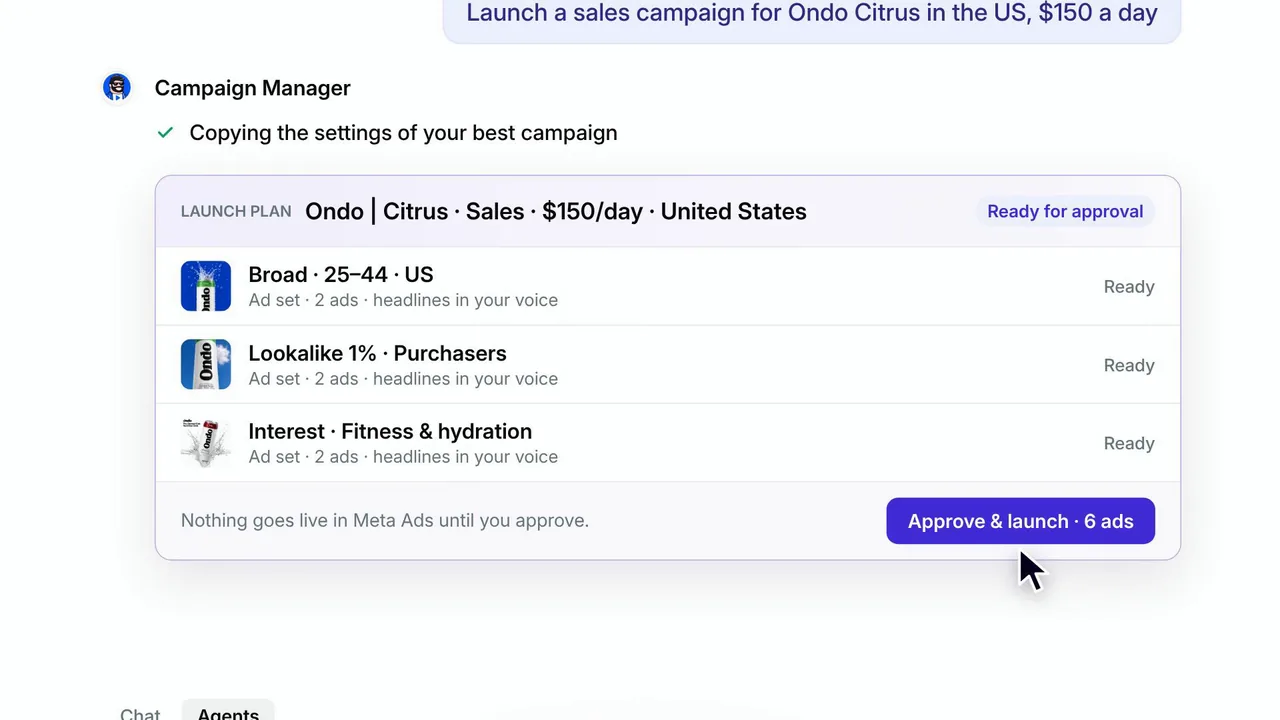
In Madgicx, you ask and then approve. Type what you need into its AI chat, such as a campaign with video ads from an MP4 or MOV file, a Click-to-WhatsApp ad or an ad set aimed at a place you name, and it shows you the build before anything is created. Its AI media buyer works the other way round: it audits your Facebook and Instagram accounts, lists recommendations with a prepared action for each, and runs only the ones you launch. Alerts warn you when an account drifts off the targets you gave it.
Madgicx is built for e-commerce brands, agencies and media buyers who run most of their spend on Facebook and Instagram and want building, optimization and reporting in one place. Plans are billed monthly, quarterly or annually and include Madgicx's MCP servers for Claude, ChatGPT and other AI agents. Its server-side tracking, which hosts Meta's Conversions API Gateway and Signals Gateway, is sold inside a plan or on its own.
- Best for
- Building, running and reporting on Facebook ads in one platform
- Starting price
- From $45/mo
- Free trial
- 7-day free trial
How it scores
- Yes.Building and launching campaignsMadgicx's AI chat builds campaigns, ad sets and ads from a chat, and every change runs after you approve it.
- Yes.Rules and automationAutomation rules run Meta campaigns 24/7 on the conditions you set.
- Yes.Reporting and analysisMadgicx brings Meta, Google Ads, TikTok, Shopify, Klaviyo and Google Analytics data into one place.
- Yes.AI actions and agentsMadgicx's AI media buyer prepares actions you approve or dismiss, and agents run on a schedule.
- Yes.Bulk editingMadgicx edits your campaigns, ad sets and ads in bulk, with smart filters to find the ones to change.
- Partly.Ad platforms coveredMadgicx optimizes Meta ads. Reporting covers Meta, Google Ads, TikTok, Shopify, Klaviyo and Google Analytics.
Pros
- Ask why a metric moved and get an answer drawn from your account's own data
- Breaks down every creative, video included, and warns when one starts to tire
- Makes fresh image ads from a prompt, a photo of your product or any Ad Library ad
- Reuses a video you've uploaded across many ads, with no second upload
Cons
- TikTok results show in reports; campaigns there stay manual
Prices checked 23 November 2026
Bïrch
9.3/10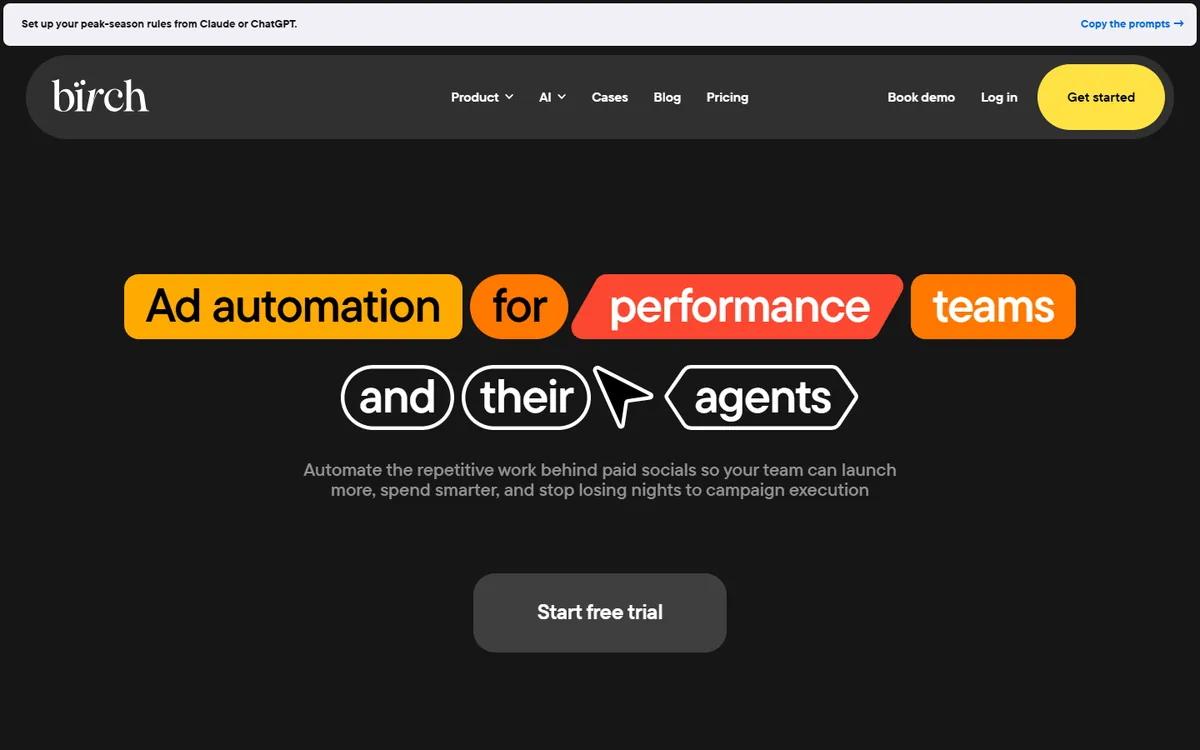
Bïrch (formerly Revealbot) is a rules tool first: after you publish a rule, it fires by itself each time its conditions line up, and its AI will draft a rule that you review before publishing it. Its Stage tool uploads creatives and launches ads straight to Meta, TikTok and Snapchat ad accounts, while its chat stops to ask before each action unless you change that default.
Its users are seasoned media buyers and agencies that prefer defining each condition by hand. The Essential plan has reports, alerts and workspaces but no rules, which arrive on Pro at $99 a month; Enterprise drops spend limits and overages, and pricing follows your ad spend across connected platforms.
- Best for
- Media buyers who write their own rules and launch in bulk
- Starting price
- from $49 a month
- Free trial
- A 14-day free trial with all features. We saw no free plan.
How it scores
- Yes.Building and launching campaignsA bulk ad builder launches several ad sets at once with up to 50 ads each, and builds ads from Google Drive or Sheets.
- Yes.Rules and automationRules with nested conditions that pause or start campaigns, change budgets and bids and send alerts, checked as often as every 15 minutes, plus a library of ready-made strategies.
- Yes.Reporting and analysisPreset reports on top and declining ads, cross-platform reports, and scheduled client reports with alerts in Slack and email.
- Partly.AI actions and agentsBïrch AI reads performance and, with Meta MCP connected, edits ads or builds paused campaigns when you ask.
- Partly.Bulk editingBïrch AI makes bulk changes to Meta campaigns, ad sets or ads you name; we saw no bulk editor.
- Yes.Ad platforms coveredRules run on Meta, Google Ads, TikTok and Snapchat. The bulk ad builder covers Meta, TikTok and Snapchat.
Pros
- New items from Bïrch AI start paused, so nothing spends before you look
- Customizable campaign alerts arrive in Slack or by email
- Paying annually takes a month off the yearly price
Cons
- You bring every image and video; ad creation isn't among the features on its pages
- Claude or ChatGPT can edit its rules through Bïrch MCP, but not your campaigns or ads
Madgicx vs Bïrch · Prices checked 23 November 2026
Smartly.io
9.3/10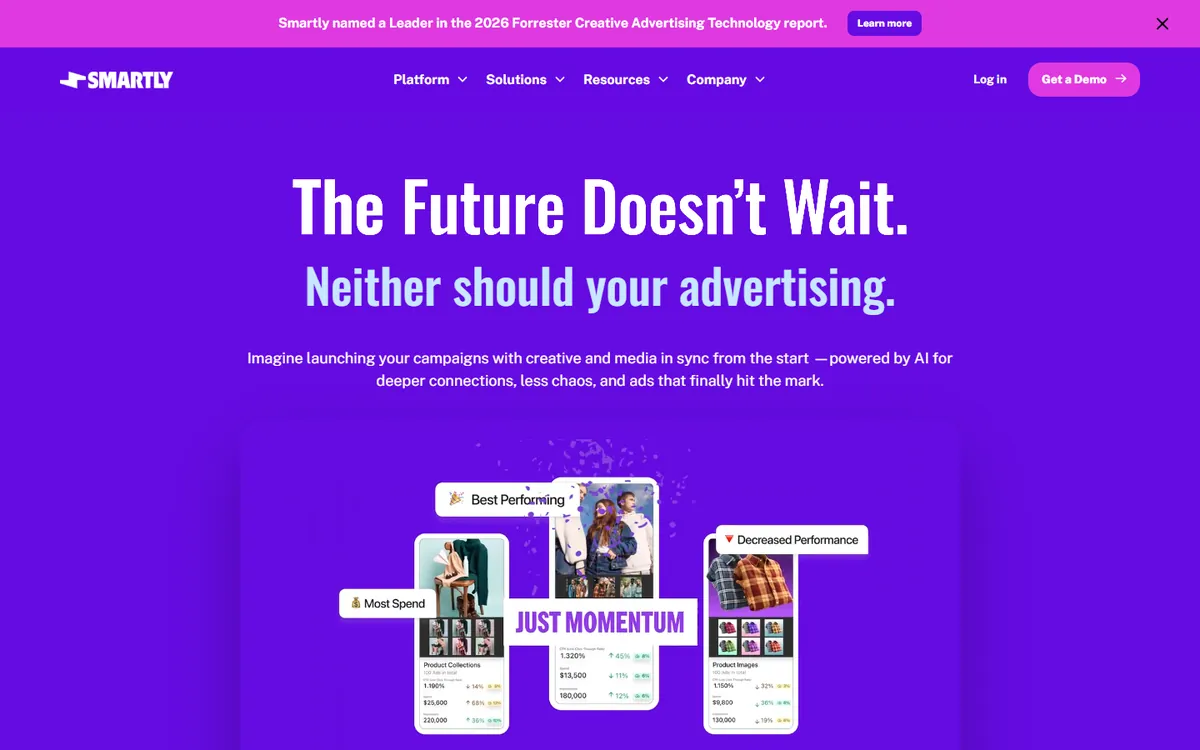
Smartly.io is built around reusable set-ups: dynamic templates resize one image or video ad across formats and channels, its AI Studio generates and edits images, and its video tools animate still images and add AI voiceovers. Its Creative Insights splits every ad into its content, calls to action and visuals and ties each part to performance KPIs.
Large brands and agencies with sizeable creative departments are its customers. There is no public price list: terms come in a contract after a demo, and G2 lists two months as its average implementation time.
- Best for
- Enterprise teams producing campaigns from product feeds
- Starting price
- by quote
- Free trial
- We saw no free plan or trial on its pages. Its site asks you to book a demo.
How it scores
- Yes.Building and launching campaignsCampaign blueprints linked to a product feed generate many campaigns, and a shared space lets teams approve and launch ads.
- Yes.Rules and automationTriggers switch ads on or off by performance, weather or time of day, and budget moves between selected campaigns by predicted performance.
- Yes.Reporting and analysisA reporting dashboard, creative insights, a forecast of creative performance before launch, and reach and frequency measurement.
- No.AI actions and agentsBudget moves between campaigns by predicted performance, run from the blueprints and triggers you set.
- Yes.Bulk editingAutomated Ads creates, updates and archives ads at scale from a synced sheet or feed.
- Yes.Ad platforms coveredIts product pages name Meta, TikTok, Snapchat, Pinterest and YouTube. It describes itself as cross-channel; check with its team for the full list.
Pros
- Its support team wins praise in 12 of its 20 latest G2 reviews
- Emails you when a trigger condition hits, such as an ad set not spending
- Hundreds of campaigns can go live at once from product feeds
Cons
- An AI agent to review results isn't on its pages; automation follows blueprints and triggers you build
- Building a campaign from a typed request isn't described; campaigns come from blueprints
Madgicx vs Smartly.io · Prices checked 23 November 2026
Skai
9.1/10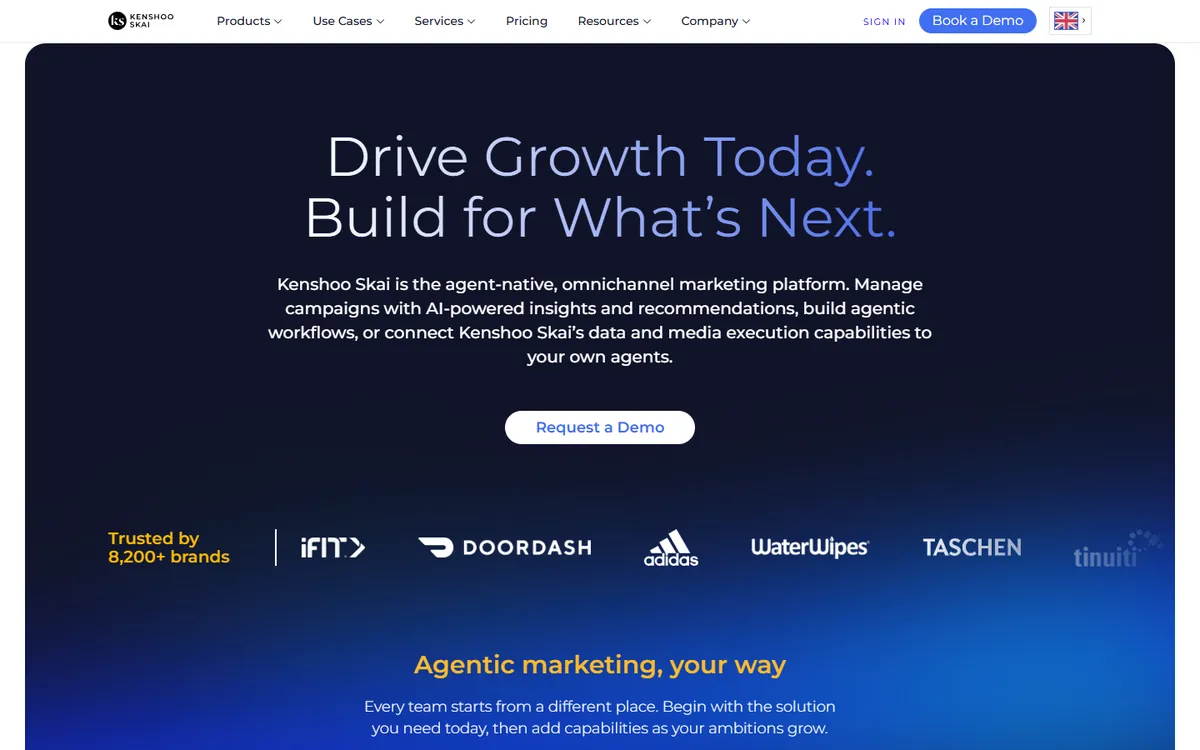
Skai is one platform for paid search, paid social and retail media, so a large team plans, activates, optimizes and measures all three in one place rather than in each publisher's tools. Its AI alerts catch sudden changes in spend and performance, though the notification examples it shows come from search and retail media.
Skai sells to big advertisers and agencies; smaller advertisers are sent to reseller partners, its pricing page says. Yearly plans rise with the media you manage and add features at each step: Standard covers up to $4M of media a year, and Enterprise Premier costs $756,000 for budgets as large as $35M.
- Best for
- Large advertisers buying search, social and retail media
- Starting price
- from $114,000 a year
- Free trial
- We saw no free plan or trial on its pricing page. It mentions reviewing your commitment after the first three months.
How it scores
- Yes.Building and launching campaignsLaunches and manages campaigns across 300+ publishers, with bulk ad creation for paid social.
- Partly.Rules and automationIts Standard plan lists automation and optimization. Its pages do not describe rule-based automation in detail.
- Partly.Reporting and analysisIts pages mention measurement and analytics, and its higher plans add competitive insights, search term analysis and customer journey intelligence.
- Yes.AI actions and agentsCeleste AI gives recommendations while you plan, activate, optimize and measure media. Skai Studio builds your own agents and Agent Connect links outside agents through MCP.
- Yes.Bulk editingBulk edits campaigns, ad groups and ads in the platform, or through uploaded spreadsheets.
- Yes.Ad platforms coveredIt says it covers 300+ channels, naming Amazon, Walmart, TikTok, Google and Meta.
Pros
- Its Creative AI tags Meta images and videos to show which attributes perform
- ChatGPT, Claude or Gemini can create or update campaigns through Agent Connect
- A dedicated client success team supports every plan
Cons
- How you'd set your own rule conditions isn't shown; its Standard plan simply lists automation
- Celeste AI recommends, but turning a typed request into a campaign isn't described
Skai alternatives, compared · Prices checked 23 November 2026
AdEspresso by Hootsuite
9.0/10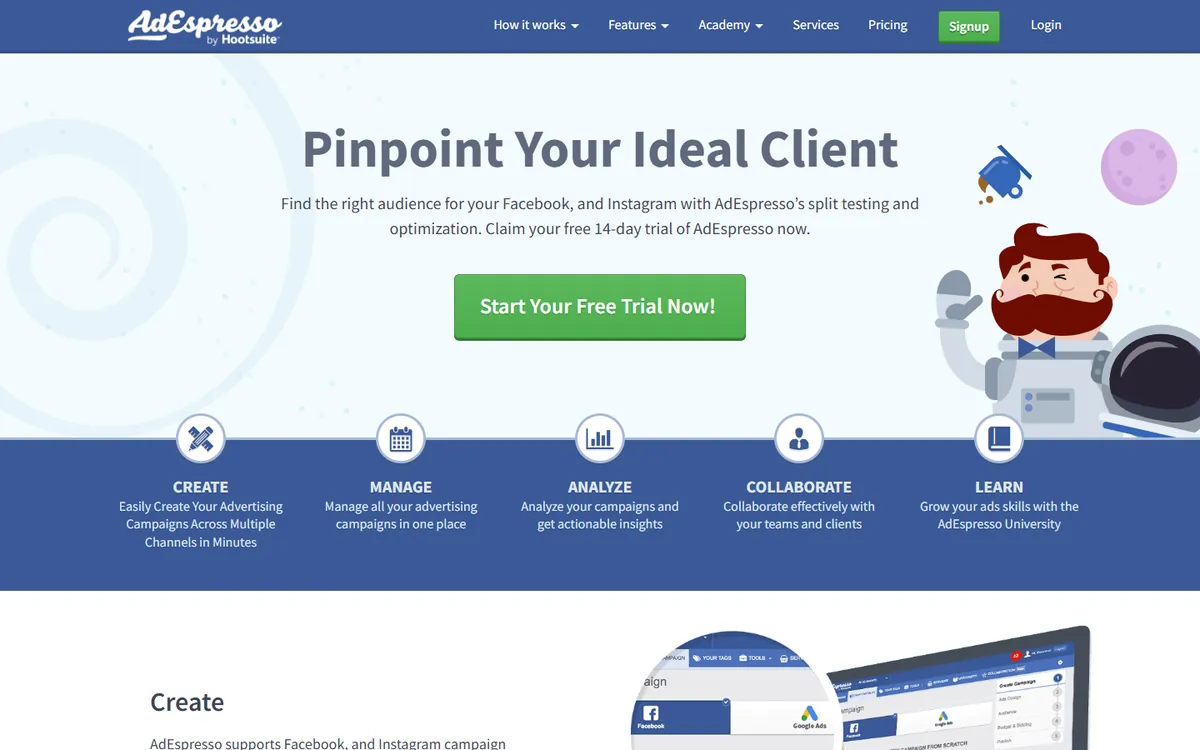
AdEspresso by Hootsuite keeps you at the controls: you set up each Facebook and Instagram campaign in its builder, pick the headlines, images and audiences to split-test, and read the winner in its split-test analysis. Its dashboard adds tips and suggested next steps, which its pages don't describe as AI.
It suits agencies and small teams that prefer building by hand. Starter is for accounts spending up to $1,000 a month and allows unlimited ad accounts, Plus at $99 lifts the spend cap and allows up to 15 seats, and Enterprise, from $259, comes with unlimited seats, API access and a dedicated consultant for Facebook marketing.
- Best for
- Teams that build Facebook and Instagram ads by hand
- Starting price
- from $49 a month
- Free trial
- A 14-day free trial on all three plans. We saw no free plan.
How it scores
- Yes.Building and launching campaignsA campaign builder, plus a spreadsheet tool called Grid Composer that makes many ad variations. Plus adds bulk creation across several pages.
- Yes.Rules and automationAn optimizer pauses the costliest ads and moves budget to the best ones, and triggers on cost per acquisition, conversions and return on investment change budgets, pause ads or start campaigns.
- Yes.Reporting and analysisA dashboard with a customizable graph and a drill-down per ad, and drag-and-drop PDF reports.
- No.AI actions and agentsWe saw no AI assistant, chat or AI ad generation on its pricing page, tour pages or home page.
- Yes.Bulk editingIts Bulk update edits every ad that shares the same change at once, from the All Ads page.
- Partly.Ad platforms coveredFacebook and Instagram campaigns, which its pricing page lists as the plans' scope.
Pros
- On Plus, campaigns can wait for a teammate's or client's sign-off before launch
- Clients can follow results through view-only access on Plus
- Creates Facebook and Instagram ads by the hundred in a single pass
Cons
- No AI proposes your next change; recommendations and chat don't appear on its pricing, tour or home pages
- Every new image or video comes from your team; its site shows no ad generation
Madgicx vs AdEspresso by Hootsuite · Prices checked 23 November 2026
AdManage
8.8/10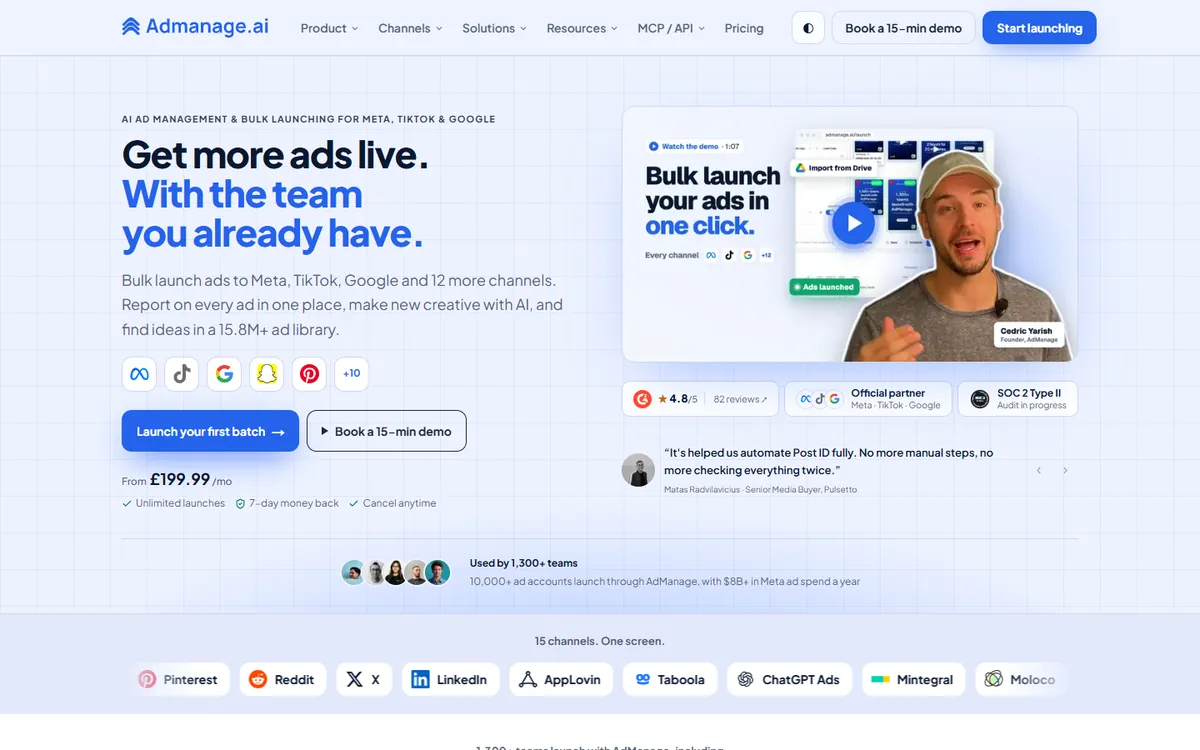
AdManage is a launcher. Creatives come in from Google Drive, Google Sheets, Dropbox, Frame.io or Canva, you define naming, copy and UTMs one time, and then batches go out to whichever channels you choose. Clients can look at a preview link before launch and a shareable report afterwards.
It is aimed at teams that ship many ads across several channels, from solo media buyers to in-house teams and agencies. Plans are priced in GBP by ad accounts: Essential covers one (extra accounts £99.99 a month each), In-house at £499.99 covers five with 10 rules, and Agency at £999.99 covers ten.
- Best for
- Launching large ad batches across 15 channels
- Starting price
- from £199.99 a month
- Free trial
- We saw no free plan or free trial on its pricing page. It offers a 7-day money-back guarantee on Essential and 30 days on the larger plans.
How it scores
- Yes.Building and launching campaignsBuilds campaigns on Google, TikTok and more; on Meta it launches into existing or copied ad sets.
- Partly.Rules and automationRules can pause weak ads, scale strong ones and hide comments. Essential includes 1 monitoring or comments rule; performance automations start on In-house with 10 rules; Agency has unlimited.
- Yes.Reporting and analysisIts home page describes creative performance compared across Meta, TikTok and Google, plus hit-rate and fatigue reports and shareable client reports.
- No.AI actions and agentsIt is a bulk launch tool; we saw no AI media buyer on its pages.
- Yes.Bulk editingIts home page says you can change status, budgets, copy and URLs on hundreds of live ads at once, and duplicate ads, ad sets and campaigns.
- Yes.Ad platforms coveredIts pricing page lists 15 platforms, including Meta, TikTok, Google, Snapchat, Pinterest, Reddit, X and LinkedIn.
Pros
- AI video models make video ads from product images or a text prompt
- Slack pings you when an ad passes a CPA, ROAS or CTR threshold you set
- Claude, ChatGPT or Cursor can launch and edit ads through its MCP, read-only until you allow writes
Cons
- New Meta campaigns aren't built here; on Meta, ads go into ad sets you already have or copy
- Budget and bid calls stay with you; its pages show no AI media buyer
AdManage alternatives, compared · Prices checked 23 November 2026
Pipeboard
8.7/10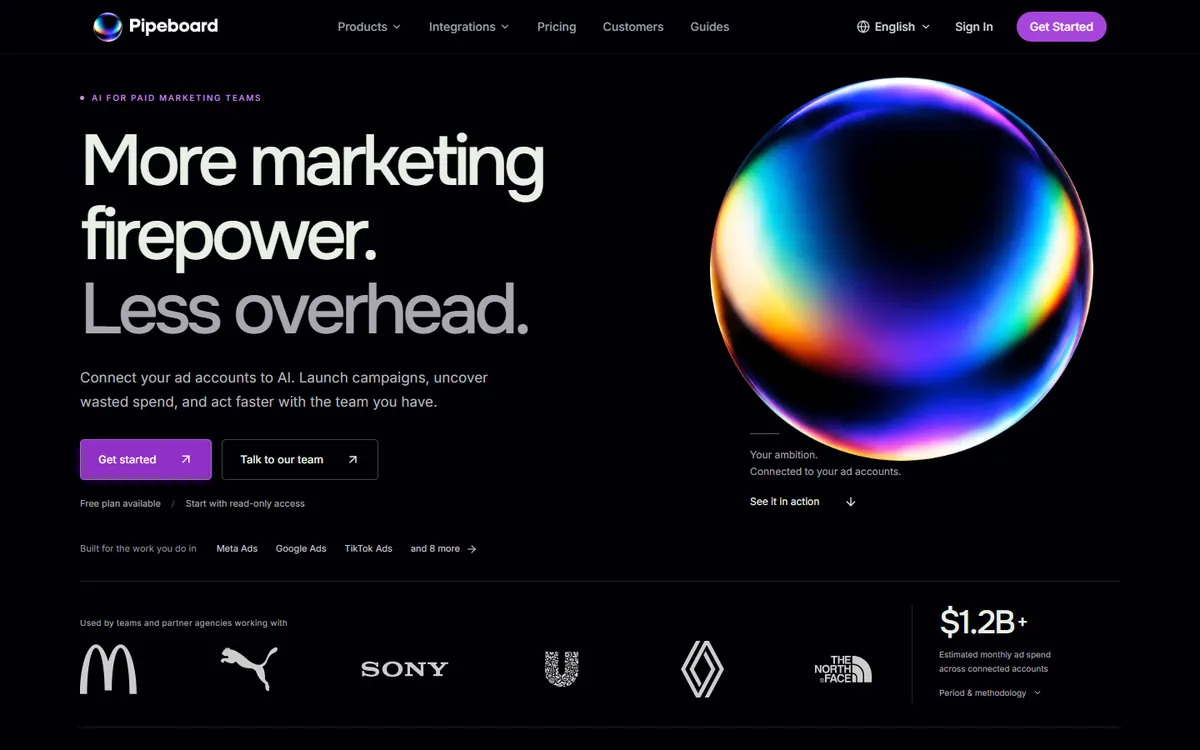
Pipeboard doesn't give you a new dashboard: you connect your ad accounts once, and the assistant you already use does the work through its MCP servers. Access runs on read-only tokens or tokens scoped to the accounts and tools you choose, campaigns it creates start out paused, and Pipeboard's pages advise you to review whatever you ask the assistant to do.
It suits marketers and agencies who spend their day in an AI assistant. Pro covers 3 ad account slots, Premium at $99 covers 10 with up to 5 team accounts, Agency at $199 covers 25, each extra slot costs $10 a month, and Secure Enterprise is custom on an annual agreement.
- Best for
- Running ad accounts from the AI assistant you already use
- Starting price
- from $29.90 a month
- Free trial
- A free plan with 30 AI tool executions a week and 2 ad account slots. The 7-day free trial covers monthly Pro and Premium only; annual plans have a 30-day money-back guarantee instead.
How it scores
- Yes.Building and launching campaignsWith the right permissions the assistant can create campaigns, upload creatives and update budgets. Duplication and carousel ads need Pro, and bulk operations need Premium.
- No.Rules and automationWe saw no rule-based automation on its pages. They mention reusable prompts for repeatable work and n8n as a supported tool.
- Yes.Reporting and analysisThe assistant can review performance across accounts, including read-only reporting.
- Yes.AI actions and agentsIt connects assistants such as Claude, ChatGPT, Claude Code, Cursor and Codex to your ad accounts through MCP, so the assistant reviews performance and acts on your instructions.
- Partly.Bulk editingYour AI assistant can change budgets, bids or status across many ads at once, on Premium and Agency.
- Yes.Ad platforms coveredIts home page lists Meta, Google, TikTok, LinkedIn, Microsoft, Pinterest, Snap and Reddit Ads, plus Google Analytics, Search Console and Merchant. It says some are previews and what you can do varies by platform.
Pros
- Pay yearly and you're billed for ten months instead of twelve
- Per-account token scoping and unlimited team accounts on Agency
- AI-assisted image variations and concepts from the images you upload
Cons
- Each action waits for a prompt from you; its pages list no rules or alerts
- Video ads need finished files from you; video generation isn't shown on its pages
Pipeboard alternatives, compared · Prices checked 23 November 2026
Adkit
8.6/10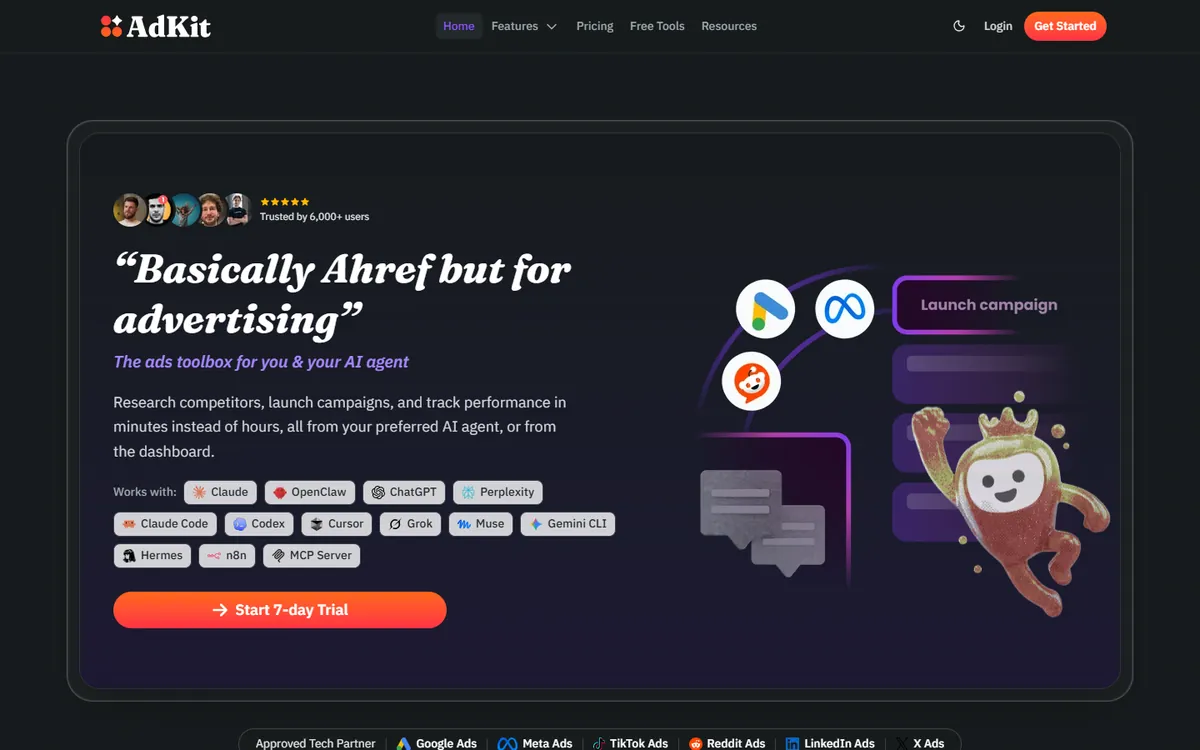
Adkit sits behind an AI agent you already run. You tell Claude, ChatGPT or Cursor what you want, such as a campaign, a budget change or a paused ad, through its MCP server or its command line, and the result lands in Adkit's dashboard for you to review and approve.
Its users are marketers, freelancers and agencies whose AI agent already handles their ad work. The entry plan handles a single project and a single ad account per platform; the $49 plan lifts both limits, which matters if you run several brands. A yearly switch on its pricing page says you save 30% or more, though no yearly price is shown.
- Best for
- Agent-built changes that wait as drafts for your approval
- Starting price
- from $29 a month
- Free trial
- A 7-day free trial on both plans. We saw no free plan.
How it scores
- Yes.Building and launching campaignsThe agent drafts campaigns, ad sets and ads in its dashboard for you to approve. Its Meta page also shows pausing ads and shifting budgets.
- No.Rules and automationWe saw no rule-based automation on its pages. It lists activity alerts and a weekly competitor digest.
- Partly.Reporting and analysisYou can ask the agent to pull Meta numbers and explain what works.
- Yes.AI actions and agentsIts MCP server and CLI let agents such as Claude, ChatGPT and Cursor run your ads. Every change is saved as a draft and nothing goes live until you approve it.
- Yes.Bulk editingOne prompt changes many campaigns, such as budgets on every campaign under 1.5 ROAS, as drafts you approve.
- Yes.Ad platforms coveredIts pricing page lists Meta, Google, TikTok, Reddit, LinkedIn, X and Microsoft Ads.
Pros
- Makes static image ads with AI, from a blank start or based on a competitor's ad
- Track any competitor's new ads and keep the best in a swipe file
- One message to the agent can draft several campaigns or ads
Cons
- Stop-loss and scaling rules aren't on its pages; its alerts and weekly digest cover competitors
- Which hooks and formats drive sales is left to you; creative analysis isn't listed
Adkit alternatives, compared · Prices checked 23 November 2026
FabFunnel
8.3/10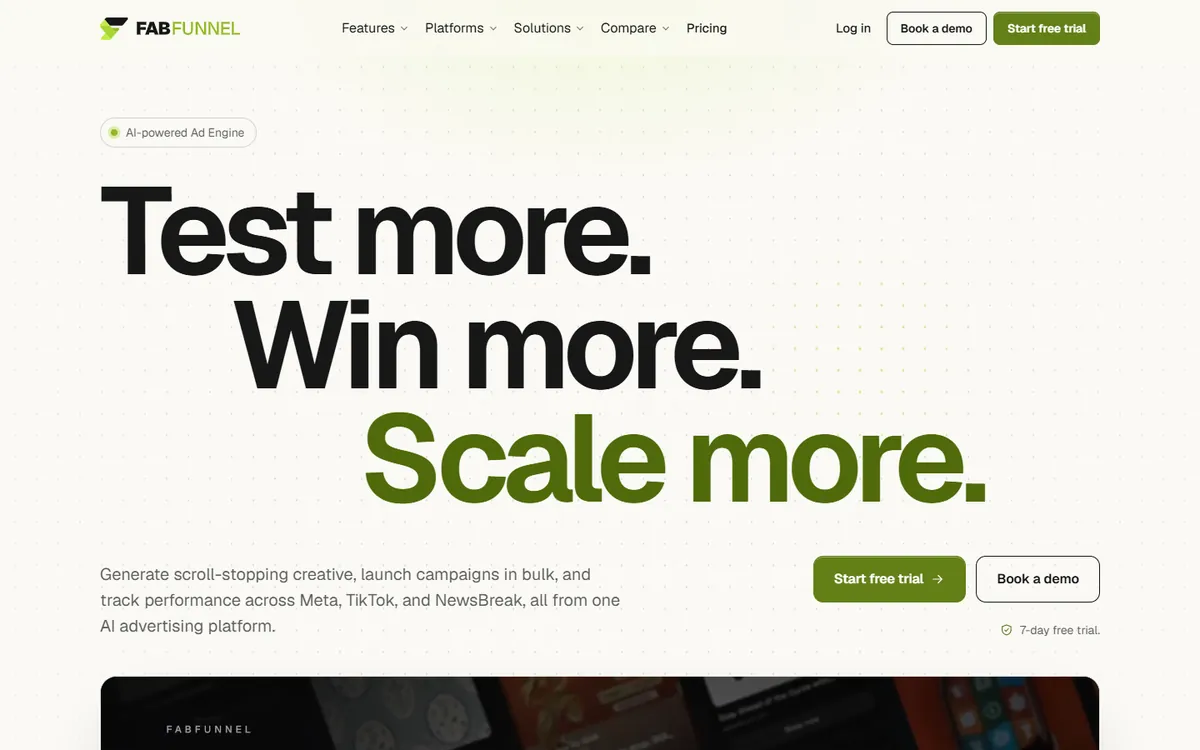
FabFunnel puts creative, launching and reporting in one tool. Its Genie AI makes image and video ads from a brief, Bulk Launcher crosses your creatives, audiences and copy into every combination (three of each gives 27 ads), Video Sage breaks video ads into hooks and scenes, and Industry Insights shows competitor ads on Meta, NewsBreak and SmartNews.
It is pitched at four groups on its home page: media buyers, affiliate marketers, ecommerce brands and agencies. FAB AI covers research and creative with no launching, and the launch plans add ad accounts, user seats, rules and credits as you move up: Explore ($199) gives one launch account and 5 rules, Growth ($349) five accounts and 10 rules, and Scale ($599) fifteen accounts.
- Best for
- Affiliate and performance teams that make and launch ads in bulk
- Starting price
- from $39 a month
- Free trial
- Explore, Growth and Scale include a 7-day trial with 30 credits, charged from day 8. The $39 FAB AI plan has no trial.
How it scores
- Yes.Building and launching campaignsBulk Launcher builds campaigns, ad sets and ads on Meta, TikTok and NewsBreak, on Explore and above.
- Yes.Rules and automationIts rules change budgets and turn campaigns or ad sets on or off based on ROAS, CPA, CTR and spend, checked as often as every 10 minutes.
- Yes.Reporting and analysisIts pages describe reporting that shows every connected ad account side by side. Growth adds multi-ad-account reporting.
- No.AI actions and agentsIts Genie generates creatives; we saw no AI media buyer on its pages.
- No.Bulk editingWe saw no bulk editing of live ads on its pages. They describe bulk launching only. Campaign cloning is on its Scale plan.
- Partly.Ad platforms coveredIt launches on Meta, TikTok and NewsBreak. Google, Snapchat, OpenAI Ads and BIGO appear in reporting only.
Pros
- Video ads in UGC, Reel or Demo styles, 8 to 60 seconds, or from your own script
- A rule that fires can post to Slack, and to Telegram on Explore and above
- Works with trackers like Voluum, RedTrack, ClickFlare and Everflow
Cons
- Genie's AI makes creatives; an AI that weighs budgets and bids isn't described
- Through its MCP an assistant reads reports and makes creatives; building campaigns isn't shown
FabFunnel alternatives, compared · Prices checked 23 November 2026
Adzooma
7.3/10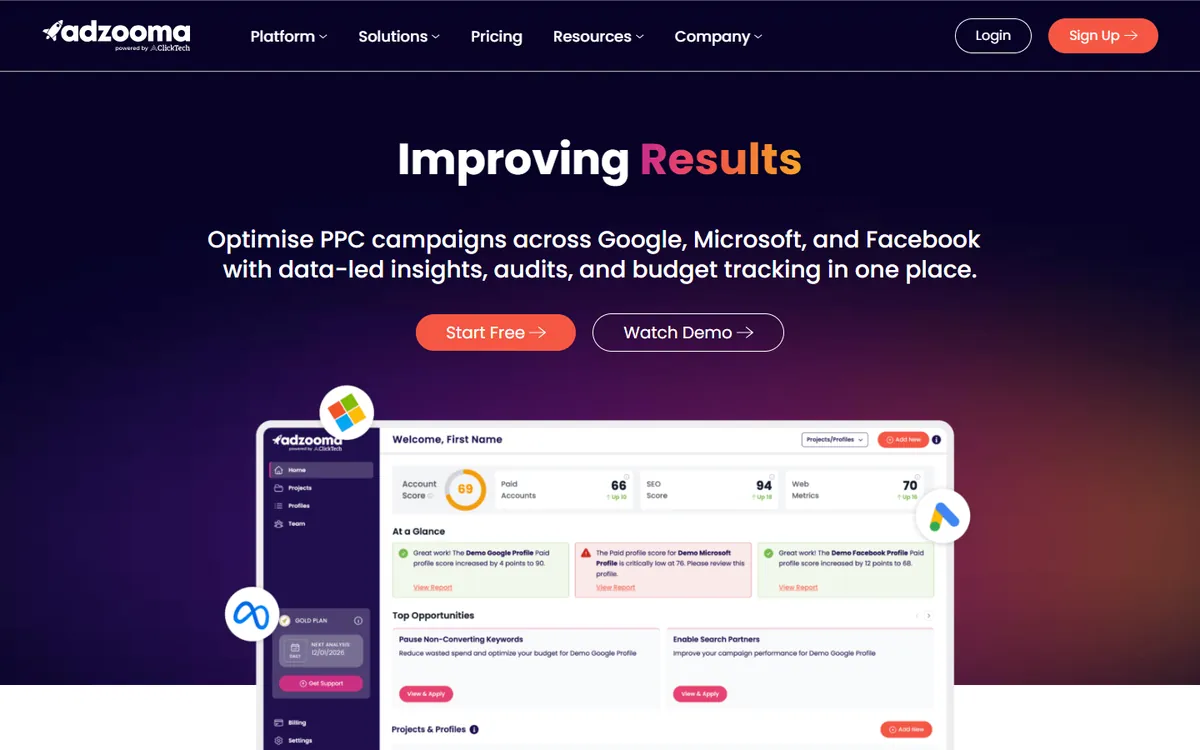
Adzooma works as a reviewer for accounts you already run: connect Google Ads, Microsoft Advertising and Meta, and it tells you what to fix and how much each fix matters, without touching anything unless you approve, its guide says. It is a second pair of eyes on campaigns you build elsewhere, not a place to build them.
Its audience is people without deep PPC know-how who need a clear audit: small businesses, freelancers, in-house marketers and agencies. Paid plans add faster report refreshes, more alerts and more seats: Silver at $69 a month ($700 a year) brings weekly reports and 10 alerts, and Gold at $179 ($1,800 a year) daily reports and unlimited alerts.
- Best for
- Small teams that want ranked fixes for Google, Microsoft and Meta ads
- Starting price
- from $69 a month
- Free trial
- A free plan: monthly reports and recommendations and 3 alerts. We saw no free trial of the paid plans.
How it scores
- No.Building and launching campaignsIts help center says new campaigns must be created in the native ad platforms, then added to Adzooma to manage and optimize.
- Partly.Rules and automationAlerts from 30 templates or, on Silver and Gold, your own thresholds and conditions, checked as often as every 15 minutes depending on plan and sent by email or Slack. Its guide says alerts never change campaigns.
- Yes.Reporting and analysisPerformance reports score each ad account and rank recommendations by impact, with cross-platform comparison and budget pacing. Reports refresh monthly, weekly or daily by plan.
- Partly.AI actions and agentsAn AI-driven Opportunity Engine lists fixes for Google, Microsoft and Meta Ads that you apply in one click, acknowledge or ignore. We saw no AI agent or chat on its pages.
- No.Bulk editingWe saw no bulk editing on its pages; changes come from recommendations you apply in one click.
- Yes.Ad platforms coveredGoogle Ads, Microsoft Advertising and Meta Ads. It also offers SEO and website speed reports.
Pros
- Its AI also improves the copy of your Google search ads
- Silver and Gold allow unlimited user seats for the whole team
- The price doesn't grow with your ad spend or your number of ad accounts
Cons
- Campaigns are built in Ads Manager or the other ad platforms first, its help center says
- When an alert fires, the fix is yours: its guide says alerts never change campaigns
Adzooma alternatives, compared · Prices checked 23 November 2026
Blip
7.0/10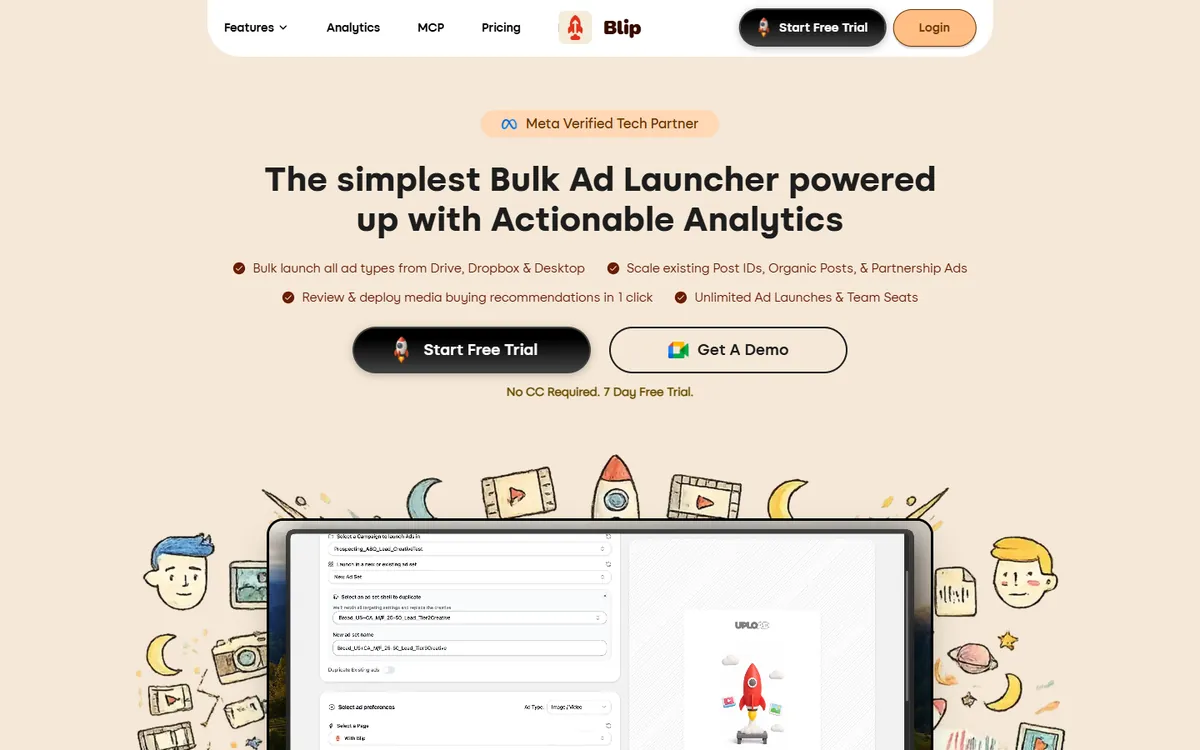
A launcher for Meta and TikTok, Blip takes media from Google Drive, Dropbox or your desktop, groups the files by aspect ratio for each placement, and handles carousel, Flex, lead gen and partnership ads. It can also scale existing Post IDs and organic posts.
It is aimed at media buyers and small agencies. Every plan has unlimited launches, and the price follows ad accounts: Starter covers one, Light at $199 up to five and Pro at $370 any number.
- Best for
- Filling existing Meta and TikTok ad sets with new ads fast
- Starting price
- from $49 a month
- Free trial
- Its home page says all plans include a 7-day free trial.
How it scores
- Partly.Building and launching campaignsLaunches ads into several existing Meta and TikTok ad sets at once; we saw no campaign or ad set builder.
- No.Rules and automationWe saw no configurable rules on its pages. It describes budget recommendations and anomaly alerts, and you apply the changes yourself.
- Partly.Reporting and analysisIts home page describes budget recommendations, poor performer detection for ads running 14 or more days, anomaly alerts and account audits in Slack.
- Partly.AI actions and agentsIt suggests budgets to scale, reduce or pause, and you apply them in one click.
- Partly.Bulk editingIt describes saved templates for copy, CTAs and links, but we saw nothing on its pages about editing live ads in bulk.
- Partly.Ad platforms coveredIts home page says it launches on Meta and TikTok.
Pros
- Clients can comment on a preview link or a PDF before ads go live
- Flags sudden CPA spikes and overspend in Slack
- Claude or ChatGPT can launch ads, pause weak ones and apply budgets through its MCP
Cons
- Campaigns and ad sets must already exist; no builder for them is shown on its pages
- Each budget move needs your click, as configurable rules aren't described
Blip alternatives, compared · Prices checked 23 November 2026
What should the best Facebook ads management tools do for you?
A Facebook ad management tool helps you create, run and measure your Meta ads with fewer hours in Ads Manager. The best ones do three jobs well: they get new campaigns, ad sets and ads live quickly, they keep running campaigns on target with rules or AI while you are away, and they report results in a form you can act on, including the channels and store data that sit outside Meta.
We scored eleven tools on six criteria, with building and launching weighted highest. Madgicx comes first with 9.7/10: its AI chat builds campaigns you approve, its rules and AI media buyer keep them on target, and one report holds Meta next to Google Ads, TikTok, Shopify, Klaviyo and Google Analytics. It drops points only on ad platforms, since the campaigns it manages are Meta's; the other channels are there to read, not to change.
The other ten range from rule engines and hands-on builders to bulk launchers, AI assistant connectors, enterprise suites and an audit tool, so the right second choice depends on how you work and how many accounts you run.
What can you already do inside Meta Ads Manager?
Every Facebook campaign ends up in Meta Ads Manager, whichever tool builds it, and Ads Manager already covers a good share of the job. Below is what each built-in part does, the limits Meta's own pages give, and the gap a management tool fills. If the job itself is new to you, what Facebook ads management involves lists the tasks, who can do them and how the cost is usually set.
Campaign building with the Advantage+ setup
Choose sales, app promotion or leads as the objective and you're taken into the Advantage+ setup, which applies Meta's AI to every part of the campaign. For sales, its strongest optimizations need Advantage+ audience, campaign budget, placements and destination switched on together; for apps, it sets bidding, audiences and placements; and leads campaigns have Advantage+ on by default. Every manual campaign feature is still there if you want it.
Where it stops: narrow any one of budget, audience or placements far enough and that section loses Advantage+, and some Advantage+ features may be unavailable to special ad category and pharmaceutical campaigns. Advantage+ campaign budget shifts a single budget between ad sets as opportunities appear, yet Meta warns the split may be uneven and recommends it for campaigns with two or more ad sets.
What a tool adds: a faster path to the same result. Madgicx's AI chat turns a typed request into the campaign, its ad sets and its ads and holds them for your approval, and the bulk launchers below push dozens of ads at once from a folder of finished creative.
Automated rules, checked every 30 minutes
In Ads Manager, an automated rule tests your campaigns, ad sets or ads against conditions you write, then takes one of a short list of actions: turn things on or off, move a daily or lifetime budget up or down, adjust or scale a manual bid or budget, or simply send a notification to you or a teammate. Meta checks every rule at least twice an hour unless you pick your own days and times; a rule needs every one of its conditions to be true before it fires; and you can keep as many as 250 rules, active or not, in one ad account.
Where it stops: a rule can't use the same condition twice, and it covers campaigns or ad sets but not both at once. Rules won't run on social issue, election or political ads, can't pause reservation campaigns, and change bids only where bids are manual. Meta's own advice is to keep watching overall results.
What a tool adds: some tools on this list check their rules every 10 or 15 minutes, and Madgicx pairs its rules with an AI media buyer that looks for changes no rule was written to catch.
Reports you build and schedule in Meta Ads Reporting
Meta Ads Reporting builds a report from the breakdowns, metrics and filters you choose, by time, demographics, geography, delivery and more. You can export it as .xlsx or .csv, share it as a link, or email it to yourself or someone else on a schedule, and a single account's report reaches back 37 months. Our answer on how reporting works in Ads Manager goes through each part.
Where it stops: a cross-account report, the kind that puts several ad accounts side by side, can't be emailed on a schedule, holds 24 months of data, leaves out some metrics such as Result and Video Watches, and can't mix time zones. Any report opens only for people who hold permissions on that ad account.
What a tool adds: the rest of your marketing in the same view. Madgicx's reports add your other ad channels and your store data to the picture, and any of them can go to a client as a link or a PDF.
A/B tests in the Experiments tool
In the Experiments tool you can run up to 5 versions of an ad strategy against each other, varying the image, the copy, the audience or the placement, and setting up a test adds nothing to your bill. Brand Lift and Conversion Lift studies live there too, and Meta advises against informal tests.
Where it stops: a Brand Lift study requires $120,000 or more of ad spend over the last 90 days, a Conversion Lift study needs a high-quality conversions data source, and lift tests can push up your overall cost per impression.
What a tool adds: a quicker route to the next test. Madgicx's creative analysis shows which elements made the winning ads win, so your next test builds on what already won, and one hands-on builder below folds split tests into campaign setup.
Connecting Claude or ChatGPT through Meta's MCP server
Meta's ads AI connectors have been in open beta since 29 April 2026. They center on an MCP server that Meta hosts for any MCP-compatible agent, and Meta publishes setup guides for Claude Code and ChatGPT. After the connection, the agent reads results and can create or edit campaigns, ad sets and ads. Whatever it creates stays paused, and your AI client waits for your approval before activating it.
Where it stops: Meta says some tools may not have reached your account yet, you authorize each action through the agent, and the per-account limits admins can put on agents are only in limited availability. For insights across channels and custom workflows, Meta points you to your own AI tools. Our guide to managing Facebook ads through MCP explains how these connections work.
What a tool adds: analysis on top of the access. Madgicx's MCP server comes with its plans and carries Madgicx's own analysis into Claude, ChatGPT or another MCP-compatible agent, along with actions on status, budgets, bids, spending limits and names.
Where a management tool earns its place
Ads Manager is where campaigns run; a management tool takes on the work around them: building faster, acting on results between your visits, and reporting beyond Meta. Madgicx ranks first here because it covers all three on Meta, and our side-by-side of Madgicx and Ads Manager lists what it adds feature by feature. If you are also weighing tools that make ads or only report on them, our guide to Facebook ad tools in general covers every job.
How does each tool get a new campaign live?
Building and launching carries the most weight in our scores, because it is where most of the hours go. A Meta campaign has three levels, and campaigns, ad sets and ads each control different settings; the tools here enter that structure at different points.
You describe it in a chat
Madgicx's AI chat builds all three levels from a typed request: the campaign, its ad sets with a saved custom or lookalike audience or a location named in plain words, and the ads, video ads included. It shows what it built and creates nothing before you say yes. Adkit (8.6/10) and Pipeboard (8.7/10) do this through the AI assistant you already use: Adkit holds each change as a draft, and Pipeboard starts new campaigns paused.
You feed a bulk launcher from your creative folders
Bulk launchers turn a folder of finished creatives into many ads in one pass. Bïrch (9.3/10) launches batches of up to 50 ads per ad set from Google Drive or Sheets, FabFunnel (8.3/10) multiplies creatives, audiences and copy into every combination on Meta, TikTok and NewsBreak, and AdManage (8.8/10) sends batches to 15 channels once naming, copy and UTMs are set. Our roundup of bulk Facebook ad creation tools covers this group in more depth.
You add ads to ad sets that already run
Blip (7.0/10) skips campaign and ad set setup: you pick ad sets already running on Meta or TikTok and it fills them with new ads, which suits a media buyer refreshing creative inside a structure that works. AdManage does the same on Meta, placing ads in ad sets you already have or duplicate, though it builds whole campaigns on Google, TikTok and other channels.
You build every level by hand
AdEspresso (9.0/10) keeps the classic workflow: you fill in each campaign in its builder, and Grid Composer turns a spreadsheet of headlines, images and audiences into ad variations for a split test. Of the tools here, it is the closest to working in Ads Manager itself, with dashboard tips in place of AI.
Your team designs blueprints for a contracted platform
Smartly.io (9.3/10) generates many campaigns from a blueprint linked to a product feed, and Skai (9.1/10) launches and manages campaigns across 300+ publishers, from Meta and Google to Amazon and Walmart. Both sell to large teams through a sales process.
You build in Meta and add the tool afterwards
Adzooma (7.3/10) doesn't create campaigns: its help center says they are built in the ad platforms first and then added. What it brings is the review, with account scores, fixes ranked by impact and alerts across Google, Microsoft and Meta.
How much do Facebook ads management tools cost?
| Tool | Starting price | How you pay | Free trial | Prices checked |
|---|---|---|---|---|
| Madgicx | From $45/mo | Priced by monthly ad spend, from $45 a month, billed monthly, quarterly or annually. | 7-day free trial | 23 November 2026 |
| Bïrch | from $49 a month | A monthly plan priced by your ad spend across connected platforms: $49 or $99 a month, with Enterprise by quote. | A 14-day free trial with all features. We saw no free plan. | 23 November 2026 |
| Smartly.io | by quote | Quote only. Its site asks you to book a demo and lists no plans, prices or free trial. | We saw no free plan or trial on its pages. Its site asks you to book a demo. | 23 November 2026 |
| Skai | from $114,000 a year | Yearly plans: Standard $114k, Advanced $276k, Enterprise $504k, Enterprise Premier $756k. Over $35M of media a year is custom. | We saw no free plan or trial on its pricing page. It mentions reviewing your commitment after the first three months. | 23 November 2026 |
| Ad |
from $49 a month | A flat monthly plan: $49 up to $1,000 of ad spend, $99 with unlimited spend, and Enterprise from $259. | A 14-day free trial on all three plans. We saw no free plan. | 23 November 2026 |
| Ad |
from £199.99 a month | A monthly plan priced in GBP, from £199.99 for one ad account. Plans differ by ad accounts, AI credits and automation rules. | We saw no free plan or free trial on its pricing page. It offers a 7-day money-back guarantee on Essential and 30 days on the larger plans. | 23 November 2026 |
| Pipeboard | from $29.90 a month | A free plan, then monthly plans: Pro $29.90, Premium $99 and Agency $199 a month. Extra ad account slots cost $10 a month each. Secure Enterprise is custom. | A free plan with 30 AI tool executions a week and 2 ad account slots. The 7-day free trial covers monthly Pro and Premium only; annual plans have a 30-day money-back guarantee instead. | 23 November 2026 |
| Adkit | from $29 a month | A monthly plan: Single Project $29 a month or Multiple Projects $49 a month, both with a 7-day free trial. A yearly toggle says it saves 30% or more, without yearly prices. | A 7-day free trial on both plans. We saw no free plan. | 23 November 2026 |
| Fab |
from $39 a month | A monthly or yearly plan, with credits for AI creative and limits on ad accounts and rules. Extra credits are sold as one-time top-ups. | Explore, Growth and Scale include a 7-day trial with 30 credits, charged from day 8. The $39 FAB AI plan has no trial. | 23 November 2026 |
| Adzooma | from $69 a month | A free plan, then Silver at $69 a month or $700 a year and Gold at $179 a month or $1,800 a year. Enterprise pricing is by contact. | A free plan: monthly reports and recommendations and 3 alerts. We saw no free trial of the paid plans. | 23 November 2026 |
| Blip | from $49 a month | A monthly plan that grows with the number of ad accounts. Ad launches are unlimited on every plan. | Its home page says all plans include a 7-day free trial. | 23 November 2026 |
What does each plan cost once you manage eight ad accounts?
A starting price says little about what you'll pay at scale. Five of these tools charge by ad accounts, launch accounts, projects or account slots, so the same tool costs very different amounts for one brand and for an agency. Here is what eight ad accounts come to on each published price list, in the currency each tool uses.
- Madgicx: $45 a month at the lowest level, rising with the ad spend you manage; billing can be monthly, quarterly or yearly.
- Bïrch: also priced by ad spend across every connected platform, at $49 or $99 a month, and its pricing page says going over a plan's limit adds a fee.
- AdEspresso: every plan allows unlimited ad accounts, so the account count doesn't change the bill; what moves you from Starter to Plus ($99) is passing $1,000 of monthly ad spend.
- Adkit: Multiple Projects at $49 a month covers unlimited projects and ad accounts.
- Pipeboard: Pro's 3 slots plus 5 extra slots at $10 each comes to $79.90 a month, though bulk operations need Premium, which covers 10 slots for $99.
- Blip: eight accounts need Pro, at $370 a month for any number of ad accounts.
- FabFunnel: eight launch ad accounts need Scale at $599 a month, since Growth stops at five; yearly billing lowers each plan.
- AdManage: Essential plus seven extra accounts comes to £899.92 a month with a single monitoring or comments rule, while Agency covers ten accounts with unlimited rules for £999.99.
- Adzooma: the price doesn't change with ad accounts; Silver ($69 a month) and Gold ($179) differ by report refresh, alerts and seats.
- Skai and Smartly.io: Skai's yearly plans start at $114,000 for up to $4M of media, and Smartly.io agrees terms by contract.
Nothing on Meta's side needs a plan: Ads Manager is free to use, and the only bill there is the ad budget you set.
Which features does each tool cover?
| Tool | Score | Building and launching campaigns | Rules and automation | Reporting and analysis | AI actions and agents | Bulk editing | Ad platforms covered |
|---|---|---|---|---|---|---|---|
| Madgicx | 9.7/10 | Yes. | Yes. | Yes. | Yes. | Yes. | Partly. |
| Bïrch | 9.3/10 | Yes. | Yes. | Yes. | Partly. | Partly. | Yes. |
| Smartly.io | 9.3/10 | Yes. | Yes. | Yes. | No. | Yes. | Yes. |
| Skai | 9.1/10 | Yes. | Partly. | Partly. | Yes. | Yes. | Yes. |
| Ad |
9.0/10 | Yes. | Yes. | Yes. | No. | Yes. | Partly. |
| Ad |
8.8/10 | Yes. | Partly. | Yes. | No. | Yes. | Yes. |
| Pipeboard | 8.7/10 | Yes. | No. | Yes. | Yes. | Partly. | Yes. |
| Adkit | 8.6/10 | Yes. | No. | Partly. | Yes. | Yes. | Yes. |
| Fab |
8.3/10 | Yes. | Yes. | Yes. | No. | No. | Partly. |
| Adzooma | 7.3/10 | No. | Partly. | Yes. | Partly. | No. | Yes. |
| Blip | 7.0/10 | Partly. | No. | Partly. | Partly. | Partly. | Partly. |
What can each tool change without asking you?
Every tool here can touch live campaigns, but they differ on when they act. Three questions sort them: does a change wait for your approval, does a rule you wrote act on its own, and can the tool reach every account or only the ones you allow?
- Madgicx: anything the AI chat builds and every action the AI media buyer prepares waits for you; your automation rules act whenever their conditions are met.
- Bïrch: rules act once published, the chat checks with you first unless you change its default, and AI-built campaigns begin paused.
- AdEspresso: you make each change yourself, its optimizer and triggers act on the thresholds you set, and on Plus a campaign can wait for sign-off before it runs.
- Smartly.io: automation runs from set-ups your team defines, such as blueprints and triggers, and ads get approved and launched together in a shared workspace.
- Skai: Celeste AI recommends actions, and outside agents connected through Agent Connect can create or update campaigns.
- AdManage: its rules act on the thresholds you set, and its MCP connection stays read-only until you allow writes.
- Pipeboard: the assistant does only what you ask, inside the access its read-only or scoped tokens allow, and campaigns it creates are paused at first.
- Adkit: every change your agent makes sits as a draft until you approve it.
- FabFunnel: rules change budgets or switch campaigns and ad sets on or off when their conditions are met, and post to Slack when they fire.
- Adzooma: its guide says nothing changes without your approval, and its alerts only notify.
- Blip: you apply each budget suggestion yourself, in one click.
Caps to set in Meta before you connect anything
Meta's own budget controls sit underneath every tool, so they cap the damage any wrong change can do. Set them once, in this order:
- An account spending limit: a ceiling on everything the ad account spends over its life, after which your ads pause (accounts set up for available funds can't set one).
- A campaign spending limit on campaigns without a lifetime budget; with Advantage+ campaign budget, the lifetime budget takes its place.
- A floor and a ceiling for each ad set when a campaign shares one Advantage+ budget, so money can only move so far between ad sets.
- Room for daily swings: on a given day Meta can go as much as 75% over a daily budget, so don't treat one high day as a fault.
- Limits on scheduled increases: a budget boost for a busy period has to run 3 hours or more and can't go above 8 times the daily budget.
Which tool suits your team, accounts and channels?
When Facebook and Instagram carry most of your budget, start with Madgicx, first here with 9.7/10. Each situation below names it first, then the tool that fits a narrower need.
An in-house team running Facebook and Instagram ads
Pick Madgicx. Ask the AI chat for a new campaign whenever you need one, let the AI media buyer prepare changes to budgets, bids and creative for your sign-off, leave routine moves to rules, and read every channel in one report. One platform does the work of a builder, a rule engine and a reporting tool. Running an online store? See our picks of Facebook ad management tools for e-commerce.
A media buyer pushing big batches of finished creative
Madgicx builds campaigns, ad sets and ads in its AI chat and manages them with smart filters and bulk actions. If most of your week is uploading dozens of finished files from Google Drive, a dedicated launcher saves clicks: Blip loads new ads into live Meta and TikTok ad sets, and AdManage reaches 15 channels. AdManage vs Blip compares their plans and launch options.
A media buyer who writes every rule
Madgicx's rules act around the clock on your thresholds, and its AI media buyer catches what no rule covers. When rules are all you need, Bïrch nests conditions and re-checks them as often as every 15 minutes, on Snapchat, TikTok and Google Ads as well as Meta, and AdEspresso's optimizer moves budget toward your best ads by cost per acquisition and return. AdEspresso vs Bïrch sets the two side by side.
An agency running client accounts
Madgicx fits agencies: each client's changes wait for approval, and each client gets a report that puts Meta beside Google Analytics, Klaviyo, Shopify, TikTok and Google Ads data, shared by link or PDF. AdEspresso's Plus plan adds client sign-off and up to 15 seats, and Adzooma's paid plans allow unlimited seats for audit work across Google and Microsoft too. For client reporting in depth, see our ranking of Facebook ads reporting tools for agencies.
A marketer who works in Claude or ChatGPT
Madgicx's MCP server comes with its plans: in Claude or ChatGPT it analyzes your Meta ad accounts and can change their status, budgets, bids, spending limits and names, and Claude lists it in its connector directory. If you want one connector for several ad platforms, Adkit keeps every change as a draft and covers seven, while Pipeboard limits access with scoped tokens across eight.
An enterprise team buying search, social and retail media
Use Madgicx for the Meta share if you want a self-serve platform you can try for 7 days. For one contract across channels, Skai adds retail media on Amazon and Walmart to search and social on yearly plans, and Smartly.io produces creative and campaigns from product feeds. Skai vs Smartly.io compares the two enterprise options.
How do you get your first campaign running in Madgicx?
Begin the 7-day free trial, then connect the ad accounts you manage through a Facebook login that has access to them; that lets the AI read results and carry out what you approve. After those seven days, Madgicx's price depends on your monthly ad spend, from $45 a month.
Tell Madgicx what good looks like: a target cost per purchase, a ROAS floor or whichever number you report on. It alerts you when an account slips past those targets, and its Home page suggests further alerts worth switching on.
Describe the campaign, including the goal, a saved custom or lookalike audience or a location by place name, and the creative. For video, upload an MP4 or MOV (1 GB at most), give a direct link, or choose a video from the ad account's library. Check the build it shows you and approve it; nothing is created before that.
Write automation rules for routine moves, for example pausing any ad set that spends past your cost-per-purchase ceiling, so they run while you're elsewhere. Leave bigger moves, such as budget increases, to the AI media buyer's prepared actions, which wait for your decision.
Each day, read the AI media buyer's recommendations and launch or dismiss each prepared action. At the end of the week, build a report with your other channels and store data beside Meta, and send it on by link or PDF.
Which mistakes make a new tool look worse than it is?
Most disappointments in the first month come from the setup around the tool, not the tool itself. Five to avoid:
- Rules in two places acting on one budget. If Ads Manager's automated rules and your new tool's rules both touch the same ad sets, one can undo the other. Switch off the overlapping rules in Meta first.
- Judging the tool in an unusual week. Compare against a normal period of the same length, not one with a sale, a launch or a stock-out.
- Narrowing everything at launch. Meta switches Advantage+ off for a section when its budget, audience or placements are narrowed too far, so a tool that builds tight ad sets can lose Meta's own optimization.
- Leaving prepared actions unread. Approval is only a safeguard if someone reads the queue; set a daily slot for it.
- Launching in bulk without a naming convention. A messy name copied into hundreds of ads makes every later report harder to read.
Which jobs stay with you after you buy a tool?
A management tool takes over building, watching and reporting. Whichever one you choose, these decisions stay yours.
The number that counts as a good result
Rules, alerts and an AI media buyer all work toward a target, so set it from your own margins. Our break-even ROAS calculator works out the lowest ROAS at which each order still covers its costs, and that number is what your rules and alerts should guard.
How the account is split
Tools build into whatever structure you choose. Decide how campaigns split by goal, how ad sets split by audience or country, and how many ads each ad set should carry before you launch at volume. Advantage+ campaign budget, for one, only applies when all ad sets use one budget type and one bid strategy with standard delivery.
Names and UTM tags on every ad
A launcher can apply naming, copy and UTM tags to a whole batch, but the convention is yours to set. Settle it once so your reports and your analytics read the same way; our Facebook UTM builder fills in Meta's dynamic values and can tag a whole sheet of links.
Conversions that reach Meta
Budgets move on the purchases and leads Meta records, so a missed conversion makes a good ad look weak to every tool. Meta's own pages say Conversions API data suffers less from ad blockers, browser loading errors and dropped connections than Pixel data does. Madgicx's server-side tracking sets that up by hosting both of Meta's server-side gateways for you, the Conversions API Gateway and Signals Gateway.
Ads in categories Meta restricts
If you advertise about social issues, elections or politics, Meta's automated rules won't run on those ads, and special ad category and pharmaceutical campaigns may lack some Advantage+ features. Ask a vendor to show its tool on one of those campaigns before you commit.
Which questions should you ask before you buy?
- Does it build new campaigns and ad sets, or only add ads to the ones you already run?
- Which changes happen without you, and where does everything else wait for approval?
- How often do its rules check conditions: every 10, 15 or 30 minutes, or on a schedule?
- How many ad accounts, seats and rules come with the plan you would need in six months?
- Do its reports stop at Meta, or include Google Ads, TikTok and your store's sales?
- Can you connect read-only, or with scoped access, before it can change anything?
How did we score each tool?
We scored each tool on building and launching campaigns, rules, reporting, AI actions, bulk editing and ad platform coverage. Building and launching weighs most because getting campaigns live is where management time goes; rules and reporting follow because they keep campaigns on target and show the result, and platform coverage counts least on a page about Facebook ads.
Every tool on this list starts at 5 out of 10. The other 5 points are split across the criteria by the shares in the table below: a tool that fully covers every criterion scores 10, and a criterion it only partly covers earns half its share.
| Capability | Share of the 5 points |
|---|---|
| Building and launching campaigns | 23% |
| Rules and automation | 19% |
| Reporting and analysis | 18% |
| AI actions and agents | 14% |
| Bulk editing | 14% |
| Ad platforms covered | 12% |
The Madgicx team wrote this page and scored every tool, Madgicx included, with the same rubric.
So which one should you choose?
Madgicx is our top pick for managing Facebook ads, ranked first with 9.7/10: its AI chat builds campaigns, ad sets and ads you approve, its AI media buyer lines up the next changes, rules act on your thresholds around the clock, and its reports put your other channels and store data in the same view as Meta. You can try it free for 7 days. For large batches pushed across Meta, TikTok, Google and a dozen other channels, AdManage is built for that job. For media buyers who write their own rules and want them on four ad platforms, Bïrch is the one to compare.
Frequently asked questions
What is the best Facebook ad management tool?
Madgicx is the best Facebook ad management tool overall: it takes first place here with 9.7/10. It builds campaigns from a chat and launches them once you approve, runs rules on your conditions, prepares the next budget, bid and creative changes, and reports on Meta beside Google Analytics, Klaviyo, Shopify, TikTok and Google Ads data. Bïrch and AdManage are the closest alternatives for writing your own rules and launching in bulk across channels.
Is Ads Manager enough on its own?
For a few campaigns, often yes. Ads Manager's Advantage+ setup, automated rules and Meta Ads Reporting let you run campaigns by hand, and you pay Meta only for the ads themselves. A management tool earns its place once those hours add up: Madgicx builds campaigns from a chat, prepares changes for your approval and reports across channels, and its 7-day free trial lets you compare it with your current routine on your own account.
Can a Facebook ad tool build campaigns for you?
Yes. Type a request into Madgicx's AI chat and it builds the campaign, its ad sets and its ads, video ads from your own files included, and creates nothing until you approve. Through Adkit or Pipeboard, Claude or ChatGPT can build campaigns as drafts or paused, Bïrch, FabFunnel and AdManage launch ads in bulk, and Blip adds ads to ad sets you already run. Adzooma's help center says campaigns are built in the ad platforms first.
Can you try a Facebook ad management tool before you pay?
Madgicx offers a 7-day free trial, so you can connect your ad account and test it before paying. Adkit, Blip, AdEspresso and Bïrch also come with free trials, FabFunnel's launch plans include one, Pipeboard pairs a free plan with trials of Pro and Premium, and Adzooma runs a free plan. AdManage gives a money-back guarantee rather than a trial, while Smartly.io starts with a demo and Skai with a yearly plan. The cost table above lists each tool's trial terms.
What does a Facebook ad management tool cost each month?
Madgicx starts from $45 a month, with the plan set by your monthly ad spend. Among the other tools with public prices, Adkit sits at $29 a month, Pipeboard at $29.90 beyond its free plan and FabFunnel at $39 for creative only, while Bïrch, AdEspresso and Blip begin at $49, Adzooma at $69 and AdManage at £199.99. Skai publishes yearly plans from $114,000, and Smartly.io works by quote.