Twelve AI tools for Facebook ads ranked on AI agents, image ads, video ads, rules and creative analysis, from AI creative generators to agents you run from Claude or ChatGPT. Madgicx ranks first.
Which AI tools for Facebook ads come out on top?
How do the 12 tools compare side by side?
| Tool | Tool score | Best for | What it does for you | Starting price | Free trial |
|---|---|---|---|---|---|
| Madgicx | 9.8/10 | Making new Meta ads with AI and acting on results, with your approval | Yes.AI media buyer prepares actions you approve. | From $45/mo | 7-day free trial |
| Creatify | 9.3/10 | Avatar and UGC-style video ads from a product link | Yes.Max launches campaigns, adjusts budgets after your approval. | from $10 a month | Free plan; 10 credits, watermarked. |
| Markifact | 9.2/10 | AI agents and repeatable workflows across 14 ad platforms | Yes.Agents carry out tasks; links Claude, ChatGPT and Cursor. | from $79 a month | Start free with trial credits. |
| Smartly.io | 8.8/10 | Enterprise creative and campaign automation at scale | No.Budget moves by predicted performance, no AI agent. | by quote | No trial. Book a demo to get started. |
| Arcads | 8.3/10 | Talking-actor video ads with 1,000+ AI actors | Partly.Agent publishes new ads you approve; no budget changes. | priced in monthly credits, with no public dollar prices | 72-hour free trial. |
| Quick |
7.7/10 | Image and video ads backed by a 32M+ ad library | No.Agents for scheduling and creators; no AI media buyer. | from $199 a month | $1 trial for new users. |
| Go |
7.7/10 | AI agents that prepare account changes for approval | Yes.Specialist agents prepare account changes for approval. | from $139 a month | 7-day trial on paid plans. |
| Pencil | 7.6/10 | Ads scored by a model trained on your ad account | No.Agents generate creatives; no AI media buyer. | from $14 a month | No trial. Six free ads at sign-up. |
| Adkit | 7.6/10 | Running ads from your AI assistant as drafts you approve | Yes.AI agents run your ads; every change is a draft you approve. | from $29 a month | 7-day free trial. |
| Ad |
7.2/10 | Image ads, banners and ad text in one creative tool | No.No AI media buyer on its pages. | from $39 a month | 7-day free trial with 20 credits. |
| Pipeboard | 7.1/10 | Connecting Claude or ChatGPT to your ad accounts | Yes.Connects Claude, ChatGPT and Cursor to ad accounts via MCP. | from $29.90 a month | Free plan; 7-day trial on monthly plans. |
| Bïrch | 6.7/10 | Rule-based automation you control | Partly.AI chat reviews results and acts when you ask. | from $49 a month | 14-day free trial. |
Our 12 picks for the best AI tools for Facebook ads
Madgicx Best overall
9.8/10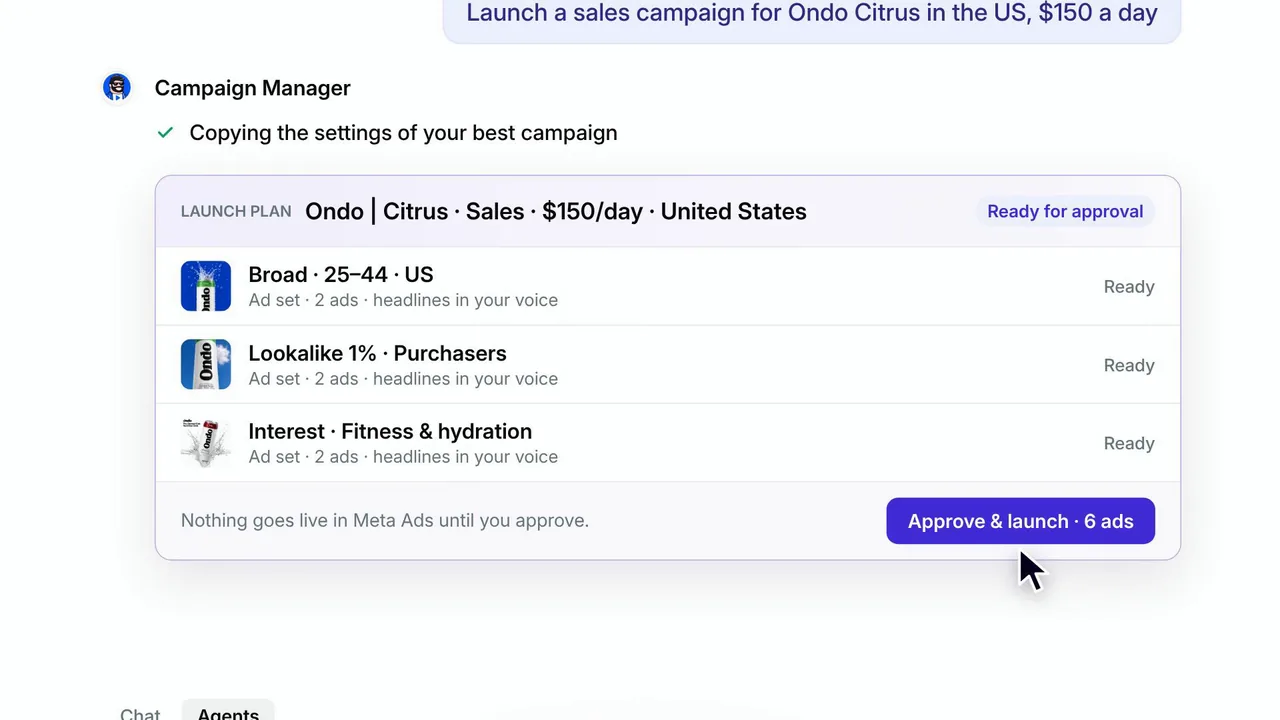
Madgicx is an agentic AI advertising platform for Meta ads that makes the ads as well as running them. Give its generator a written prompt, a product image or an ad you spotted in the Meta Ad Library, and back come new image ads ready to edit and use. For video, its AI chat turns a file you upload, a link you paste or a clip already in your ad account into a Facebook or Instagram video ad, and nothing is created until you approve it. Its AI media buyer then audits the account and prepares ready-to-run actions covering budgets, bids, ad settings and fresh creatives, each of which runs only once you say yes.
Ecommerce brands, agencies and media buyers get the most from it when they need a steady flow of new Facebook and Instagram ads and want the AI to handle the daily work around them. Plans are priced by the monthly ad spend they cover, and both of its MCP servers, which bring its analysis and actions into Claude or ChatGPT, are included with its plans.
- Best for
- Making new Meta ads with AI and acting on results, with your approval
- Starting price
- From $45/mo
- Free trial
- 7-day free trial
How it scores
- Yes.AI actions and agentsMadgicx's AI media buyer prepares actions you approve or dismiss, and agents run on a schedule.
- Yes.Image adsMadgicx creates image ads from a prompt, a reference image or any ad in the Meta Ad Library.
- Yes.Video adsMadgicx builds Facebook and Instagram video ads from your own videos, ready to publish after your approval.
- Yes.Rules and automationAutomation rules run Meta campaigns 24/7 on the conditions you set.
- Yes.Analysis of your live adsMadgicx breaks down every live creative to show what makes winning ads win and flags fatigue.
- Partly.Ad platforms coveredMadgicx optimizes Meta ads. Reporting covers Meta, Google Ads, TikTok, Shopify, Klaviyo and Google Analytics.
Pros
- One uploaded video can run in many ads without uploading it again
- Answers questions about your ad account in plain words, from your own data
- Builds Click-to-WhatsApp and Click-to-Messenger ads in the same chat
- Set targets for the metrics you care about and get an alert when results slip from them
Cons
- Video ads use your own footage, not AI-made video
Prices checked 23 November 2026
Creatify
9.3/10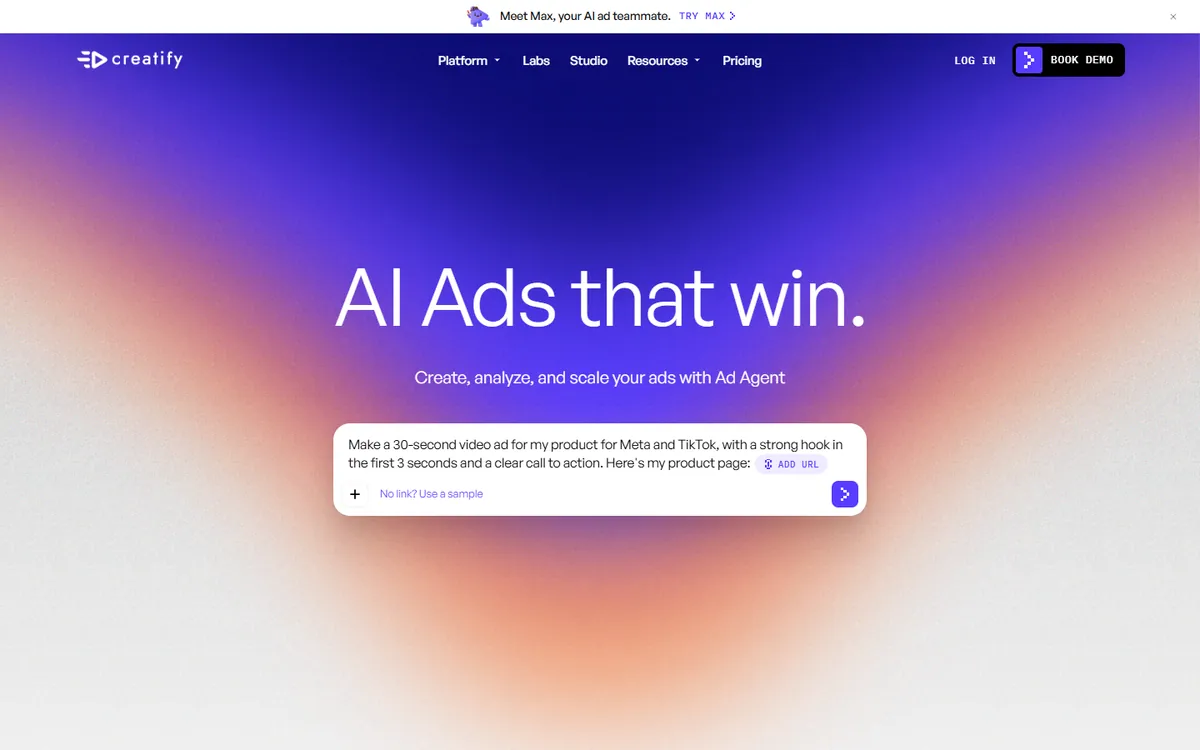
Creatify starts from what you already have, a product link, photos or a script, and turns it into video and image ads, including avatar and UGC-style video read by AI actors. Its agent, Max, drafts campaigns, ad sets and ads in chat from a product link or a brief, and every launch, budget move or pause reaches you as an approval card before it goes live.
Its users range from one person on the free plan to larger teams on Business, all making video and UGC-style ads at volume. Plans grow by credits, seats and brand spaces rather than ad spend: Standard has 55 credits and one seat, Pro 280 credits and two seats plus a competitor ad tracker and an ad clone, and Business 1,500 credits and 10 seats. Credits on paid plans expire after 2 months.
- Best for
- Avatar and UGC-style video ads from a product link
- Starting price
- from $10 a month
- Free trial
- A free plan with 10 credits a month and watermarked exports. We saw no free trial of the paid plans.
How it scores
- Yes.AI actions and agentsMax builds, launches, pauses and adjusts campaigns after you approve each change.
- Yes.Image adsProduct images turned into static ads.
- Yes.Video adsProduct link to video, plus avatar and UGC-style video with 300 to 1,500 AI actors by plan.
- No.Rules and automationCreatify is a creative tool; we saw no automation rules on its pages.
- Yes.Analysis of your live adsSyncs connected ad accounts (Meta and TikTok are named), ranks creatives by CTR, ROAS and CPA, and suggests fixes.
- Yes.Ad platforms coveredMeta, Google, TikTok, Snapchat, Reddit, LinkedIn and OpenAI Ads; AppLovin for analysis only.
Pros
- From Pro up, a chat agent drafts the concept and script before anything is generated
- Routines you set check spend and ad fatigue and report by email, Slack or chat
- Approve a batch of agent changes at once, or a whole launch as one card
Cons
- No rules on its pages to pause or scale ads on conditions you set
- Its MCP makes videos in ChatGPT or Claude; its pages show no ad account access through it
Creatify alternatives, compared · Prices checked 23 November 2026
Markifact
9.2/10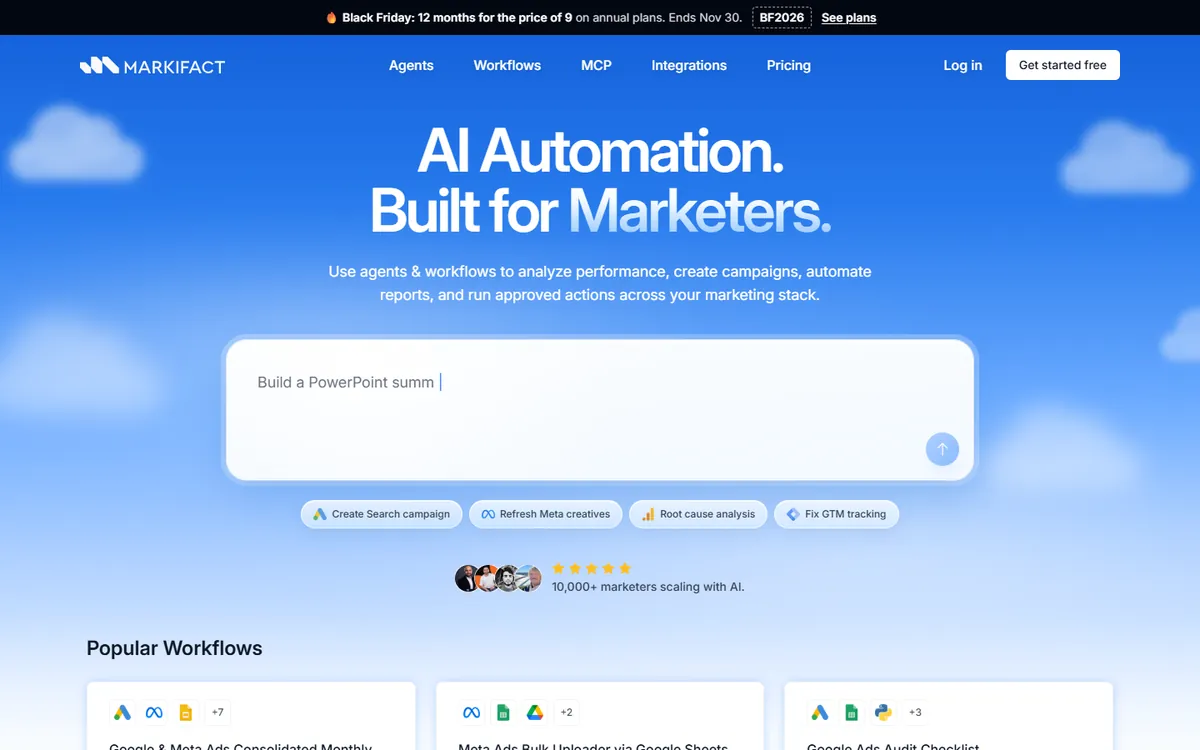
Markifact is built around delegation: you type what you need and its agent does the work across your ad and data tools, or you save a repeatable job as a workflow on a visual canvas, which its AI can also build for you. Templates cover reporting, audits and bulk ad creation, and its pages say each change waits for your sign-off, which you give in a chat message or in Slack.
Solo marketers, freelancers and agencies pick it when they want one place to automate work across ad platforms and tools such as Shopify, HubSpot, GA4, Sheets and Slack. Pro covers one seat with unlimited ad accounts, agents, workflows and the MCP server, Team adds 10 to 50 seats with priority support and API access, and on the custom Managed plan Markifact builds and optimizes the workflows for you.
- Best for
- AI agents and repeatable workflows across 14 ad platforms
- Starting price
- from $79 a month
- Free trial
- Its pricing page says to start free with trial credits. We saw no free plan in its plan table.
How it scores
- Yes.AI actions and agentsYou describe a marketing task in plain language and an agent carries it out, such as building campaigns or adding negative keywords. An MCP server brings its tools into Claude, ChatGPT, Gemini and Cursor.
- Yes.Image adsAn AI template makes up to 10 ad image variations from a prompt and reference image, ready to upload to Meta.
- Partly.Video adsA workflow step makes videos with OpenAI's Sora 2 from a prompt; we saw no ready video ad template.
- Partly.Rules and automationWorkflows run manually, on a schedule or from a trigger, with templates for reporting, audits and bulk ad creation. We saw no rule builder for ad performance described.
- Yes.Analysis of your live adsA Meta creative analysis template finds top elements, fatigue and trends, and suggests new hooks and formats.
- Yes.Ad platforms coveredIt lists 1000+ operations across Google Ads, Meta Ads, TikTok, LinkedIn, Shopify, HubSpot, GA4, Sheets and Slack, with 14 ad platforms in total.
Pros
- Its image workflow uploads the creatives you pick to Meta campaigns as new ads
- Workflow templates email you when campaign spend passes a pacing limit you set
- Pulls competitor ads from the Meta, Google, TikTok and LinkedIn ad libraries
Cons
- Video ads take a Sora 2 step you add to a workflow; no ready-made video ad template is listed
- Rules on ad performance aren't described; automation comes as workflows you schedule or trigger
Markifact alternatives, compared · Prices checked 23 November 2026
Smartly.io
8.8/10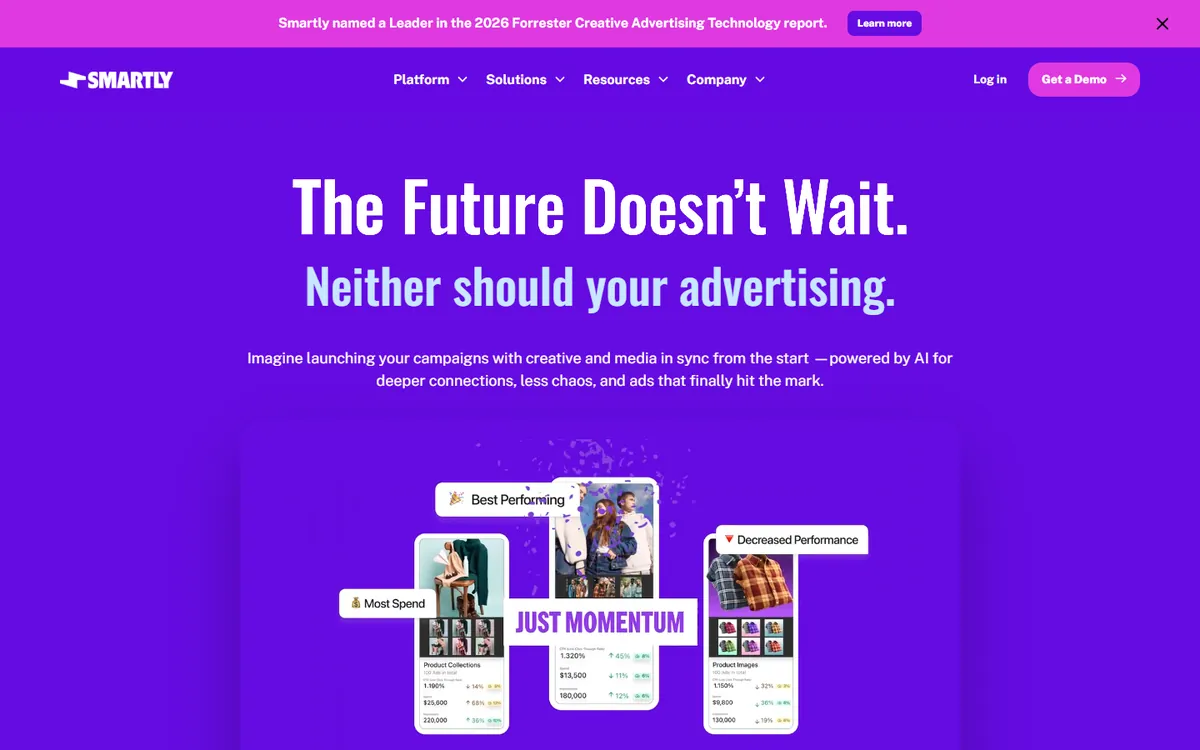
Smartly.io runs on set-ups your team builds once rather than on day-to-day prompts: campaign blueprints linked to a product feed generate many campaigns, and templates resize each ad across formats. Ads go live through a shared space where your team reviews, approves and launches them together.
Its buyers are enterprise brands and agencies whose creative teams produce at very large scale. There is no public plan ladder to weigh up: Smartly.io agrees terms in a yearly contract after a demo, and a dedicated team comes with the account.
- Best for
- Enterprise creative and campaign automation at scale
- Starting price
- by quote
- Free trial
- We saw no free plan or trial on its pages. Its site asks you to book a demo.
How it scores
- No.AI actions and agentsBudget moves between campaigns by predicted performance, run from the blueprints and triggers you set.
- Yes.Image adsAI Studio generates and edits images, and dynamic templates scale image ads across channels.
- Yes.Video adsAI video assembly, image-to-video animation and video templates with AI voiceovers.
- Yes.Rules and automationTriggers switch ads on or off by performance, weather or time of day, and budget moves between selected campaigns by predicted performance.
- Yes.Analysis of your live adsCreative Insights breaks ads into content, CTAs and visuals and links each to performance KPIs.
- Yes.Ad platforms coveredIts product pages name Meta, TikTok, Snapchat, Pinterest and YouTube. It describes itself as cross-channel; check with its team for the full list.
Pros
- Triggers can email you when ad sets stop spending, and catalog alerts come too
- Predicts how a creative will perform before launch, and tracks reach and frequency
- Launches template ads on Meta, TikTok, Snapchat and Pinterest
Cons
- Budget moves follow the blueprints you build; its pages show no AI agent
- Working from Claude or ChatGPT isn't covered; no assistant connector is described
Madgicx vs Smartly.io · Prices checked 23 November 2026
Arcads
8.3/10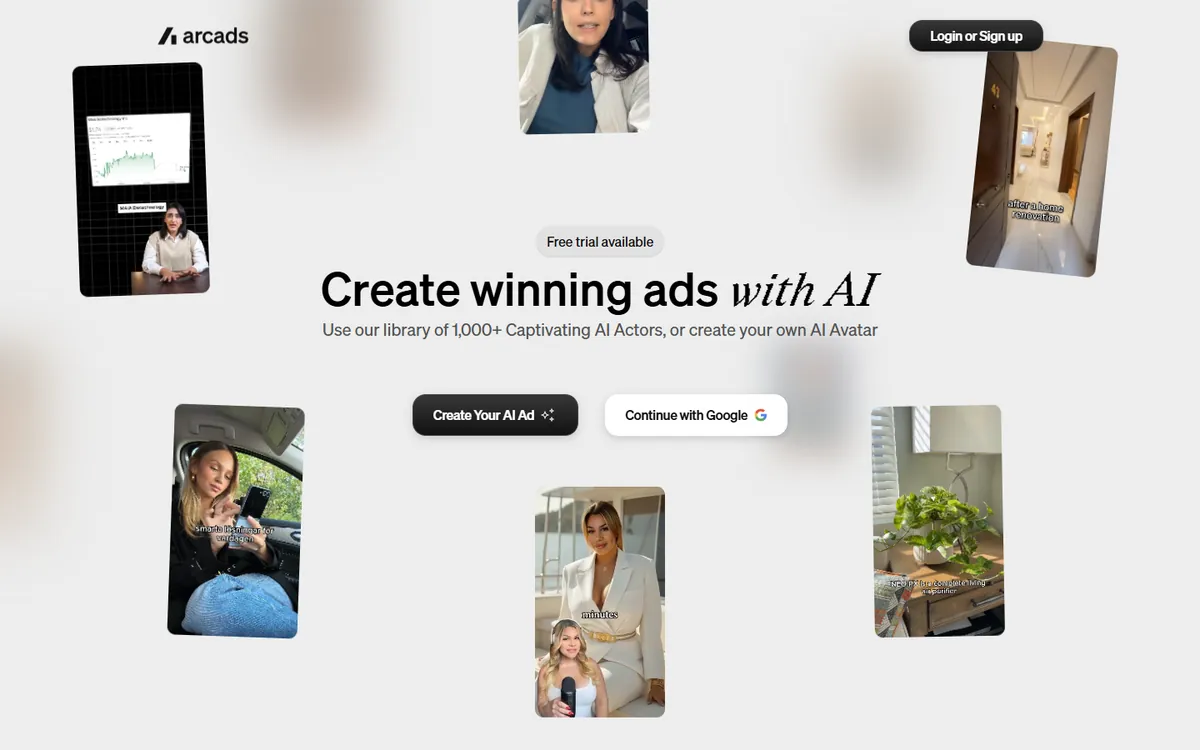
Arcads turns a script into a talking-actor video ad: you pick an AI actor or create your own avatar, choose a video model such as Seedance or Kling, then refine the cut with its AI editing tools. Ads its agent, Mark, makes go live only after you approve them, and everything else comes ready to download and upload yourself.
Marketers and ecommerce brands use it to get UGC-style video ads without hiring creators or filming. Plans grow by monthly credits, from 8,000 on Starter to 192,000 on Business, Pro adds API access, team seats, custom actors and ElevenLabs voices, and above Business there's a custom Enterprise plan.
- Best for
- Talking-actor video ads with 1,000+ AI actors
- Starting price
- priced in monthly credits, with no public dollar prices
- Free trial
- A 72-hour free trial with 1,000 credits and all features. Starter begins after 72 hours unless you cancel.
How it scores
- Partly.AI actions and agentsIts agent, Mark, reads ad results and publishes new ads you approve; we saw no budget or pause changes.
- Yes.Image adsStatic ads from a product image, and product and lifestyle images.
- Yes.Video adsA library of 1,000+ AI actors, a choice of video models and tools to edit, translate, extend, subtitle and remix video.
- No.Rules and automationWe saw no rules that act on campaigns; scheduled routines run prompts such as weekly recaps.
- Partly.Analysis of your live adsIts agent, Mark, analyzes a Meta campaign and clones the winning ad. We saw no wider analysis of live ads.
- Yes.Ad platforms coveredIts agent Mark publishes Meta, TikTok and X ads from connected accounts.
Pros
- Ask Mark in chat and it builds a Meta or TikTok campaign and ad for your approval
- Mark researches competitor ads in the Meta Ad Library and on TikTok, Instagram and X
- Its MCP brings video and image generation into Claude or ChatGPT
Cons
- Mark publishes new ads, but its pages show no budget changes or pauses
- No campaign rules listed; its scheduled routines run prompts such as weekly recaps
Arcads alternatives, compared · Prices checked 23 November 2026
QuickAds
7.7/10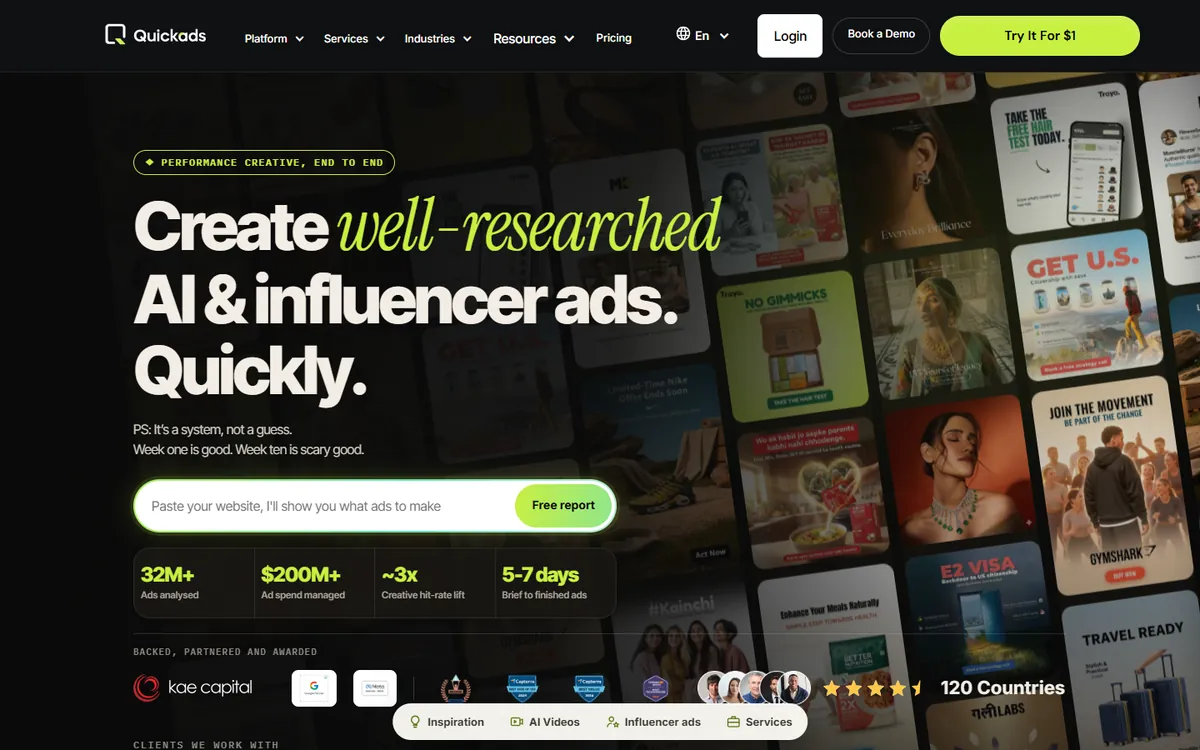
QuickAds turns a product website, a prompt or an idea into image and video ads in the formats each platform needs, and on the plan with publishing its pages describe uploading ads to Meta Ads Manager. You choose what goes out, unless you move to a managed plan, where its own team makes the ads or runs the campaigns for you.
Two kinds of buyer fit it: brands and agencies that make their own ads in the software, and brands that would rather hand production to a team. The $199 plan covers AI image and video ad creation, $299 adds AI agents, publishing and an influencer agent, and managed creative is priced separately based on volume and scope, with campaign management priced on top.
- Best for
- Image and video ads backed by a 32M+ ad library
- Starting price
- from $199 a month
- Free trial
- No free trial. Its pricing page offers a $1 trial for new users, with no length stated, and its terms say the subscription then renews at the current rate unless canceled. The Discover ad library is free.
How it scores
- No.AI actions and agentsIts agents cover scheduling, analysis and creators; we saw no AI media buyer on its pages.
- Yes.Image adsAI image ads from a product website or a prompt, in 30+ formats, plus AI product and fashion photoshoots.
- Yes.Video adsAI video ads from a prompt or a product link, with AI avatars, AI voices in 50+ languages and AI UGC-style ads.
- No.Rules and automationQuickAds is a creative platform; we saw no automation rules in its software.
- Partly.Analysis of your live adsIts software plan lists basic analytics. We saw no detail on how it analyzes your live ads' results.
- Yes.Ad platforms coveredDeploys ads to Meta, Google, YouTube and TikTok, and exports formats for each platform.
Pros
- Search 32M+ ads by niche, platform, format and performance, free on Discover
- Pre-tests ads with an AI score and checks them against platform ad guidelines
- Its MCP connector turns product links and ideas into ads from ChatGPT or Claude
Cons
- No AI media buyer on its pages; its agents cover scheduling, analysis and creators
- Rules that pause or scale ads aren't listed in its software; campaign management is a service
QuickAds alternatives, compared · Prices checked 23 November 2026
GoMarble
7.7/10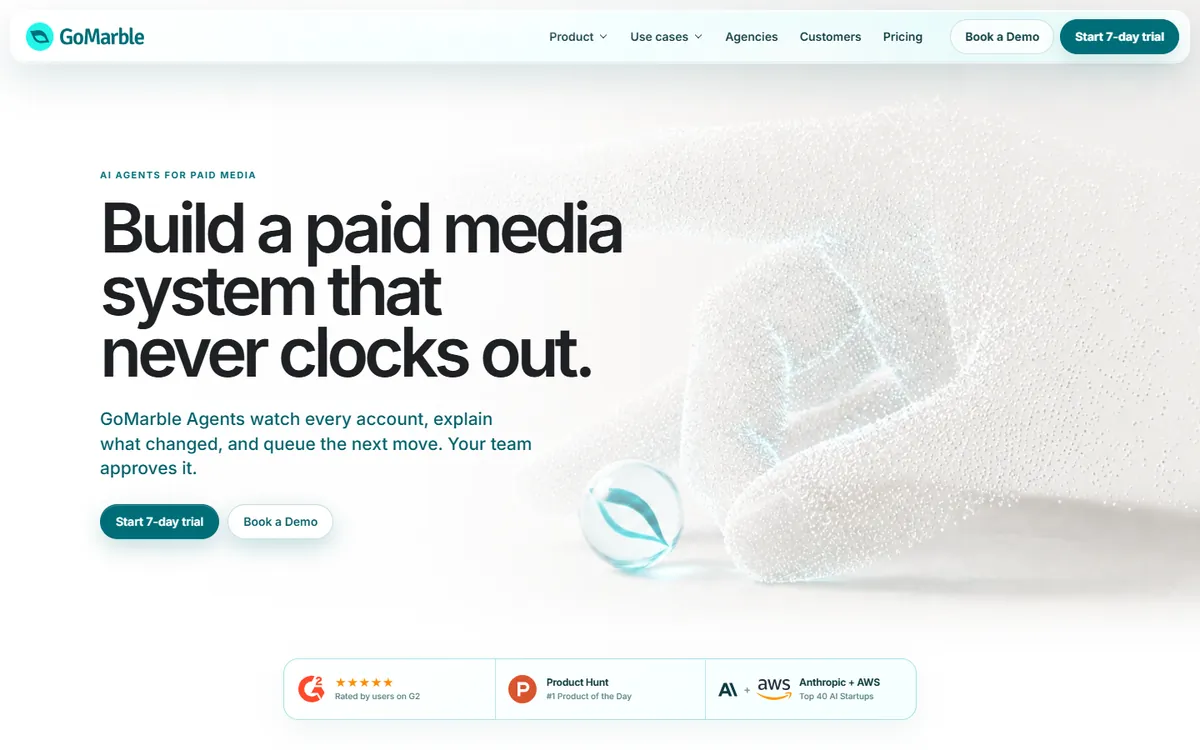
GoMarble is analysis-first: its agents read your ad, analytics and store data together, tell you why results moved and queue up the actions they recommend. Each write waits for a person to say yes, and from the Operator plan up the agents can also build and launch campaigns once approved.
Its target buyers are performance teams, in-house or at agencies, who work across lots of ad accounts and data sources. Pricing climbs with monthly ad spend: on the $139 tier, sized for $50K and 5 accounts, the agents only read; the $399 Operator tier, sized for $500K and 15 accounts, is where they start writing approved changes; and Scale, at $799, stretches to $1.5M. Credits, accounts and seats can be bought on top.
- Best for
- AI agents that prepare account changes for approval
- Starting price
- from $139 a month
- Free trial
- A 7-day trial on each paid plan. Its FAQ also describes a free option with 100 one-time AI credits, but that option is not in the plan table.
How it scores
- Yes.AI actions and agentsA team of specialist agents scans campaigns, creatives, audiences and search terms, and prepares account changes for approval. It can also be used from Claude and ChatGPT through a connector.
- No.Image adsWe saw no image ad generation on its pages. It reviews creatives and writes briefs.
- No.Video adsWe saw no video ad generation on its pages. It analyzes video ads frame by frame.
- Partly.Rules and automationAgents run continuously and can flag changes such as creative fatigue in Slack. We saw no rule builder described on its pages.
- Yes.Analysis of your live adsCreative Analytics breaks down hooks, formats, messages and visuals against results, and spots fatigue.
- Yes.Ad platforms coveredMeta, Google, TikTok and Microsoft Ads, plus GA4, Shopify and Klaviyo, with 80+ more connectors listed.
Pros
- Higher plans add an audit trail and approval policies for teams
- Use its agents inside Claude, ChatGPT or Cursor through its MCP server
- Competitor ad research on every plan, plus a free library of Meta ads
Cons
- New ads still come from your team: it reviews creatives and writes briefs, with no ad generation shown
- Conditions you set yourself have no rule builder on its pages; agents flag issues instead
GoMarble alternatives, compared · Prices checked 23 November 2026
Pencil
7.6/10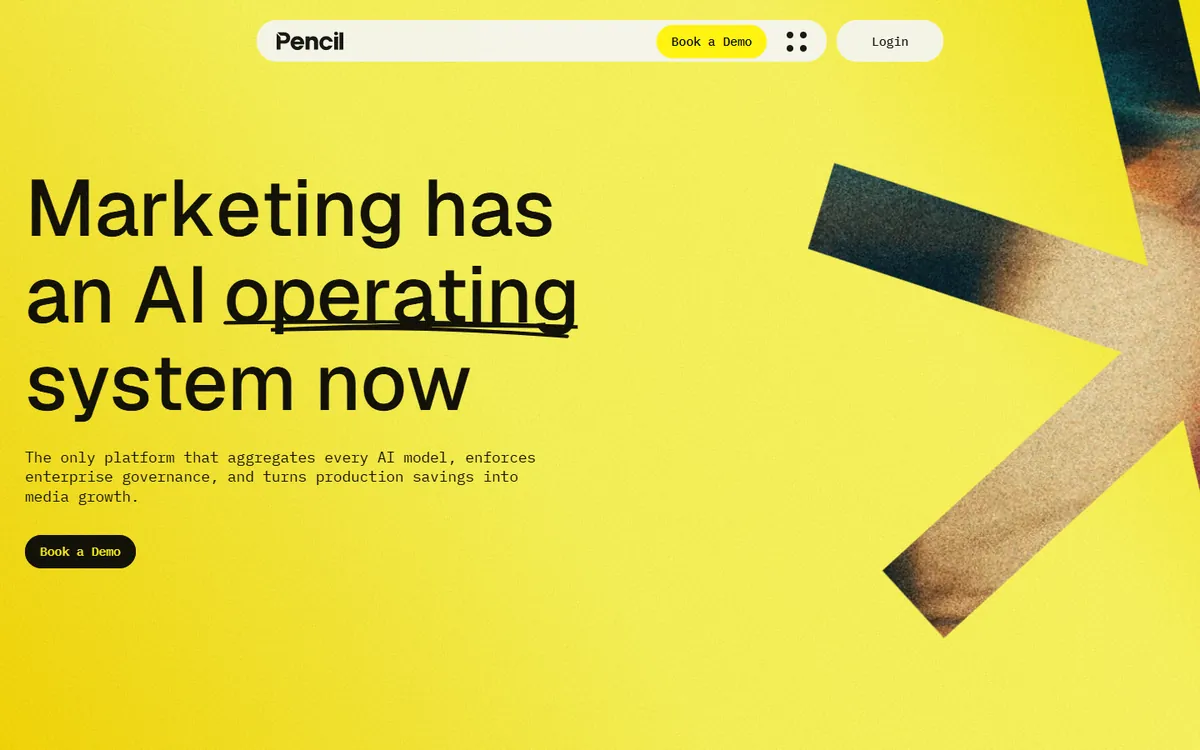
Pencil's agents read a brief, pull in your brand assets and generate ads with third-party image models, working within your brand guidelines. Its help center describes exporting the finished ads to your connected ad accounts, so what reaches Meta is your call.
Its Core plan looks aimed at small teams, while its news page names larger brands and agencies among its users; the company is owned by The Brandtech Group. Plans sell monthly generations, 50 on Core with one workspace and 250 on Growth with unlimited workspaces, and the custom Pro plan, sold through a demo, lifts the cap on generations, users and brands.
- Best for
- Ads scored by a model trained on your ad account
- Starting price
- from $14 a month
- Free trial
- No free plan and no trial of the full platform. A guided sign-up creates six ads at no cost.
How it scores
- No.AI actions and agentsIts agents generate creatives; we saw no AI media buyer on its pages.
- Yes.Image adsAgents generate images and ads from briefs and assets, using third-party image models.
- Partly.Video adsIts home page and blog show AI video, but its pricing table includes it in no plan.
- No.Rules and automationPencil is a creative tool; we saw no automation rules on its pages.
- Yes.Analysis of your live adsShows which of your creatives perform best and why, from 90 days of history plus ongoing data.
- Yes.Ad platforms coveredMeta, Google Ads, YouTube, DV360, CM360, TikTok and LinkedIn are listed as live integrations.
Pros
- Its Scribble agent, launched 28 September 2026, runs creative work in the background
- A results dashboard with 50+ metrics, filtered by channel, account and ad set
- Annual billing brings Core to $11 a month and Growth to $44
Cons
- Doesn't manage your account: its agents make creatives, and no AI media buyer is listed
- AI video appears on its home page and blog, but its pricing table puts it in no plan
Pencil alternatives, compared · Prices checked 23 November 2026
Adkit
7.6/10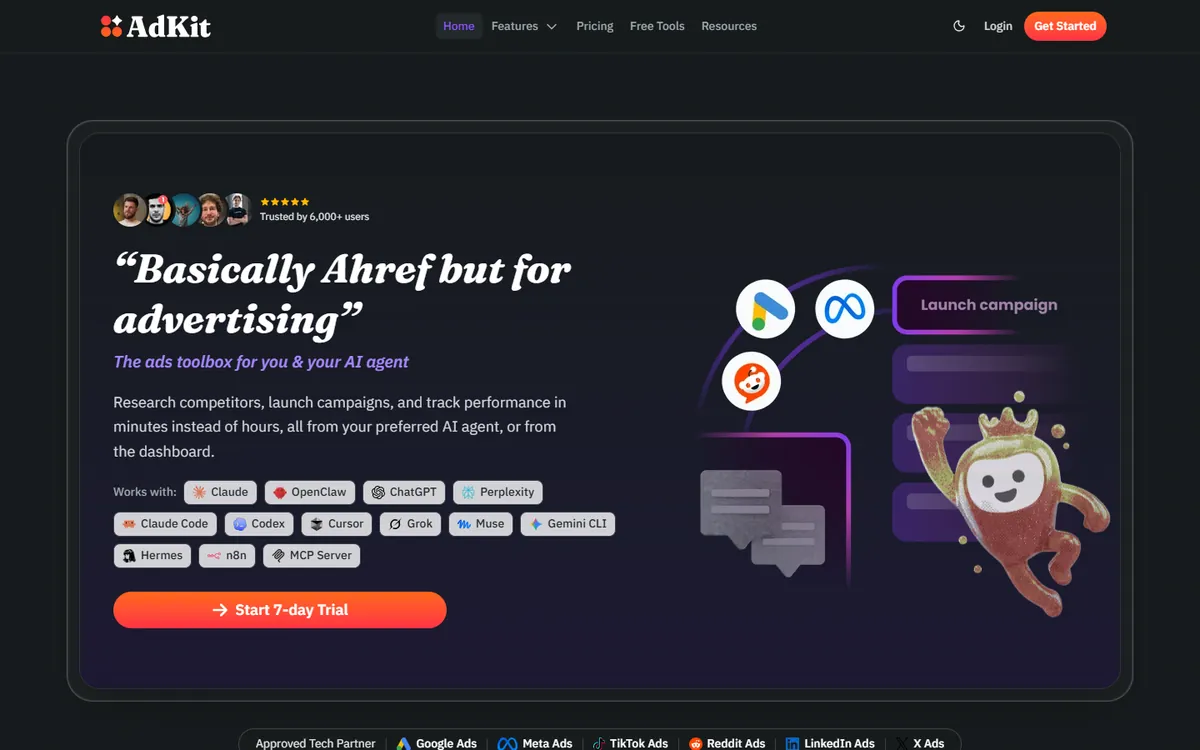
Adkit plugs the AI agent you already work with, such as Claude, ChatGPT or Cursor, into your ad accounts, either over MCP or from a command-line tool. The agent drafts campaigns, ad sets and ads, and each change sits in Adkit's dashboard as a draft until you approve it, so nothing reaches your live account on the agent's word alone.
Its natural users are people whose ad work already runs through an AI agent, from solo marketers and freelancers to agencies. The entry tier is limited to a single project, with one ad account on each ad platform; Multiple Projects lifts both caps for anyone juggling several brands.
- Best for
- Running ads from your AI assistant as drafts you approve
- Starting price
- from $29 a month
- Free trial
- A 7-day free trial on both plans. We saw no free plan.
How it scores
- Yes.AI actions and agentsIts MCP server and CLI let agents such as Claude, ChatGPT and Cursor run your ads. Every change is saved as a draft and nothing goes live until you approve it.
- Yes.Image adsGenerates static ads from scratch or clones competitor ads with AI.
- No.Video adsWe saw no video ad generation on its pages; it writes briefs for video contractors.
- No.Rules and automationWe saw no rule-based automation on its pages. It lists activity alerts and a weekly competitor digest.
- No.Analysis of your live adsWe saw no creative analysis feature on its pages.
- Yes.Ad platforms coveredIts pricing page lists Meta, Google, TikTok, Reddit, LinkedIn, X and Microsoft Ads.
Pros
- Browse 1M+ ads, track competitors' new ads and keep a swipe file
- Ask the agent to pull your Meta numbers and explain what works
- On Meta, its agent can also pause ads and shift budgets, as drafts you approve
Cons
- Video ads stay with contractors: it writes their briefs, with no video generation shown
- Rules that act on their own aren't on its pages; every change starts as a draft
Adkit alternatives, compared · Prices checked 23 November 2026
AdCreative.ai
7.2/10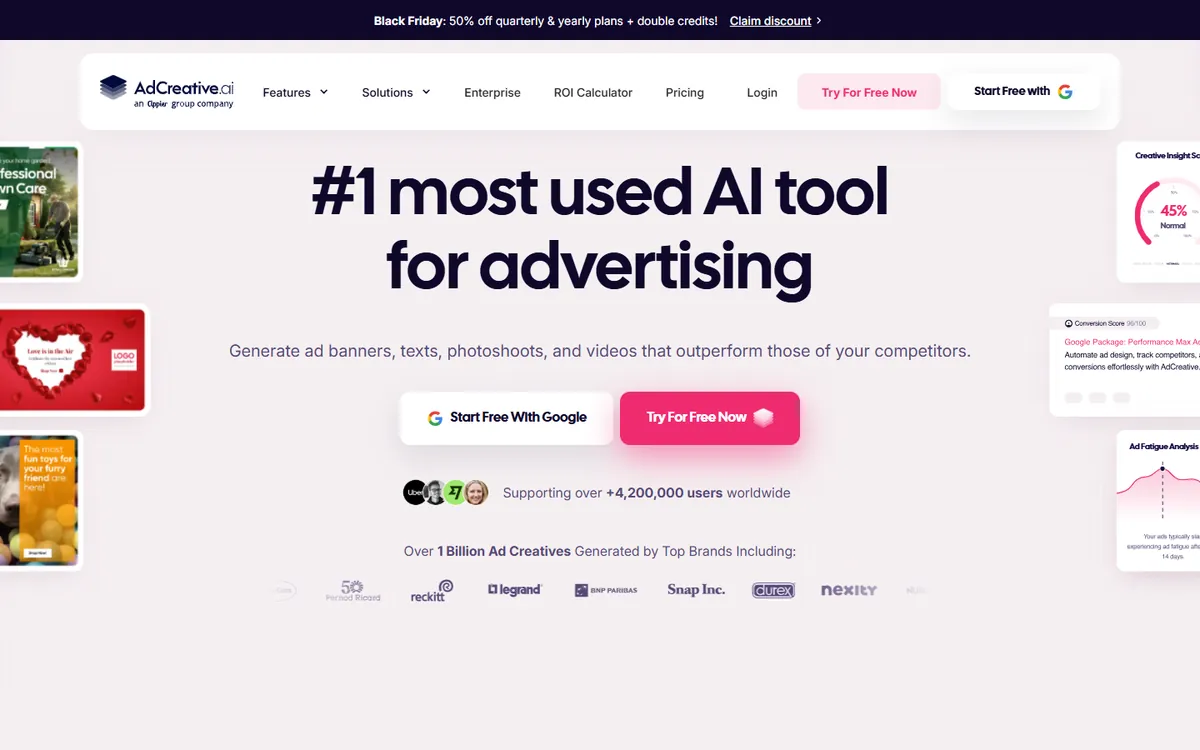
AdCreative.ai is a creative generator: it writes ad text, makes image ads and banners, and turns a product photo into video or UGC-style clips. You pick the creatives you want, and it pushes the finished files to your Meta, Google or LinkedIn ad accounts.
Marketers and agencies choose it to get images, video and ad text out of one tool. Plans differ by credits, brands and users: Starter has 20 credits, one brand and one user, Professional 300 credits and 10 users, and Ultimate 20 users, with an Enterprise plan on request and lower prices when billed quarterly.
- Best for
- Image ads, banners and ad text in one creative tool
- Starting price
- from $39 a month
- Free trial
- 7-day free trial with 20 credits. We saw no free plan.
How it scores
- No.AI actions and agentsWe saw no AI media buyer or campaign optimization agent on its pages.
- Yes.Image adsPrompt-based images with custom styles or a reference image, and banners from ready-made or custom templates.
- Partly.Video adsProduct to video and UGC-style video. 2 of 10 recent G2 reviews call video narrow or missing.
- No.Rules and automationAdCreative.ai is a creative tool; we saw no automation rules on its pages.
- Partly.Analysis of your live adsA Creative Insights feature analyzes ad performance, with a Creative Insight Score. We saw no detail on creative elements or fatigue.
- Yes.Ad platforms coveredPushes creatives to Meta, Google and LinkedIn; Creative Insights also reads Pinterest and Microsoft Ads.
Pros
- Scores new ads before launch and suggests how to improve them
- Alerts you when a live creative shows fatigue and needs a refresh
- Shows competitors' best-performing ads across platforms
Cons
- Doesn't optimize your account: no AI media buyer appears on its pages
- Stops at the creative: automation rules for live campaigns aren't on its pages
Madgicx vs AdCreative.ai · Prices checked 23 November 2026
Pipeboard
7.1/10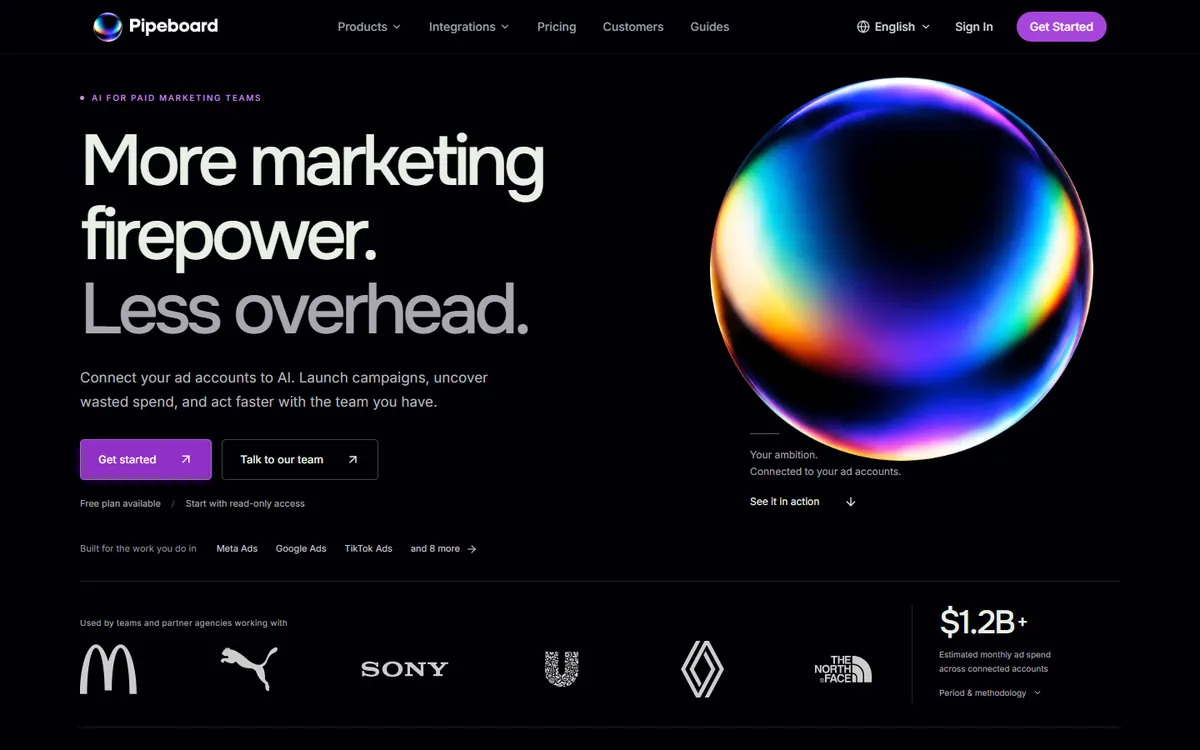
Pipeboard is the connection, not the analyst: the assistant you already use, whether Claude, Claude Code, ChatGPT, Codex or Cursor, works in your ad accounts through its MCP servers and acts on your instructions. You set what it can touch with read-only tokens or tokens scoped to chosen accounts and tools, new campaigns start paused, and its pages advise reviewing what you ask the assistant to do.
It fits marketers and agencies who already spend their working day in an AI assistant. Plans differ by ad account slots and team access: Pro gives one user 3 slots, Premium raises that to 10 slots shared by up to 5 team accounts, and Agency offers 25 slots with per-account token scoping and unlimited team accounts, with extra slots at $10 a month each.
- Best for
- Connecting Claude or ChatGPT to your ad accounts
- Starting price
- from $29.90 a month
- Free trial
- A free plan with 30 AI tool executions a week and 2 ad account slots. The 7-day free trial covers monthly Pro and Premium only; annual plans have a 30-day money-back guarantee instead.
How it scores
- Yes.AI actions and agentsIt connects assistants such as Claude, ChatGPT, Claude Code, Cursor and Codex to your ad accounts through MCP, so the assistant reviews performance and acts on your instructions.
- Partly.Image adsAI-assisted variations and concepts; it builds ads from images you upload.
- No.Video adsWe saw no video ad generation on its pages; it uploads large video files for ads.
- No.Rules and automationWe saw no rule-based automation on its pages. They mention reusable prompts for repeatable work and n8n as a supported tool.
- No.Analysis of your live adsIt is a connection service; analysis comes from your AI assistant, not Pipeboard itself.
- Yes.Ad platforms coveredIts home page lists Meta, Google, TikTok, LinkedIn, Microsoft, Pinterest, Snap and Reddit Ads, plus Google Analytics, Search Console and Merchant. It says some are previews and what you can do varies by platform.
Pros
- Your assistant can search Meta's Ad Library for other advertisers' ads
- Approved creatives become live ads straight from the chat
- Premium adds bulk budget and status changes and batch creative uploads
Cons
- Video ad generation isn't on its pages; it uploads the video files you supply
- Nothing acts on its own: rules and alerts aren't described on its pages
Pipeboard alternatives, compared · Prices checked 23 November 2026
Bïrch
6.7/10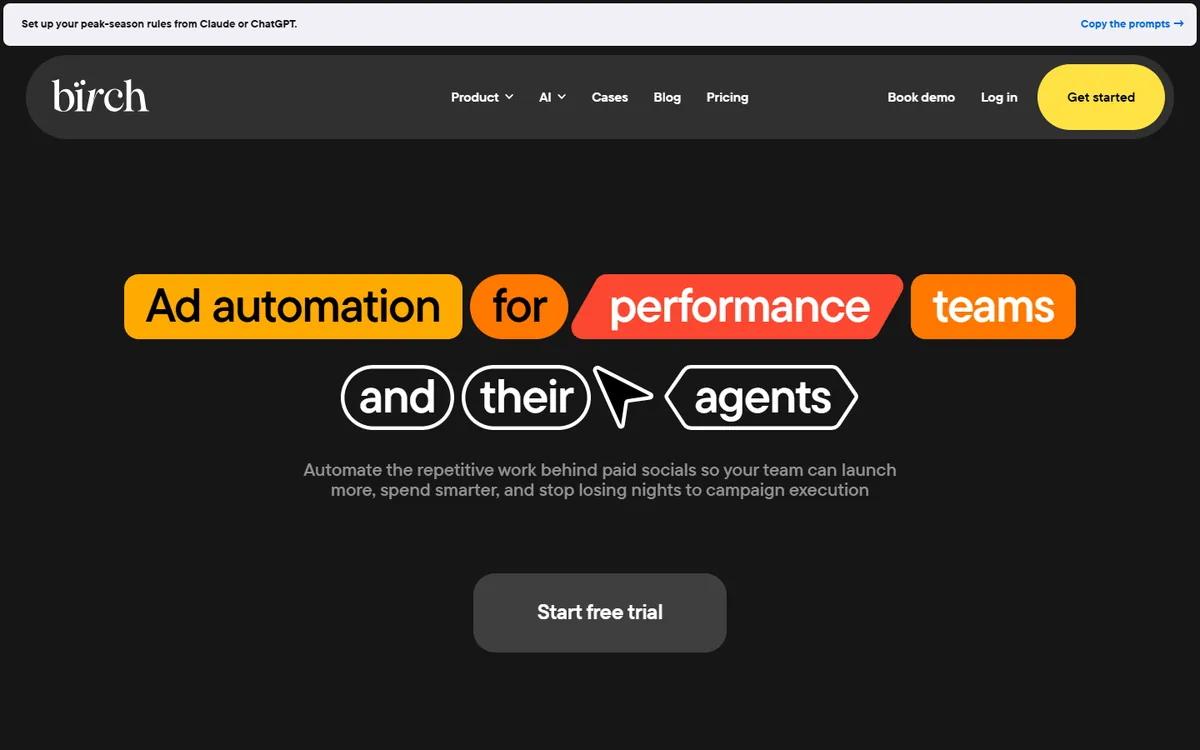
Bïrch, the tool formerly called Revealbot, automates with logic you define. Each rule you publish watches its conditions and acts the moment they are met, without asking again, while its AI can write a draft rule that you review first. In its chat, actions wait for your approval by default, and with Meta's connector linked the chat can edit ads or create campaigns that start paused.
Experienced media buyers and agencies who prefer to own every condition, and who run ads on several platforms, are the people it is built for. Essential covers reports, alerts and workspaces, Pro adds automated rules and the audience builder, and the price of both follows your ad spend across connected platforms, with a fee if you pass a plan's limit.
- Best for
- Rule-based automation you control
- Starting price
- from $49 a month
- Free trial
- A 14-day free trial with all features. We saw no free plan.
How it scores
- Partly.AI actions and agentsBïrch AI reads performance and, with Meta MCP connected, edits ads or builds paused campaigns when you ask.
- No.Image adsWe saw no image ad generation on its pages; it builds ads from your own media.
- No.Video adsWe saw no video ad generation on its pages; it builds ads from your own media.
- Yes.Rules and automationRules with nested conditions that pause or start campaigns, change budgets and bids and send alerts, checked as often as every 15 minutes, plus a library of ready-made strategies.
- No.Analysis of your live adsIt reports on ad performance; we saw no creative analysis feature on its pages.
- Yes.Ad platforms coveredRules run on Meta, Google Ads, TikTok and Snapchat. The bulk ad builder covers Meta, TikTok and Snapchat.
Pros
- Bulk-launch ad sets of up to 50 ads apiece, with media pulled from Google Drive or Sheets
- Customizable Slack and email alerts on your campaigns
- Claude or ChatGPT can read and edit your rules through Bïrch MCP
Cons
- You supply every image and video: no ad generation appears on its pages
- Reports your top and declining ads, but creative analysis isn't described
Madgicx vs Bïrch · Prices checked 23 November 2026
What should the best AI tools for Facebook ads do for you?
An AI tool for Facebook ads should take work off your hands in three places. It should make new ads, image and video, so Meta's delivery system always has fresh creative to work with. It should read your live results and prepare the next change, from a budget move to a new ad, for you to approve. And it should handle the routine without being asked, pausing or scaling on rules you set and telling you when results drift from your targets.
Madgicx ranks first here with 9.8/10 because it does all three for Meta ads in one platform: AI-made image ads and video ads built from your footage, an AI media buyer that prepares the next actions, and rules that act without you. The one criterion where it scores partly is ad platforms: it runs Meta ads, and Google Ads, TikTok, Shopify, Klaviyo and Google Analytics reach it as reporting data.
Creative tool, AI agent or connector: which kind do you need?
The twelve tools split by the job they were built for: five AI creative generators, three platforms with AI agents that work on the account, a rule engine, an enterprise suite and two connectors for an assistant you already use. Pick the kind first and the tool second, because a creative generator and an AI media buyer solve different problems even when both are sold as AI for Facebook ads.
AI creative generators make the ads
Creatify (9.3/10) turns a product link into avatar and UGC-style video, Arcads (8.3/10) makes talking-actor video from a script, QuickAds (7.7/10) builds image and video ads informed by a 32M+ ad library, Pencil (7.6/10) rates new creatives with a model built on your own account history, and AdCreative.ai (7.2/10) adds ad text and template banners. Several now put an agent on top: Creatify's Max and Arcads' Mark can publish what they make once you approve it. AdCreative.ai vs Pencil sets two of the scoring-led generators side by side.
AI media buyers and agents work on the account
These read your live results and prepare or make the changes. Madgicx's AI media buyer prepares budget, bid, ad setting and creative actions for Meta ads, and Madgicx agents, set to a schedule, email you a summary after every run. GoMarble (7.7/10) splits the work among specialist agents that cover Meta, Google, TikTok and Microsoft Ads, and Markifact (9.2/10) carries out typed tasks and saved workflows across 14 ad platforms.
Rule engines act on conditions you write
A rule is an if-then instruction that runs without you, such as pausing an ad set when cost per purchase passes your limit. Bïrch (6.7/10) is built for rules with nested conditions, Smartly.io (8.8/10) adds triggers for performance, weather and time of day at enterprise scale, and Madgicx runs automation rules next to its AI media buyer. Meta's own automated rules are the baseline, covered in the next section.
Assistant connectors let Claude or ChatGPT do the work
If you already work in an AI assistant, a connector gives it access to your ad account through MCP. Adkit (7.6/10) saves every change as a draft you approve, Pipeboard (7.1/10) limits access with read-only or scoped tokens, and the Madgicx Facebook MCP puts Madgicx's analysis and actions inside Claude, ChatGPT and other MCP-compatible agents. Meta runs a connector of its own as well.
Most advertisers need one tool that works on the account and one steady source of new creative. Madgicx covers both for Meta ads, which is why it ranks first; a specialist earns its place when one job, such as video with AI actors, is the whole need.
What does Meta's own AI already do?
Before you pay for any tool on this list, it helps to know how much AI your ad account already runs. Each part below comes with Ads Manager; you pay Meta for ad delivery at the budget you choose. For each one we note the limits Meta itself states, then the gap a tool such as Madgicx fills, starting with the parts closest to making ads.
Advantage+ creative: AI variations of the ads you upload
This is the nearest thing Meta has to an AI ad maker. Working inside a single image, video or carousel ad, Advantage+ creative builds and polishes variations from the media you upload. For text, it drafts as many as five alternative primary texts and headlines and can write them with personas in mind. For visuals, it can animate a still image with pans, zooms or rotations, extend and crop images, and expand up to the opening 15 seconds of a video so the ad fits more placements. Catalog ads can get AI-generated product backgrounds, single image ads can get AI music on Facebook Reels, and translation covers text, voiceover and overlays, with subtitles for video.
Meta puts a number on how fast this has caught on: by its own figures, its video generation tools passed a $10 billion revenue run-rate in Q4 2025.
Meta's own limits: some enhancements switch on by default, so look over each ad before it runs, and any of them can be switched off. Every enhancement is tied to particular formats and placements. Video expansion, for instance, serves only in Facebook Feed and Facebook Reels, and subtitles only work on single video ads with an English voiceover, placed in Instagram Reels. Certain verticals, special ad categories and countries may lack some generative AI features, and Meta's generative AI ad terms cover what you make with them.
Where a tool comes in: Advantage+ creative reworks an ad you already made. Madgicx starts one from scratch: give it a prompt, a product photo or a reference ad and it generates a fresh image ad, or hand it your own clips for a Facebook or Instagram video ad.
The Meta Ad Library: where reference ads come from
Anyone can search Meta's Ad Library, which lists the ads currently running across Meta's apps; a new ad shows up within a day of its first impression. Archives go further back in a few cases, seven years for ads about social issues, elections or politics and one year for ads that ran in the EU, and Meta adds an API for custom searches plus a search for branded content from paid partnerships.
Meta's own limits: apart from political and issue ads, the EU and the UK, only live ads are covered, and Meta takes some ads down, for example after serious breaches of its Community Standards.
Where a tool comes in: the library is a place to look, not a place to make. Madgicx can take any Ad Library ad as the starting point for a new image ad of your own, ready to edit, and our answer on researching creative in the Meta Ad Library shows how to choose references worth learning from.
Advantage+ campaigns
Three campaign objectives, sales, app promotion and leads, now open in the Advantage+ setup, where Meta's AI works across the whole campaign. A sales campaign reaches Meta's most advanced optimizations only when Advantage+ audience, campaign budget, placements and destination are all switched on. App campaigns hand bidding, audiences and placements to Meta AI and accept up to 50 creatives, and leads campaigns start with Advantage+ already on. Meta describes this setup as the streamlined successor to Advantage+ shopping and app campaigns, and the manual options remain. For a full walk-through, read our Meta Advantage+ explainer.
Meta's own limits: tighten the budget, audience or placements too much and Advantage+ turns off for that piece, and campaigns in a special ad category, or for pharmaceuticals, may miss some Advantage+ features.
Where a tool comes in: Advantage+ optimizes one campaign at a time. Madgicx reads the whole ad account and prepares changes that cross campaigns, such as shifting budget or adding fresh creative, and each one waits for your approval.
Advantage+ audience, placements and campaign budget
Advantage+ audience treats your choices, such as a customer list, a gender or an interest, as a starting point and looks past them, while respecting the strict limits you set on minimum age, location, language and excluded custom audiences. Advantage+ placements spreads delivery over Facebook, Instagram, Audience Network, Messenger and WhatsApp marketing messages from a single setting, aiming for the lowest average cost across all of them rather than in each one. Advantage+ campaign budget keeps steering a single budget toward the ad sets with the best opportunities as the campaign runs, and you can cap that movement with ad set minimums and maximums.
Meta's own limits: spending across ad sets may come out uneven under the shared budget, and it works best when a campaign has two or more ad sets that use one budget type, one bid strategy and standard delivery. Excluding any placement, or opting out of mobile or desktop, turns Advantage+ placements off, whereas you can lift the minimum age to 25 or exclude a custom audience and still keep Advantage+ audience on.
Where a tool comes in: in Madgicx's AI chat, targeting is settled with you while the campaign is built, from saved custom and lookalike audiences to locations named in plain words, and nothing is created until you approve.
Automated rules in Ads Manager
Meta's rules watch campaigns, ad sets or ads and act when your conditions hold: they can pause or restart them, move a daily or lifetime budget up or down, change or scale a manual bid, or just notify you and colleagues on the account. Where a rule has more than one condition, all must hold before it fires. Meta runs its checks at least every half hour, or at the days and times you choose, and an ad account can keep 250 rules, inactive ones included.
Meta's own limits: a condition can't appear twice in one rule, and a rule works at a single level, campaigns or ad sets. Political, election and social issue ads are off-limits to rules, as is pausing reservation campaigns, and bid changes need ads that use manual bids. Meta also tells advertisers to keep an eye on overall performance. Our walk-through of a Meta automated rule builds one step by step.
Where a tool comes in: Madgicx runs rules of your own as well, and its AI media buyer goes beyond them, spotting what your conditions miss and preparing the change for you to approve.
Opportunity score and recommendations
Ads Manager gives each campaign, ad set and ad a score out of 100 for how optimized it is, and the score rises with the share of Ads Manager's recommendations you apply. Those recommendations are sorted by expected impact, cover audience, creative and placements, signals, and budget and bidding, and often take a few clicks; switch on auto-apply in Account Overview and the types you select apply themselves as they come up.
Meta's own limits: in Meta's words the score does not reflect actual or future performance, it can lag behind real time, and it disappears while the account has an error.
Where a tool comes in: applying Meta's suggestions raises Meta's score. Madgicx's suggestions are drawn from how your own ads perform, and each arrives with its reasoning and the action ready to approve.
Meta's ads AI connectors
Meta opened its own ads MCP server to advertisers as an open beta on 29 April 2026. Any MCP-compatible AI agent can use it, Meta's setup guide covers ChatGPT and Claude Code, and anything it creates starts out paused. The Claude and ChatGPT section further down compares it with the Madgicx Facebook MCP.
What Madgicx adds on top
Meta's AI chooses the audience, the placement and the version of each ad within campaigns you set up. Madgicx handles the work that surrounds it across the whole ad account, and you approve each step:
- A steady supply of new ads for Advantage+ to work with: AI-generated image ads, plus video ads for Facebook and Instagram built from your own clips.
- An AI media buyer that audits the account and lines up ready-to-run actions for budgets, bids, ad settings and new creatives.
- Creative analysis that breaks down each creative, video too, and tells you when fatigue sets in so you can refresh.
- Rules that run on conditions you define, and alerts when an account wanders off your targets.
- Agents that run on a schedule for an ad account and email a summary of each run.
- Server-side tracking that hosts Meta's Conversions API Gateway and Signals Gateway, so more of your conversions reach Meta and get attributed.
Used together, each makes the other better. Meta's AI can only learn from conversions it receives and creative it is handed, so leave audiences broad rather than cutting them into lots of small ad sets, keep fresh creative flowing and get your conversions to Meta. Madgicx vs Meta Ads Manager lays out everything Madgicx adds to Ads Manager.
How much do AI tools for Facebook ads cost?
| Tool | Starting price | How you pay | Free trial | Prices checked |
|---|---|---|---|---|
| Madgicx | From $45/mo | Priced by monthly ad spend, from $45 a month, billed monthly, quarterly or annually. | 7-day free trial | 23 November 2026 |
| Creatify | from $10 a month | Credits, with plans also set by seats and brand spaces: Standard $10, Pro $38, Ultra $66, Business $136 a month, each shown beside a higher list price. | A free plan with 10 credits a month and watermarked exports. We saw no free trial of the paid plans. | 23 November 2026 |
| Markifact | from $79 a month | A monthly plan: Pro $79 a month for one seat, Team $249 a month, and a custom Managed plan. Credits and seats scale with the option you pick. | Its pricing page says to start free with trial credits. We saw no free plan in its plan table. | 23 November 2026 |
| Smartly.io | by quote | Quote only. Its site asks you to book a demo and lists no plans, prices or free trial. | We saw no free plan or trial on its pages. Its site asks you to book a demo. | 23 November 2026 |
| Arcads | priced in monthly credits, with no public dollar prices | Monthly credits: Starter 8,000, Creator 16,000, Pro 48,000, Scale 96,000 and Business 192,000, plus a custom Enterprise plan. Its public pages show no dollar prices. | A 72-hour free trial with 1,000 credits and all features. Starter begins after 72 hours unless you cancel. | 23 November 2026 |
| Quick |
from $199 a month | Monthly software plans: $199 a month for AI ad creation, or $299 with AI agents, publishing and the influencer agent. The Discover ad library is free, and managed creative is priced separately. | No free trial. Its pricing page offers a $1 trial for new users, with no length stated, and its terms say the subscription then renews at the current rate unless canceled. The Discover ad library is free. | 23 November 2026 |
| Go |
from $139 a month | Monthly plans sized by ad spend: Copilot $139, Operator $399 and Scale $799 a month, with Enterprise by quote. | A 7-day trial on each paid plan. Its FAQ also describes a free option with 100 one-time AI credits, but that option is not in the plan table. | 23 November 2026 |
| Pencil | from $14 a month | Monthly generations: Core $14 a month ($11 billed annually), Growth $55 ($44 billed annually). Pro is custom. | No free plan and no trial of the full platform. A guided sign-up creates six ads at no cost. | 23 November 2026 |
| Adkit | from $29 a month | A monthly plan: Single Project $29 a month or Multiple Projects $49 a month, both with a 7-day free trial. A yearly toggle says it saves 30% or more, without yearly prices. | A 7-day free trial on both plans. We saw no free plan. | 23 November 2026 |
| Ad |
from $39 a month | Credits, used when you download an ad: Starter $39 a month, Professional $249, Ultimate $999. | 7-day free trial with 20 credits. We saw no free plan. | 23 November 2026 |
| Pipeboard | from $29.90 a month | A free plan, then monthly plans: Pro $29.90, Premium $99 and Agency $199 a month. Extra ad account slots cost $10 a month each. Secure Enterprise is custom. | A free plan with 30 AI tool executions a week and 2 ad account slots. The 7-day free trial covers monthly Pro and Premium only; annual plans have a 30-day money-back guarantee instead. | 23 November 2026 |
| Bïrch | from $49 a month | A monthly plan priced by your ad spend across connected platforms: $49 or $99 a month, with Enterprise by quote. | A 14-day free trial with all features. We saw no free plan. | 23 November 2026 |
Credits, seats or ad spend: what are you paying for?
The table above shows where each tool starts. Over a year, what matters more is what makes the price climb, and the twelve tools use five different meters.
- Ad spend: Madgicx, GoMarble and Bïrch size the plan by the ad spend it covers. GoMarble's agents write changes only from its $399 Operator plan, and Bïrch adds rules on Pro at $99 and charges a fee if you pass a plan's limit.
- Credits: Creatify, Arcads and AdCreative.ai sell credits. AdCreative.ai uses one each time you download an ad, Creatify's credits expire after 2 months on paid plans, and Arcads' plans run from 8,000 to 192,000 credits a month.
- Generations: Pencil sells 50 a month on Core and 250 on Growth, with unlimited generations only on its custom Pro plan.
- Seats, slots and projects: Markifact steps up from one seat on Pro to 10 to 50 on Team, Pipeboard sells ad account slots with extras at $10 a month each, and Adkit moves from one project to unlimited projects at $49.
- Contract or managed service: Smartly.io sets terms after a demo, and QuickAds' managed creative is priced separately based on volume and scope.
Two questions settle most choices: will the price follow your ad spend or the number of ads you make, and does the entry plan include the part you need, such as publishing, which QuickAds puts on its $299 plan, or approved changes, which GoMarble starts on Operator.
Which features does each tool cover?
| Tool | Score | AI actions and agents | Image ads | Video ads | Rules and automation | Analysis of your live ads | Ad platforms covered |
|---|---|---|---|---|---|---|---|
| Madgicx | 9.8/10 | Yes. | Yes. | Yes. | Yes. | Yes. | Partly. |
| Creatify | 9.3/10 | Yes. | Yes. | Yes. | No. | Yes. | Yes. |
| Markifact | 9.2/10 | Yes. | Yes. | Partly. | Partly. | Yes. | Yes. |
| Smartly.io | 8.8/10 | No. | Yes. | Yes. | Yes. | Yes. | Yes. |
| Arcads | 8.3/10 | Partly. | Yes. | Yes. | No. | Partly. | Yes. |
| Quick |
7.7/10 | No. | Yes. | Yes. | No. | Partly. | Yes. |
| Go |
7.7/10 | Yes. | No. | No. | Partly. | Yes. | Yes. |
| Pencil | 7.6/10 | No. | Yes. | Partly. | No. | Yes. | Yes. |
| Adkit | 7.6/10 | Yes. | Yes. | No. | No. | No. | Yes. |
| Ad |
7.2/10 | No. | Yes. | Partly. | No. | Partly. | Yes. |
| Pipeboard | 7.1/10 | Yes. | Partly. | No. | No. | No. | Yes. |
| Bïrch | 6.7/10 | Partly. | No. | No. | Yes. | No. | Yes. |
How does AI make Facebook ads, and what should you check?
AI ad creation now starts from one of three inputs: a written prompt, an image or ad you want to learn from, or footage you already own. Each suits a different need, and each needs its own check before the ad runs.
Image ads from a prompt, a photo or a reference ad
With Madgicx, you describe the ad, upload a product image or start from an ad in the Meta Ad Library, and the AI generates new image ads to edit and use. Starting from a reference ad is the quickest route when you already know which style works in your market. Markifact's image template makes up to 10 variations from a prompt and a reference image, AdCreative.ai fills banner templates, and QuickAds sizes ads for each platform. Our answer on choosing an AI image generator for Meta ads gives a short test you can run on any of them.
What to check: that the product looks exactly like the real one, that any words in the image are spelled right, and that the shape fits each placement you buy.
Video ads from your own footage
Madgicx builds video ads from footage you already have. In its AI chat you upload an MP4 or MOV file up to 1 GB, paste a direct link or choose a video from your ad account's library; the chat builds the Facebook or Instagram video ad and shows one card to approve, and nothing is created before you do. This route keeps your real product, your real customers and your brand's voice on screen.
What to check: that the first seconds show the product or the hook, because that is what people see as they scroll, and that the video suits the placement. If you choose Reels placements yourself rather than through Advantage+ placements, the option covers both Facebook and Instagram Reels.
Video ads with AI actors
If you have no footage, AI actors fill the gap. Creatify reads a product link and produces avatar and UGC-style video, Arcads makes talking-actor video from a script with its own actors or your avatar, and QuickAds adds AI avatars and voices in 50+ languages. Smartly.io assembles video and animates images for enterprise teams. Arcads vs Creatify compares the two actor-led tools in detail.
What to check: an AI actor speaks for your brand, so review every claim it makes as you would a real spokesperson's. Meta also adds an AI info label when it detects that a third-party AI tool made or edited an ad; the FAQ below covers when you must disclose it yourself.
Ad text and headlines
Inside Ads Manager, Advantage+ creative proposes alternative primary texts and headlines, five at most, and AdCreative.ai writes ad text next to its images. The words that sell usually come from your own best ads, and Madgicx's creative analysis shows which of those win and why, so the next headline starts from evidence rather than a blank prompt.
Test before you scale
A new AI-made ad is a guess until it has spend behind it. In Meta's Experiments tool you can pit as many as five versions of an ad against each other in an A/B test, setting the test up adds nothing to your bill, and Meta advises against informal testing. Run new creative against your current winner, judge it on cost per result, and let Madgicx's creative analysis show which elements carried the result. Our guide to creative testing sets out a routine you can repeat every week.
How can Claude or ChatGPT manage your Facebook ads?
AI agents let you work on your Facebook ads from the assistant you already use. You connect Claude or ChatGPT to your ad account and ask in plain words, such as "Which ad sets spent the most last week without a purchase?", and the assistant pulls the data, explains it and, when you ask, makes the change. The connection runs through MCP (Model Context Protocol), a standard way for an AI assistant to read from and act in another app.
The Madgicx Facebook MCP
The Madgicx Facebook MCP connects your Meta ad accounts to Claude, ChatGPT or any other MCP-compatible AI agent, and it is listed in Claude's connector directory. It brings Madgicx's intelligence and actions into the chat, so your assistant can:
- Analyze your Meta ad accounts and how each campaign, ad set and ad performs.
- Change the status of your ads, for example pausing or starting them.
- Change budgets, bids and spending limits.
- Change names, for example to keep a naming convention across an account.
The Madgicx Google MCP analyzes Google Ads accounts and performance the same way, including custom GAQL queries, and both servers are included with Madgicx plans. Your assistant changes something only when you ask it to. Our answer on connecting Claude to Meta ads compares the ways to set it up.
What Meta's ads AI connectors can do
Meta's connector also accepts any MCP-compatible agent, with setup guides for ChatGPT and Claude Code. Through it an agent can pull performance reports and build or edit campaigns, ad sets and ads. Meta's tool list goes further, into custom audiences, partnership ads, catalogs, signal diagnostics, A/B tests and lift studies, and activity logs, and the reporting side adds an opportunity score tool, anomaly signals and industry benchmarks. Whatever the agent writes is created in a paused state, and your AI client asks for your go-ahead before it goes live. An update on 16 July 2026 let admins restrict what agents may do in each ad account, from editing budgets to creating campaigns, though Meta describes those controls as in limited availability.
Meta's own limits: not every advertiser has every tool yet, each action has to be authorized through the agent, and Meta expects your own AI tools to cover cross-channel insights and custom workflows. How Madgicx compares with ChatGPT and Claude covers what an AI made for Meta ads brings that a general assistant lacks.
Tips for working with an AI agent
- Start with questions, not changes, so you see how the assistant reads your account before it touches anything.
- Ask for one change at a time, and read the plan before you approve it.
- Group your changes and judge them after a few days, rather than editing budgets or bids every few hours, so each one has time to show its effect.
- Set the limits first: an account spending limit in Ads Manager and, if you use Meta's connector and have access to them, rules for what agents may do.
How much control do you keep when AI makes and runs your ads?
Control comes down to three moments: what the AI may create, what it may publish, and what it may change once ads are live. The tools on this list draw those lines in different places.
Before a new ad goes live
Madgicx creates nothing in your ad account until you approve it: a video ad waits on one card, and every campaign, ad set and ad from its AI chat runs after your approval. Creatify sends each launch as an approval card, Arcads publishes Mark's ads only once you approve, Adkit holds every change as a draft, Markifact takes approval in chat or Slack, and Pipeboard and Meta's own connector start new campaigns paused. AdCreative.ai and Pencil send finished creatives to your connected ad accounts for you to use.
While ads are running
Live changes come from two sources. AI actions wait for you: Madgicx's AI media buyer prepares each budget, bid or creative action for you to accept or turn down, and GoMarble's agents write changes only after approval, from its Operator plan. Rules act on their own: once you publish a rule in Madgicx, Bïrch or Ads Manager, it runs whenever its conditions are met, and Smartly.io's triggers switch ads on or off without asking. Hand rules the moves you'd approve without a second thought, like pausing an ad set that overshoots your cost limit, and leave new creative and budget increases waiting for a person.
Limits Meta enforces whatever tool you use
Put hard caps in place inside Meta. The account spending limit is a lifetime ceiling for everything the ad account spends, and delivery pauses once it is hit. An adjustable campaign spending limit does the same job for a single campaign and notifies you when the cap is reached; campaigns on Advantage+ campaign budget use their lifetime budget in its place. Daily budgets flex too: on any given day Meta may spend as much as 75% above one, so a single day can come in over the figure you entered.
A record of what changed
Madgicx agents run on a schedule for an ad account and email a summary of each run, GoMarble adds an audit trail on higher plans, Bïrch and Ads Manager rules can notify you when they act, and Meta's connector lists activity logs among its tools. Check where each change will show up before you hand over the work.
How do you set up Madgicx to make and run your Facebook ads?
Begin the 7-day free trial with a single Meta ad account, preferably your most active one, so the AI works from real results straight away. Once the trial ends, the plan you need follows your monthly ad spend.
Confirm that your purchases or leads arrive at Meta by two routes, the Pixel and the Conversions API, since Madgicx and Meta's own AI both work from what Meta receives. If only the Pixel is set up, Madgicx can host Meta's server-side gateways for you, sold separately or inside your plan.
Open the creative analysis to find which of your ads drive results and which are tiring, then ask the AI chat follow-up questions about the account in plain words. Write down the two or three patterns you want the next ads to keep.
Start from whatever you have: a line describing the ad, a product photo, or an ad in the Meta Ad Library you want to learn from. Edit the image ads the AI returns and keep the ones that match your brand and the patterns you noted.
Upload your footage in the AI chat, paste a link to it or pick a clip from your ad account's library. Read the card the chat shows, approve it, and the Facebook or Instagram video ad is created.
Review each action the AI media buyer prepares and approve or dismiss it. Add rules for the moves you always want made, set alerts on your target ROAS or cost per purchase, and put an agent on a schedule so a summary of each run lands in your inbox.
What can't AI tools do for your Facebook ads?
AI now makes the ads, reads the results and prepares the changes. Five things still need you, whichever tool you choose.
Set the target
AI optimizes toward the number you give it and doesn't know your margins. Work out the floor first: our break-even ROAS calculator works out the ROAS below which an order stops covering its costs. Hand that number to your rules and alerts as the line they guard. Whenever you give Meta a cost per result goal, it recommends a daily budget of five times that goal or more.
Supply the product, the offer and the proof
A generator can restyle an ad and an AI actor can read a script, but the offer, the price, the reviews and the footage of your real product come from you. The more of that you give the tool, the closer its ads get to what your customers already respond to.
Fix the tracking the AI learns from
Whichever tool you pick, its AI and Meta's learn from the conversions Meta actually receives. By Meta's account, data sent through the Conversions API suffers less than Pixel data from browser loading errors, dropped connections and ad blockers, and the codeless Conversions API Gateway costs only its cloud hosting, starting at $30 a month. Madgicx is one of the Signals Gateway partners Meta names, and it can run both gateways for you. Our page on sending Meta conversions server-side walks through the options.
Decide what your brand may claim
An AI can draft a dozen headlines in seconds, yet it has no way to know which promises your market allows or which claims your legal team has signed off. Meta's generative AI ad terms apply when you use its tools, and the ads that run are yours, so keep a person on approval for every new creative.
Decide when to scale
Meta reports the conversions it can attribute; your store and payment data show the profit. Compare the two before you raise a budget; Madgicx's reports line up Shopify, Klaviyo and Google Analytics numbers beside your Meta, Google Ads and TikTok results. If you run political or issue ads, plan for more manual checks, since Ads Manager's automated rules can't run on them.
Which questions should you ask before you buy?
- Does it make new ads, vary the ads you upload, or only analyze the ones you run?
- Can it build video ads from your own footage, or only with AI actors and avatars?
- Does it publish to your Meta ad account, or do you download and upload each ad yourself?
- Does a person sign off on each change, does a rule you wrote fire it, or does the AI act alone inside limits?
- Does it learn from your live results, so the next ad starts from what already works?
- What makes the price grow: ad spend, credits, generations, seats or a contract?
- Can your team use it from Claude or ChatGPT, if that is where you already work?
How did we score each tool?
Six criteria set each score: AI actions and agents, image ads, video ads, automation rules, analysis of live ads and ad platform coverage. AI agents weigh most because an AI tool for Facebook ads should run the account, not only fill it with ads. Image and video ads follow closely, since fresh creative is what Meta's AI works with, and platform coverage weighs least, because Facebook is the focus here.
Every tool on this list starts at 5 out of 10. The other 5 points are split across the criteria by the shares in the table below: a tool that fully covers every criterion scores 10, and a criterion it only partly covers earns half its share.
| Capability | Share of the 5 points |
|---|---|
| AI actions and agents | 24% |
| Image ads | 19% |
| Video ads | 19% |
| Rules and automation | 15% |
| Analysis of your live ads | 15% |
| Ad platforms covered | 8% |
The Madgicx team wrote this page and scored every tool, Madgicx included, with the same rubric.
Which AI tool fits your situation?
Begin with whatever eats most of your week. For Facebook and Instagram ads the default answer is Madgicx, ranked first with 9.8/10; under each heading below you'll also find the specialists worth a look for that particular need.
You want one tool to make your ads and run the account
Choose Madgicx. It handles every job in our rubric on Meta: new image and video ads, an AI media buyer whose actions you approve, rules, and analysis of what your live ads are doing. Give it a week on one ad account with the 7-day free trial, and hold its prepared actions up against the calls you would have made.
You need video but have nothing filmed
Madgicx builds video ads from the footage you own, which keeps your real product on screen. If you have nothing filmed, Creatify makes avatar and UGC-style video from a product link and Arcads makes talking-actor video from a script; upload the finished file to Madgicx's AI chat to build the ad and analyze it next to your others.
You make static ads at volume
Madgicx's generator keeps new image ads coming, and its creative analysis tells you which ones to make more of. If you want a predicted score on each creative before it spends, AdCreative.ai and QuickAds rate new ads before launch, and Pencil trains its scoring model on your own ad account.
You already work in Claude or ChatGPT
Madgicx still comes first: through the Madgicx Facebook MCP, included with Madgicx plans, the assistant you already use can read your Meta accounts through Madgicx and change ad status, budgets, bids, spending limits and names. Adkit suits people who want every change held as a draft, and Pipeboard suits people who want read-only or scoped access across eight ad platforms.
You run ads on many platforms
Run Meta through Madgicx and read your Google Ads, TikTok, Shopify, Klaviyo and Google Analytics numbers in its reports. When a single agent has to work every channel, Markifact handles tasks on 14 ad platforms with unlimited ad accounts on every listed plan, and GoMarble's agents read Meta, Google, TikTok and Microsoft Ads together.
You want rules you write, or enterprise scale
Madgicx runs your rules next to its AI media buyer. If rules are the whole job, look at Bïrch, whose Pro plan adds rules with nested conditions that it checks as often as every 15 minutes. Enterprise teams that buy by contract can look at Smartly.io for creative and campaigns generated from blueprints and product feeds.
What changed for 2027
Twelve tools replace the old seven: AI video makers, AI agents, assistant connectors and a rule engine join, and four older entries leave. We went back to every vendor's own pricing and product pages in October and November 2026 for current plans, scored all twelve with one six-part rubric, and gave each card its pros and cons. New sections explain Meta's built-in AI, how AI makes Facebook ads, who approves what, and the decisions that stay with you.
So which one should you choose?
For Facebook ads, our first choice is Madgicx, which leads this ranking with 9.8/10. It turns a prompt, a product photo or an ad from the Meta Ad Library into fresh image ads, builds video ads out of your own footage, lines up budget, bid and creative actions for your approval and keeps your rules working day and night, all in a single platform for Meta ads that you can try free for 7 days. Without footage of your own, and with AI actors in mind, look at Creatify, which makes avatar and UGC-style video from a product link. When one agent has to work across many ad platforms, Markifact covers 14 and holds every change until you approve it.
Frequently asked questions
What are the best AI tools for Facebook ads in 2027?
Madgicx is the best AI tool for Facebook ads overall, ranked first here with 9.8/10. It makes image and video ads, its AI media buyer lines up changes for you to approve, and rules you define keep acting on your campaigns. For AI video with actors, Creatify and Arcads lead; for static creative scored before launch, AdCreative.ai, Pencil and QuickAds. Markifact, GoMarble, Adkit and Pipeboard bring agents or assistant connectors to your ad accounts, Bïrch is built for rules, and Smartly.io serves enterprise teams.
What is the best AI for Facebook ad copy?
Madgicx is our pick when the copy has to work inside a finished ad: its creative analysis shows what makes your winning ads win, and its AI chat builds the Facebook and Instagram ads you approve. For text variations inside Ads Manager, Advantage+ creative offers as many as five alternative primary texts and headlines per ad, and AdCreative.ai writes ad text next to its images and video. Whichever tool writes the first draft, check every claim yourself before the ad runs.
Do I need a lot of data for AI ad tools to work?
It depends on the job. Tools that change budgets and bids learn from conversions, so their suggestions improve as your account collects results. Tools that make image and video ads, or answer questions from your own account data like Madgicx's AI chat, help from the first day. Meta also suggests a daily budget no lower than five times any cost per result goal you set.
Do I have to label AI-generated ads on Facebook?
Only in some cases. You must disclose it yourself when an ad about social issues, elections or politics contains a photorealistic image or video, or realistic-sounding audio, created or edited with AI tools. For other ads, Meta applies an "AI info" label automatically when you use its generative AI features, such as background generation, image generation or add animation, to create or significantly edit an image or video, or when it detects a third-party AI tool. In the European region, California, New York, India, Taiwan and South Korea you can also choose to self-disclose, and the label then shows next to Sponsored.
Can ChatGPT or Claude manage my Facebook ads?
Yes, once a connector links them to your ad account over MCP. With the Madgicx Facebook MCP, which Madgicx plans include, Claude, ChatGPT or another MCP-compatible agent can read your Meta accounts through Madgicx and change ad status, budgets, bids, spending limits and names. Meta's ads AI connectors, an open beta since 29 April 2026, let an assistant pull reports and create or edit campaigns too, with anything new created paused. In both cases the assistant only acts when you ask, and Meta's connector also checks with you before it switches anything on.
Can AI replace my marketing agency?
AI now does much of the routine work agencies did by hand: making creative variations, reading results, checking budgets and preparing changes. Strategy, offers, positioning and judgment on what the numbers mean still benefit from people. With Madgicx, the AI does the work and you or your agency approve each change, so AI makes the experts faster rather than replacing them.